

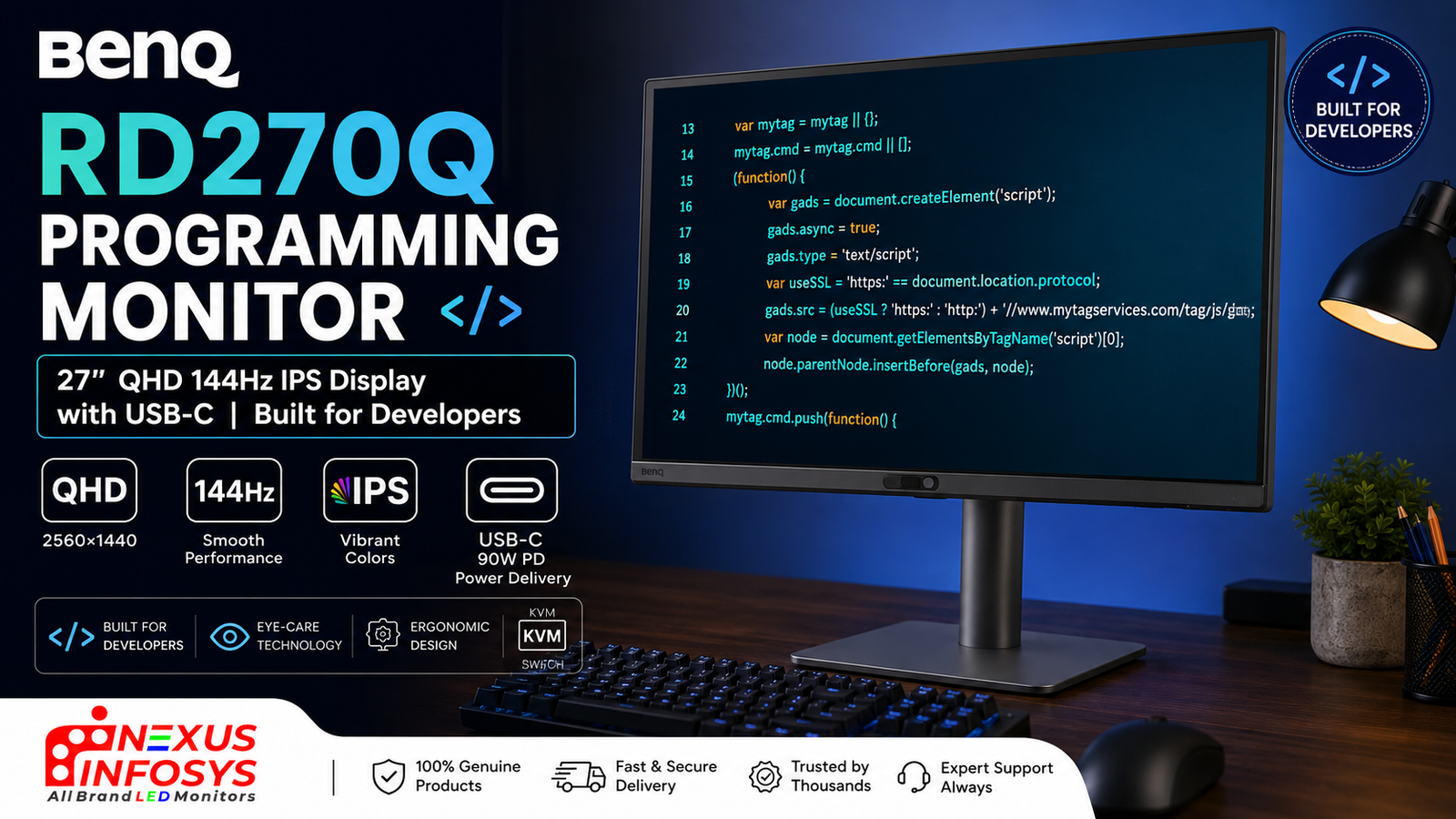
If you write code for a living, you already know the feeling: eight, ten, sometimes twelve hours staring at text that never stops scrolling. Most monitors on the market were designed for gamers chasing frame rates or offices staring at spreadsheets. The BenQ RD270Q takes a different route — it’s built from the ground up for developers, and once you understand what that actually means, a generic panel starts to feel like a compromise.
What makes a “programming monitor” different?
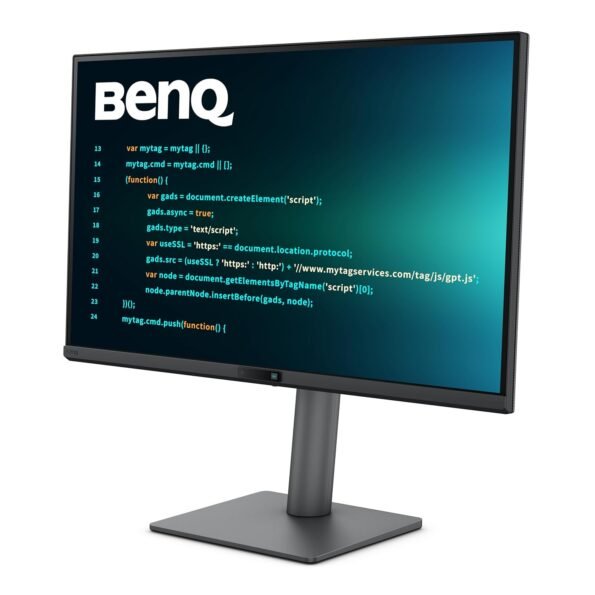
BenQ launched the RD Series in 2024 as, by its own claim, the first monitor line designed specifically for programmers. The RD270Q is the 27-inch QHD member of that family. Instead of piling on RGB lighting or headline-grabbing refresh numbers, it focuses on the things that genuinely matter when your screen is full of code: text sharpness, glare control, eye comfort, and a layout that suits the IDE-plus-terminal-plus-browser way developers actually work.
A display tuned for reading code
At the heart is a 27-inch IPS panel running 2560×1440 (QHD) at 144Hz. That resolution on a 27-inch screen lands around 109 PPI — enough pixel density to render fonts crisply without the fuzzy edges that make long reading sessions tiring. It covers 99% of the sRGB colour space, reaches 350 nits of brightness, and carries a 1300:1 native contrast ratio with HDR10 support.
The real standout is BenQ’s Nano Matte coating, certified reflection-free by TÜV Rheinland. If you’ve ever fought a window’s glare across your editor at 3 p.m., you’ll appreciate how well this kills reflections — without the grainy, washed-out look older matte panels were known for.
Coding Modes and the Coding HotKey
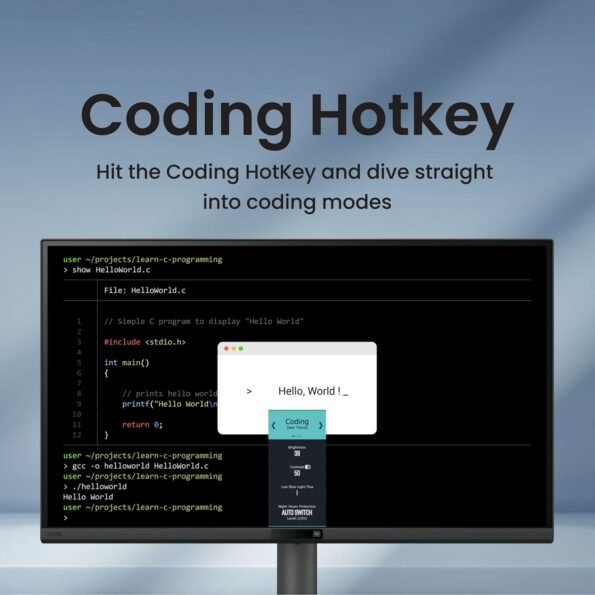
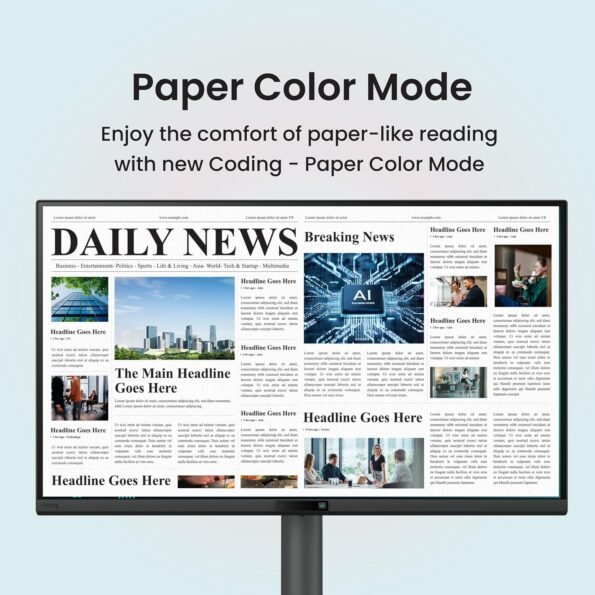
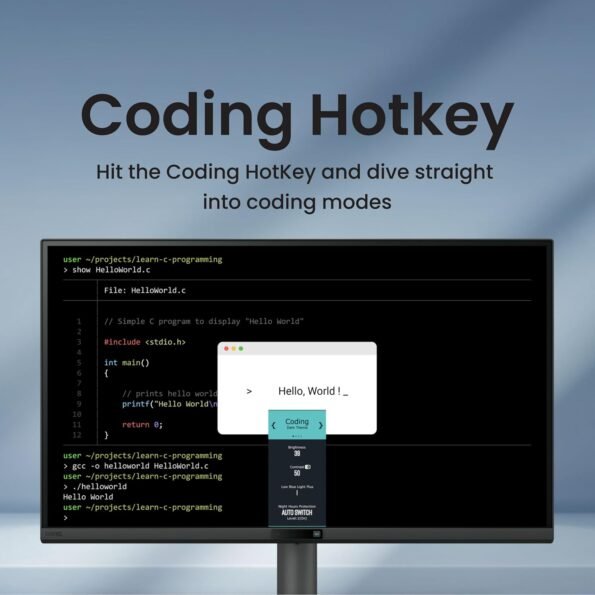
This is where the RD270Q earns its name. It ships with dedicated Coding Modes — Light Theme, Dark Theme, and a new Paper Color mode that mimics printed paper for a softer, ePaper-like read. A physical Coding HotKey lets you jump straight into these presets and tweak brightness, contrast and eye-care settings on the fly, instead of digging through clunky on-screen menus. Pair it with BenQ’s Display Pilot 2 software for desktop partitioning and window management, and you get a setup that respects how developers work across Windows, macOS and Linux.
Why 144Hz matters for developers, not just gamers
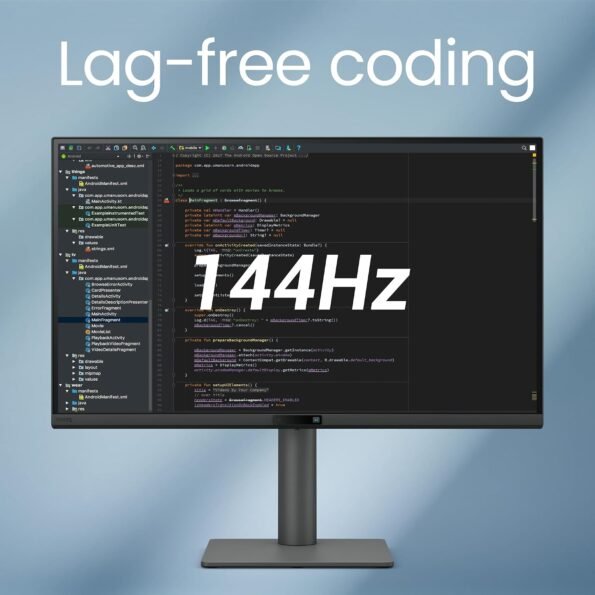
Refresh rate usually gets pitched at gamers, but a programmer scrolling through thousands of lines benefits just as much. Next to the 60Hz panels most office monitors still ship with, 144Hz makes scrolling, cursor movement and window transitions feel noticeably smoother. It’s the kind of thing you stop consciously noticing — until you switch back to 60Hz and everything feels like it’s wading through mud. Less on-screen stutter also means less eye fatigue across a full working day.
Built to protect your eyes
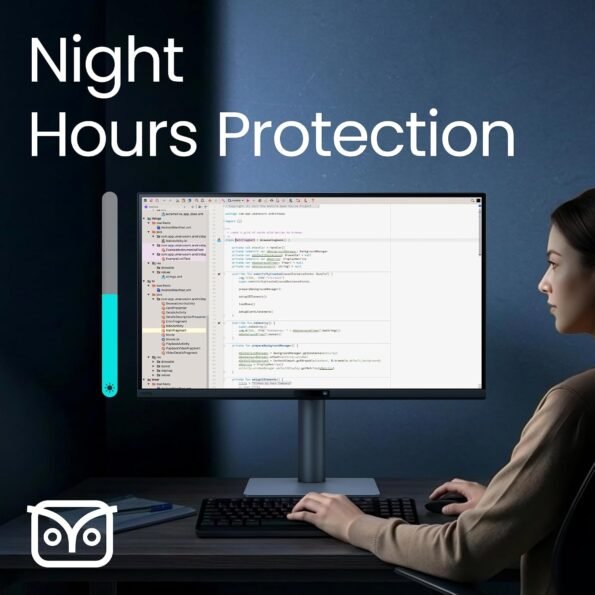
Long hours are the reality of the job, so BenQ layers in real eye-care rather than a token blue-light toggle. Night Hours Protection drops to ultra-low brightness for late-night sessions, and the Visual Optimizer automatically adjusts brightness and colour temperature to match your room’s lighting. The result is a screen that stays comfortable from a bright morning stand-up to a midnight debugging marathon.
One cable, less clutter
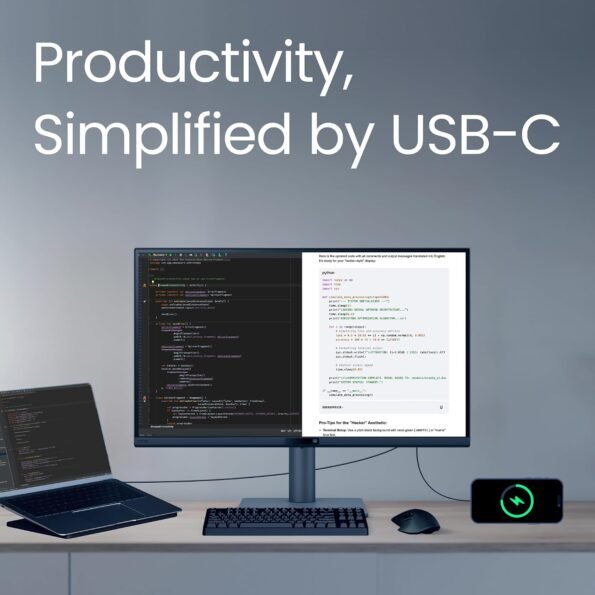
The RD270Q supports USB-C with 65W Power Delivery, so a single cable carries video and charges a compatible laptop at the same time. If you run a MacBook or a modern Windows ultrabook, that means a cleaner desk and one less charger to hunt for. The fully ergonomic stand handles height, tilt, swivel and a 90-degree pivot — flip it into portrait and an entire function or config file fits on screen without scrolling.
Who should buy the RD270Q?
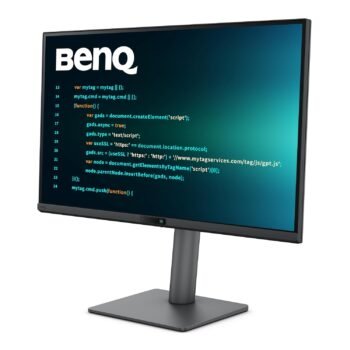
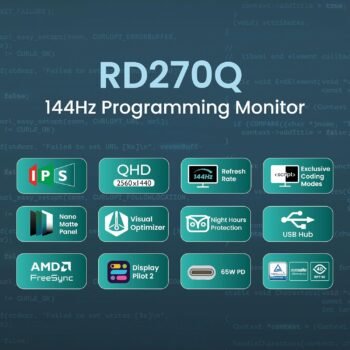
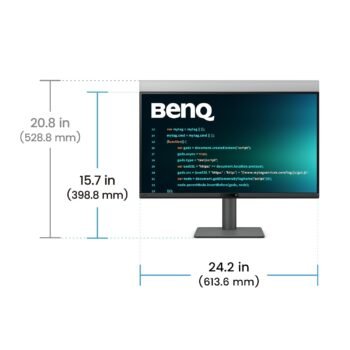
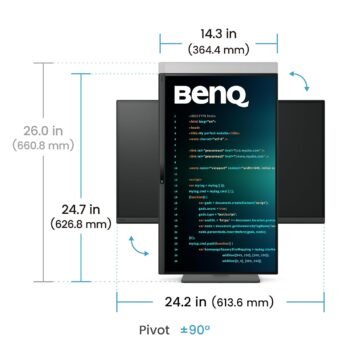
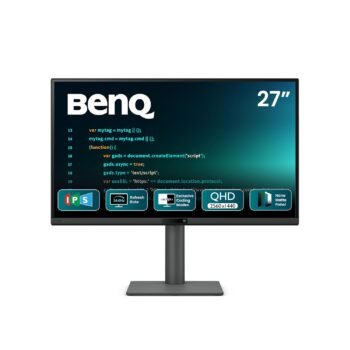
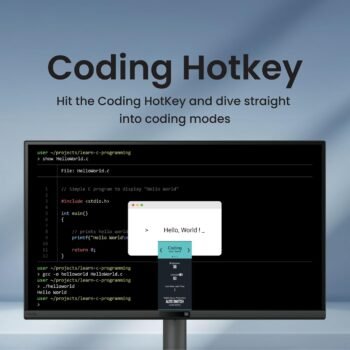
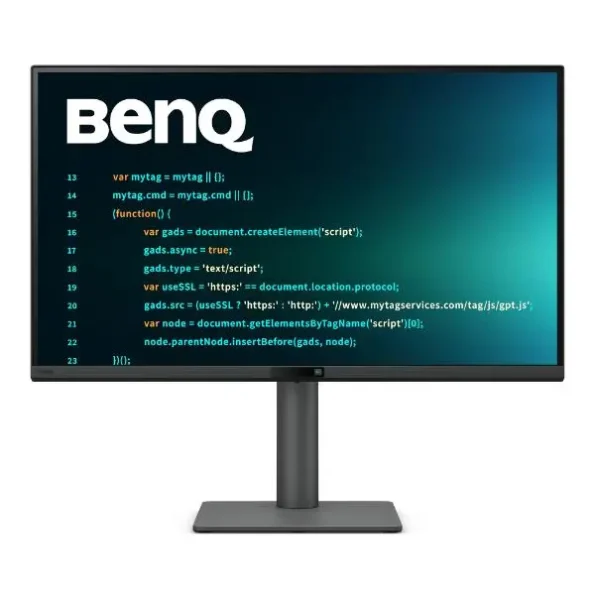
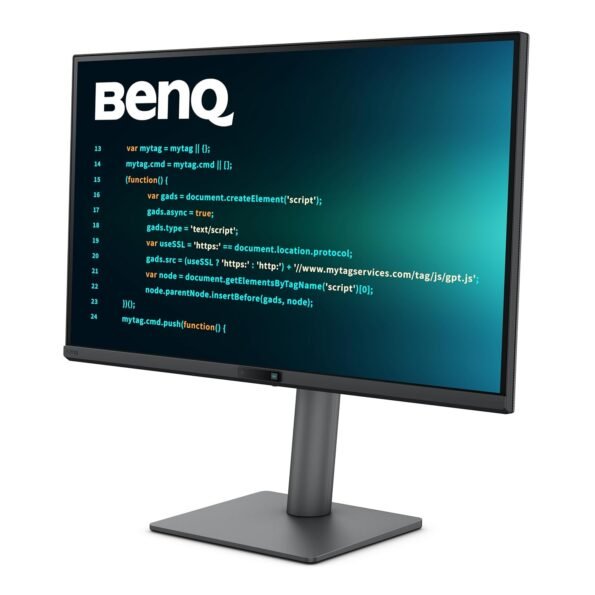
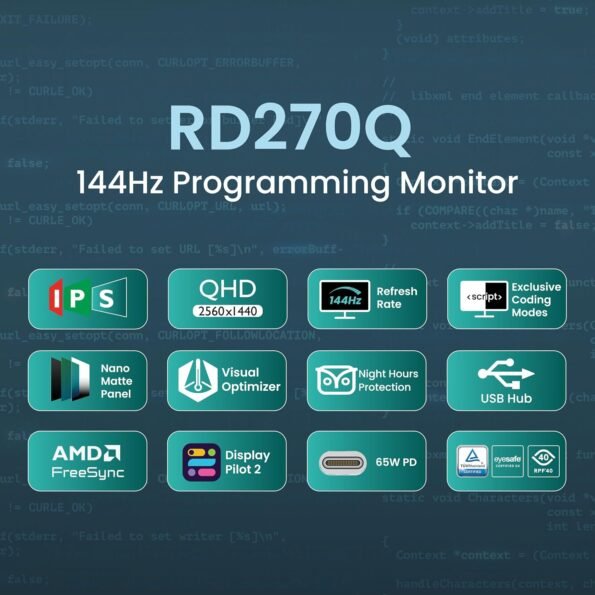
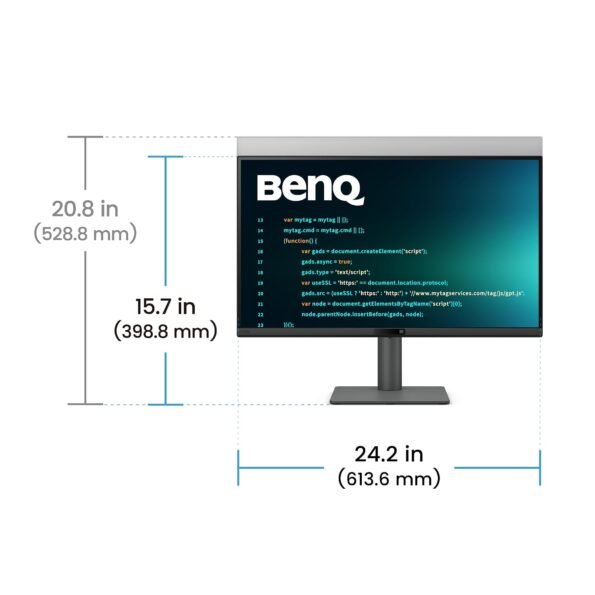
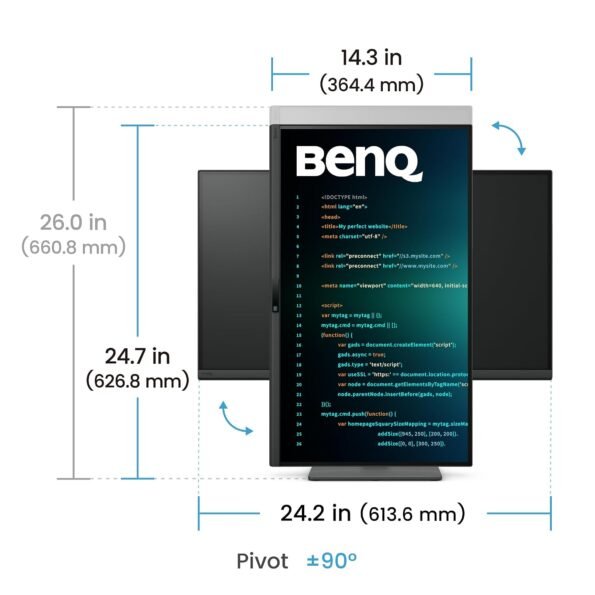
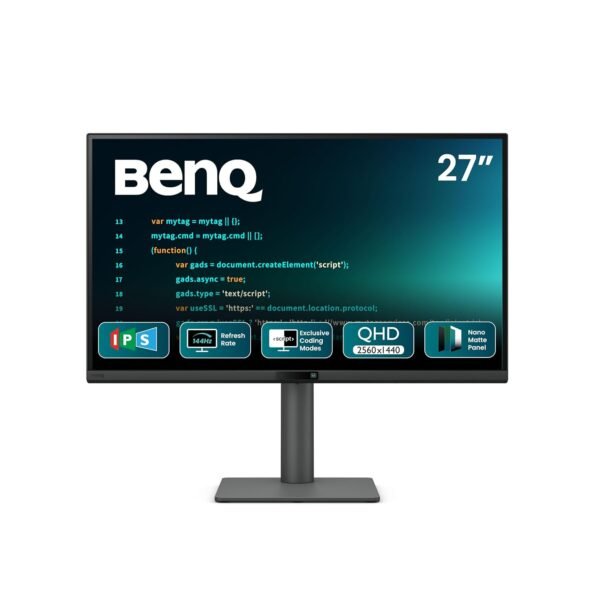
BenQ RD270Q 27 Inch 2K QHD 144Hz Programming Monitor
- 27″ QHD IPS Programming Monitor with 144Hz Refresh Rate
- 2560 × 1440 Resolution with 99% sRGB Color Gamut
- Exclusive Coding Modes & Paper Color Mode
- Nano Matte Panel for Reduced Glare & Better Focus
- USB-C with 65W Power Delivery
- TÜV-Certified Eye-Care Technology
- Ergonomic Height, Tilt, Swivel & Pivot Stand
- Ideal for Programmers, Developers & Productivity
This is an easy recommendation for software engineers, web developers and anyone who reads and writes text for most of the day and values eye comfort. If your priority is competitive gaming above 240Hz, or you need a colour-critical 4K panel for professional video and photo work, other displays will serve you better — and that’s fine, because the RD270Q isn’t trying to be those. At around ₹29,989 it sits right where a buyer would otherwise settle for a generic QHD monitor, and offers a purpose-built alternative for roughly the same money.
Why buy the BenQ RD270Q from Nexus Infosys
Nexus Infosys has been in the monitor and display business on Mumbai’s Lamington Road for over 19 years, and we’re an authorized BenQ B2B distributor and home to India’s first BenQ Experience Center. That means you can walk in, sit down and actually try the RD270Q’s Coding Modes before you commit — See it. Feel it. Own it. You get genuine BenQ stock, a valid manufacturer warranty, straight advice from a team that has lived and breathed displays for nearly two decades, and support whether you’re buying a single monitor or kitting out a whole development floor.
Frequently Asked Questions
Is the BenQ RD270Q good for programming?
Yes. It’s purpose-built for developers, with dedicated Coding Modes, a reflection-free Nano Matte QHD panel for sharp text, a smooth 144Hz refresh rate, and eye-care features designed for long coding sessions.
What are the resolution and refresh rate of the BenQ RD270Q?
The RD270Q has a 27-inch IPS panel with 2560×1440 (QHD/2K) resolution and a 144Hz refresh rate, giving you crisp text and smooth scrolling.
Does the BenQ RD270Q support USB-C charging?
Yes. It offers USB-C connectivity with 65W Power Delivery, so a single cable can display your screen and charge a compatible laptop at the same time.
What are BenQ Coding Modes?
Coding Modes are display presets tuned for programming — Light Theme, Dark Theme, and a Paper Color mode that simulates printed paper — all reachable instantly via the monitor’s Coding HotKey.
Can the RD270Q be used in portrait mode?
Yes. Its ergonomic stand supports height, tilt, swivel and a 90-degree pivot, so you can rotate it into portrait orientation to see more lines of code at once.
What is the price of the BenQ RD270Q in India?
The BenQ RD270Q launched in India at approx ₹29,989. For the current best price and availability, check the product page at Nexus Infosys
Recent Comments