

Description
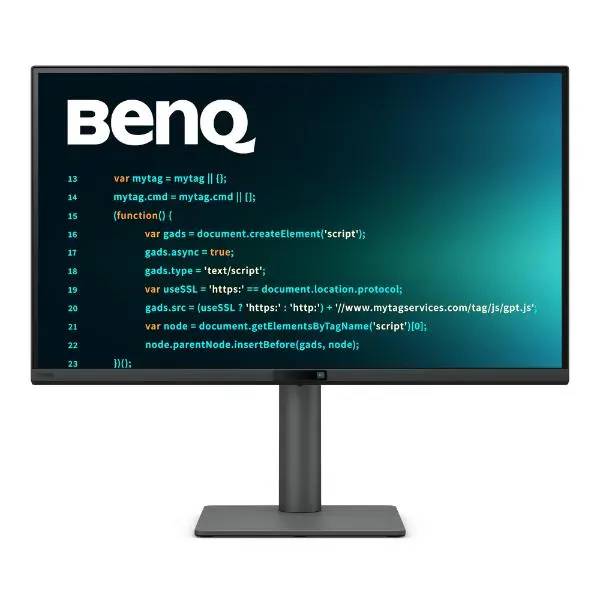
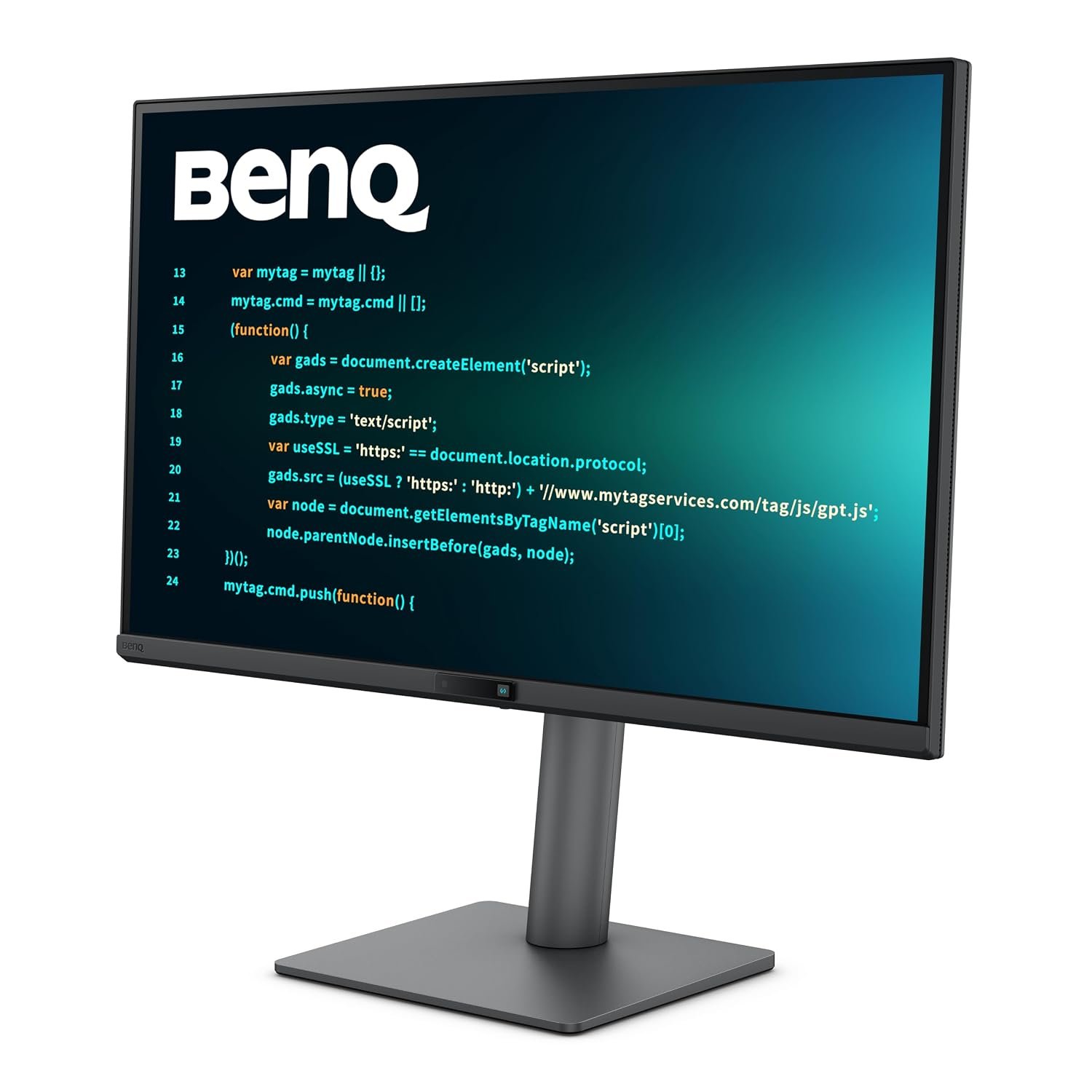
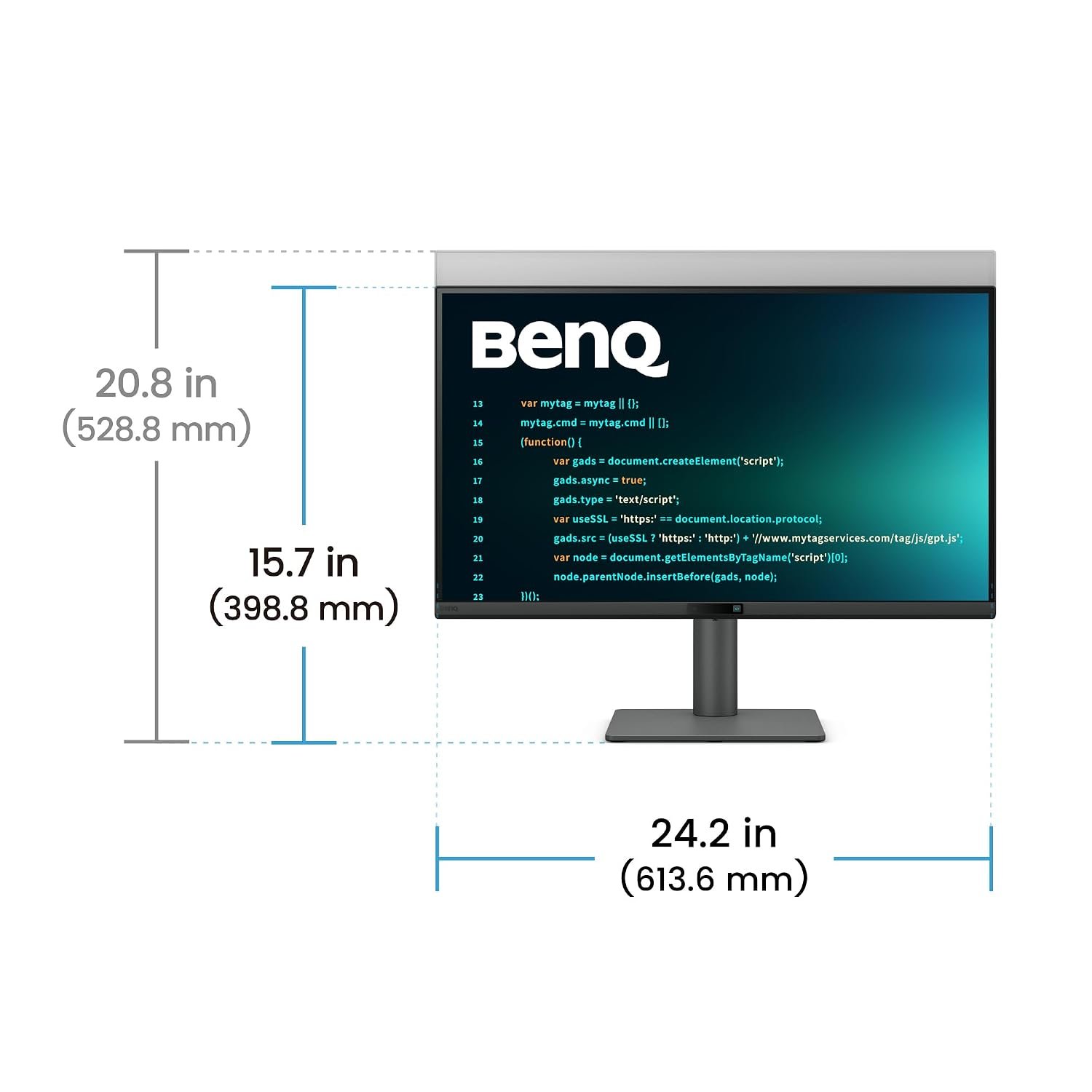
BenQ RD270Q 27-inch QHD Programming Monitor with 144Hz IPS display, Coding Modes, Nano Matte panel, USB-C 65W PD, HDR10, Eye-Care technology, ergonomic stand, and 99% sRGB color accuracy for developers and professionals.
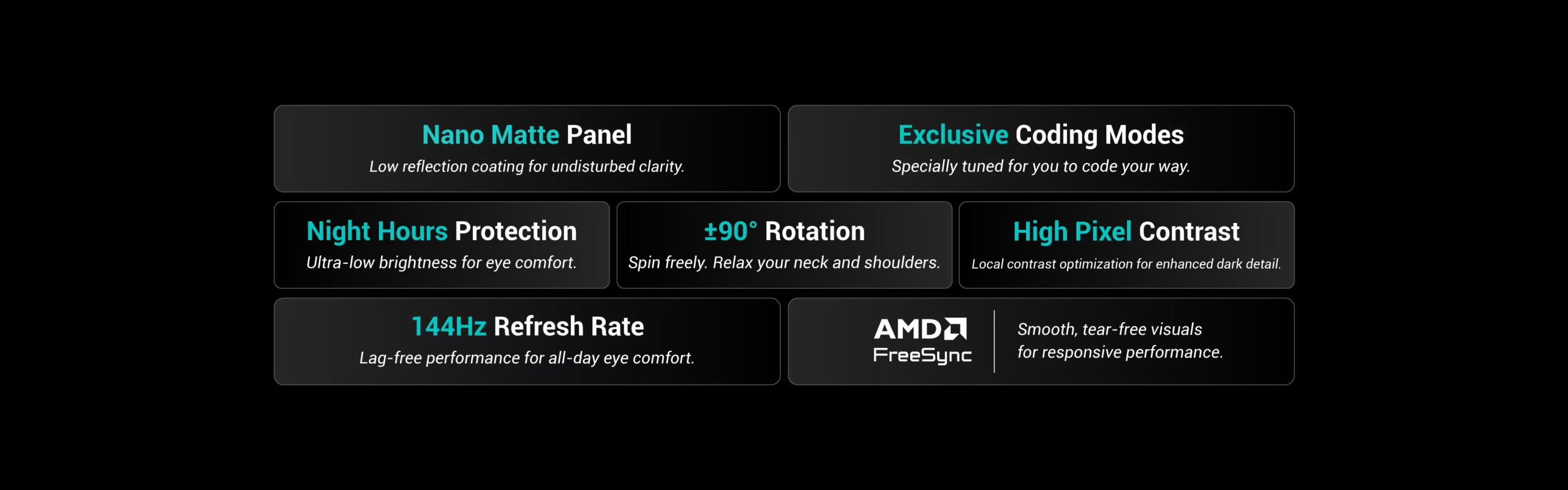
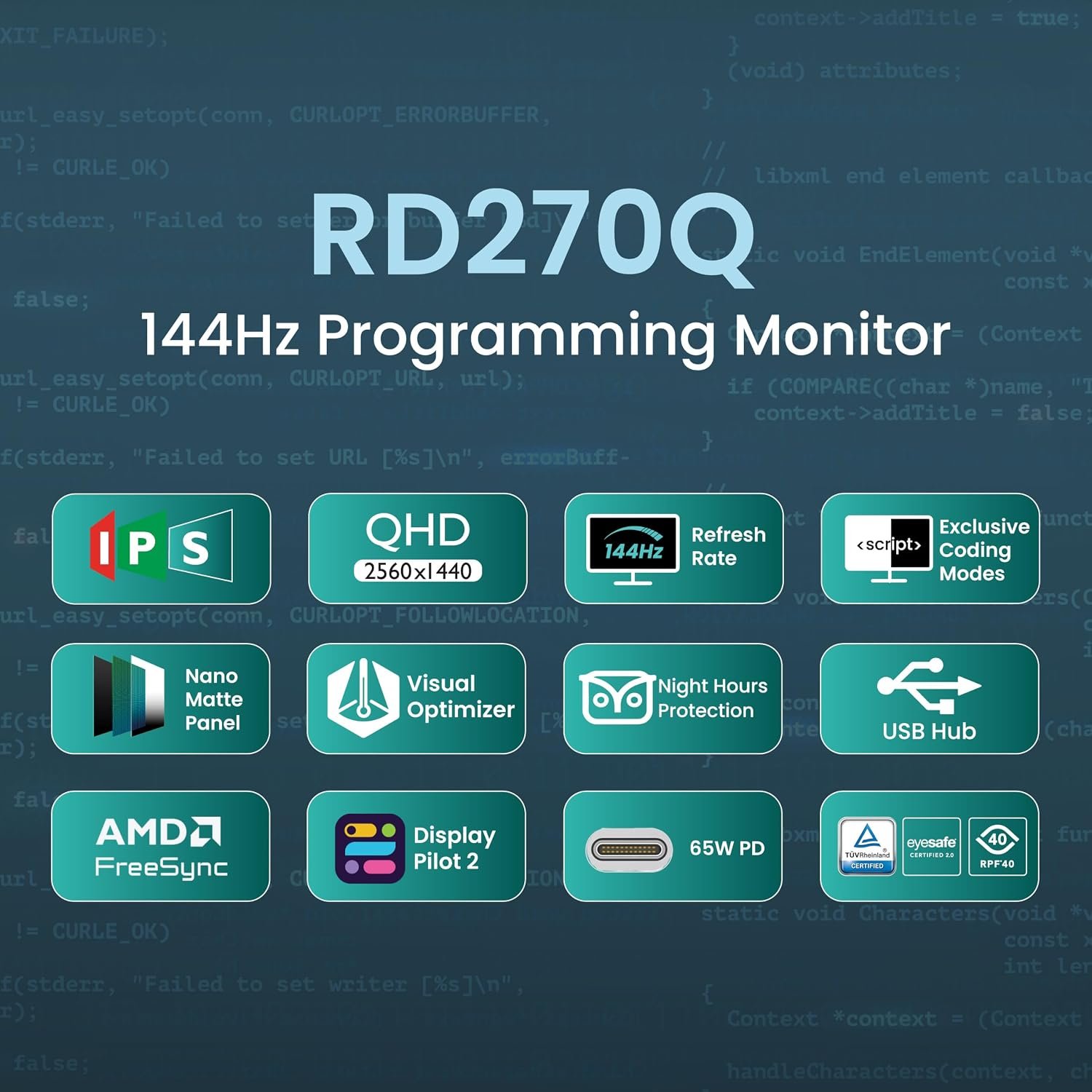
The BenQ RD270Q is a purpose-built 27-inch QHD programming monitor engineered to enhance coding productivity, visual clarity, and long-term eye comfort. Featuring exclusive Coding Modes, a Nano Matte IPS display, 144Hz refresh rate, USB-C connectivity, and advanced eye-care technologies, the RD270Q provides everything developers need to stay focused and productive throughout the day.
Crystal-Clear QHD IPS Display
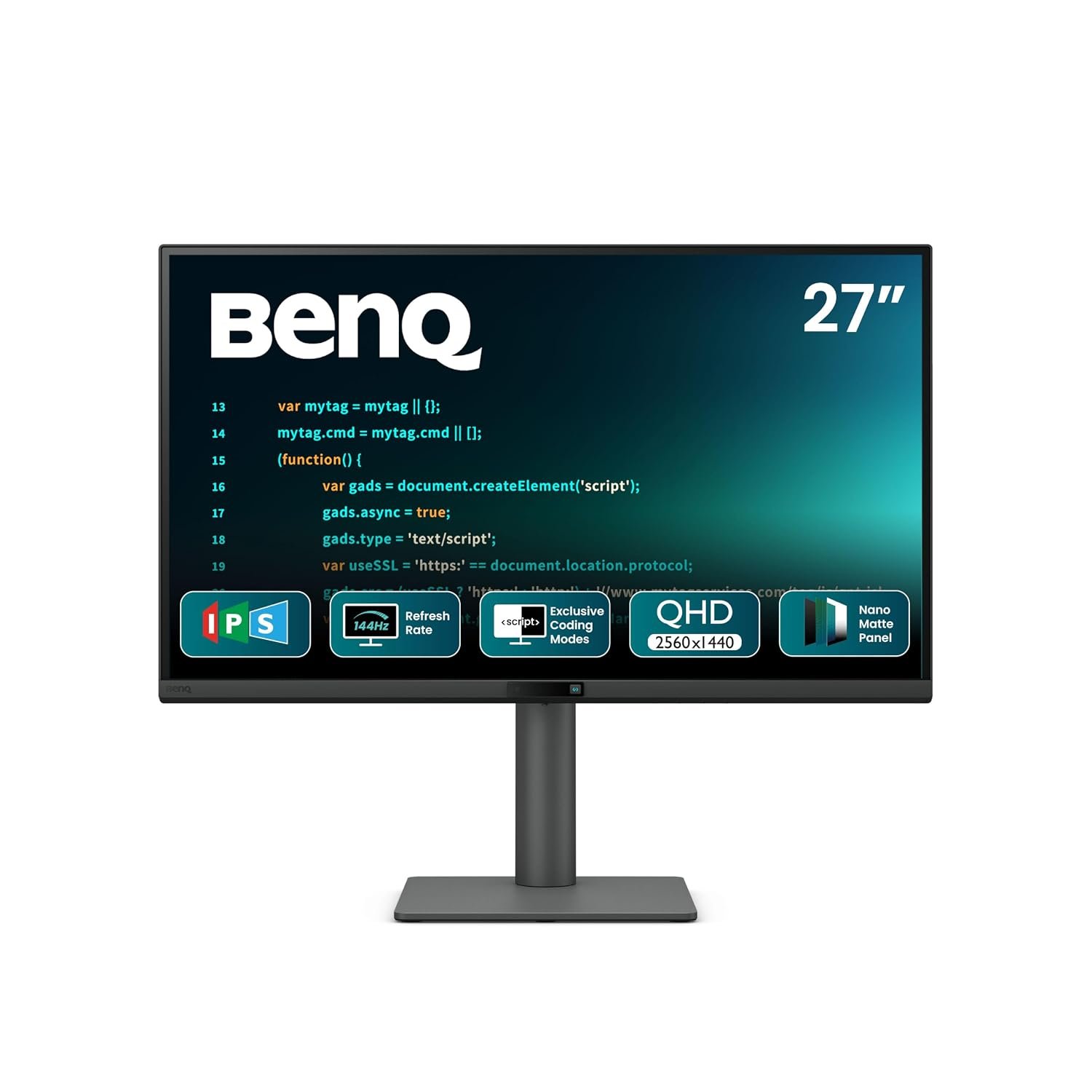
Experience exceptional clarity with a 27-inch QHD (2560 × 1440) IPS panel that delivers sharp text, detailed visuals, and consistent colors from every angle. The 178° viewing angles and 99% sRGB color gamut ensure accurate and vibrant image quality whether you’re coding, reviewing designs, or multitasking.
Display Highlights
- 27-Inch IPS Panel
- QHD 2560 × 1440 Resolution
- 144Hz Refresh Rate
- 99% sRGB Color Gamut
- HDR10 Support
- 350 Nits Brightness
- 178° Wide Viewing Angles
- Nano Matte Anti-Reflection Coating
Exclusive Coding Modes for Maximum Readability
The RD270Q is specifically optimized for software developers with dedicated Coding Modes designed for both dark and light coding themes.
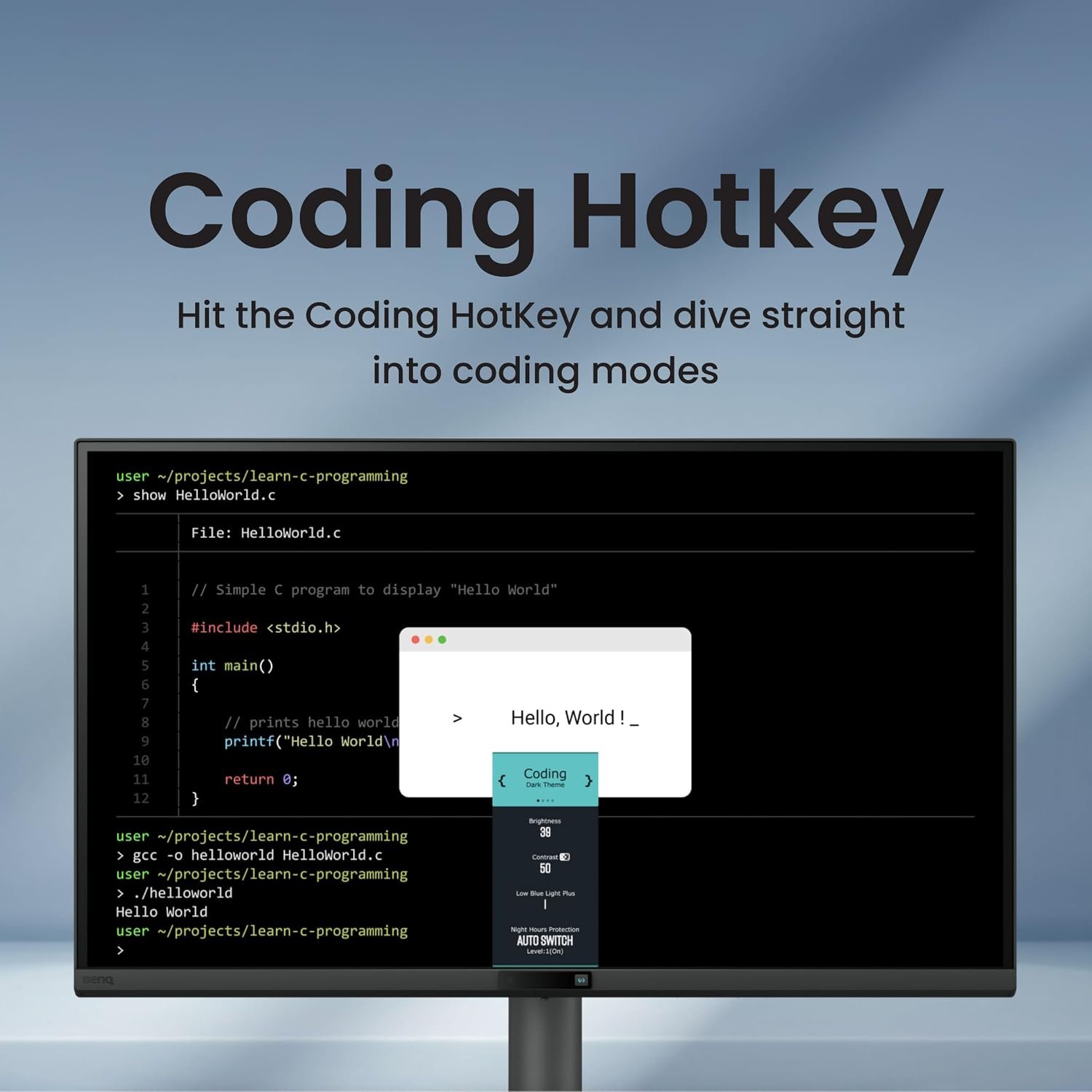
A dedicated Coding Hotkey provides instant access to:
- Coding Dark Theme Mode
- Coding Light Theme Mode
- Paper Color Mode
- Brightness and Contrast Controls
- Eye-Care Settings
- Night Hours Protection
This allows developers to quickly create the most comfortable environment for reading, writing, and debugging code.
Paper Color Mode for Comfortable Reading
The RD270Q exclusive Paper Color Mode recreates the appearance of printed paper, making technical documentation, code reviews, and long reading sessions more comfortable while reducing eye fatigue.
Nano Matte Panel for Distraction-Free Focus
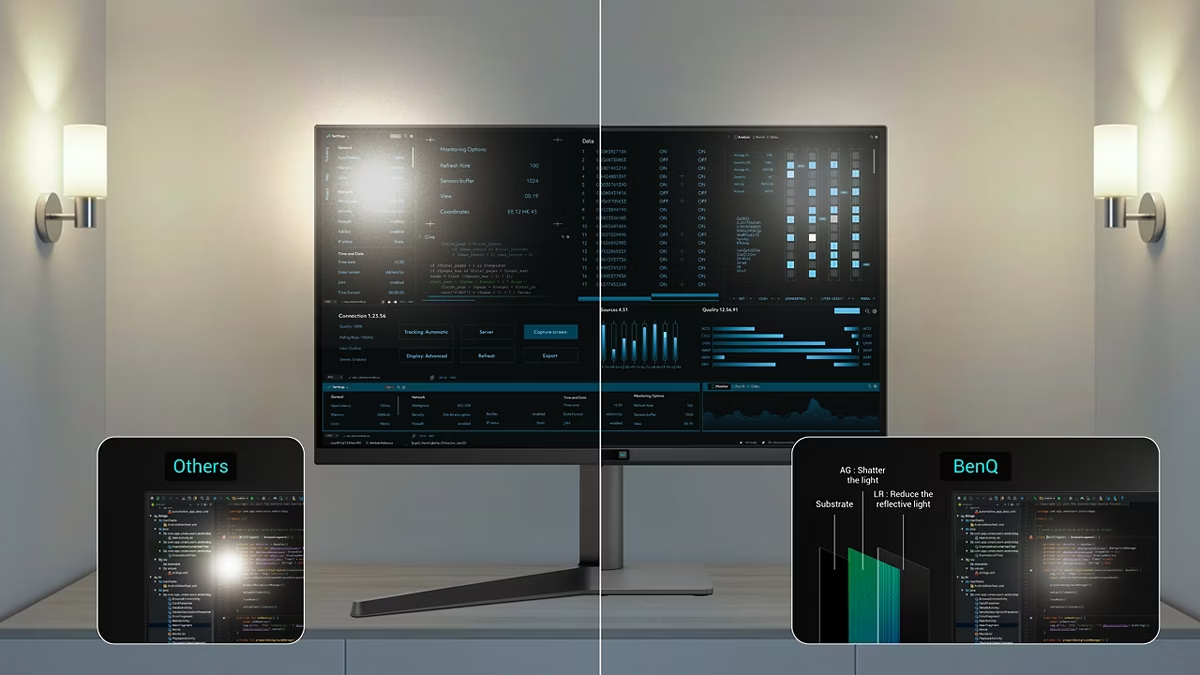
Unlike conventional displays, the Nano Matte panel minimizes reflections and glare without compromising image quality. This helps programmers maintain focus, reduce visual distractions, and improve productivity in bright office environments.
High Pixel Contrast Technology
BenQ’s High Pixel Contrast Technology enhances both static and dynamic contrast to improve readability and detail visibility.
Benefits include:
- Sharper Text Rendering
- Improved Dark Area Visibility
- Better Code Differentiation
- Enhanced Productivity
- More Detailed Multimedia Viewing
Whether you’re working inside an IDE or enjoying entertainment after work, every detail remains crisp and easy to see.
Smooth and Comfortable 144Hz Performance
The 144Hz refresh rate provides noticeably smoother scrolling, cursor movement, window transitions, and content navigation. This creates a more responsive and comfortable viewing experience while helping reduce visual fatigue during long coding sessions.
Advanced Eye Care Technology
BenQ integrates comprehensive eye protection features to support healthy viewing habits throughout extended workdays.
Eye-Care Features
- Flicker-Free Technology
- Low Blue Light Technology
- Eyesafe 2.0 Certification
- TÜV-Certified Eye Comfort 2.0
- Reflection-Free Certification
- Color Weakness Mode
- ePaper Mode
- Visual Optimizer
- Night Hours Protection
Night Hours Protection utilizes ultra-low brightness technology to reduce strain during late-night coding sessions while maintaining readability.
Visual Optimizer for Adaptive Viewing
The integrated Visual Optimizer automatically adjusts brightness and color temperature based on ambient lighting conditions, ensuring consistent visual comfort and accurate image reproduction throughout the day.
USB-C Productivity Simplified
The USB-C port combines video, audio, data transfer, and up to 65W Power Delivery through a single cable, helping create a cleaner and more efficient workspace.
Connectivity Options
- 1 × USB-C (65W PD, DisplayPort Alt Mode, Data)
- 1 × HDMI 2.0
- 1 × DisplayPort 1.4
- 2 × USB-A Downstream Ports
- 1 × USB-C Downstream Port
- Headphone Jack
- Built-in Speakers (2W × 2)
Display Pilot 2 Software
Compatible with Windows, macOS, and Linux, Display Pilot 2 provides advanced productivity tools designed specifically for developers.
Productivity Features
- FloW Multi-Device Control
- Desktop Partition
- Application Mode
- Software Dimming
- Circadian Mode
- Custom Shortcuts
- Night Hours Protection Controls
- Visual Optimizer Management
Ergonomic Design for Long Coding Sessions
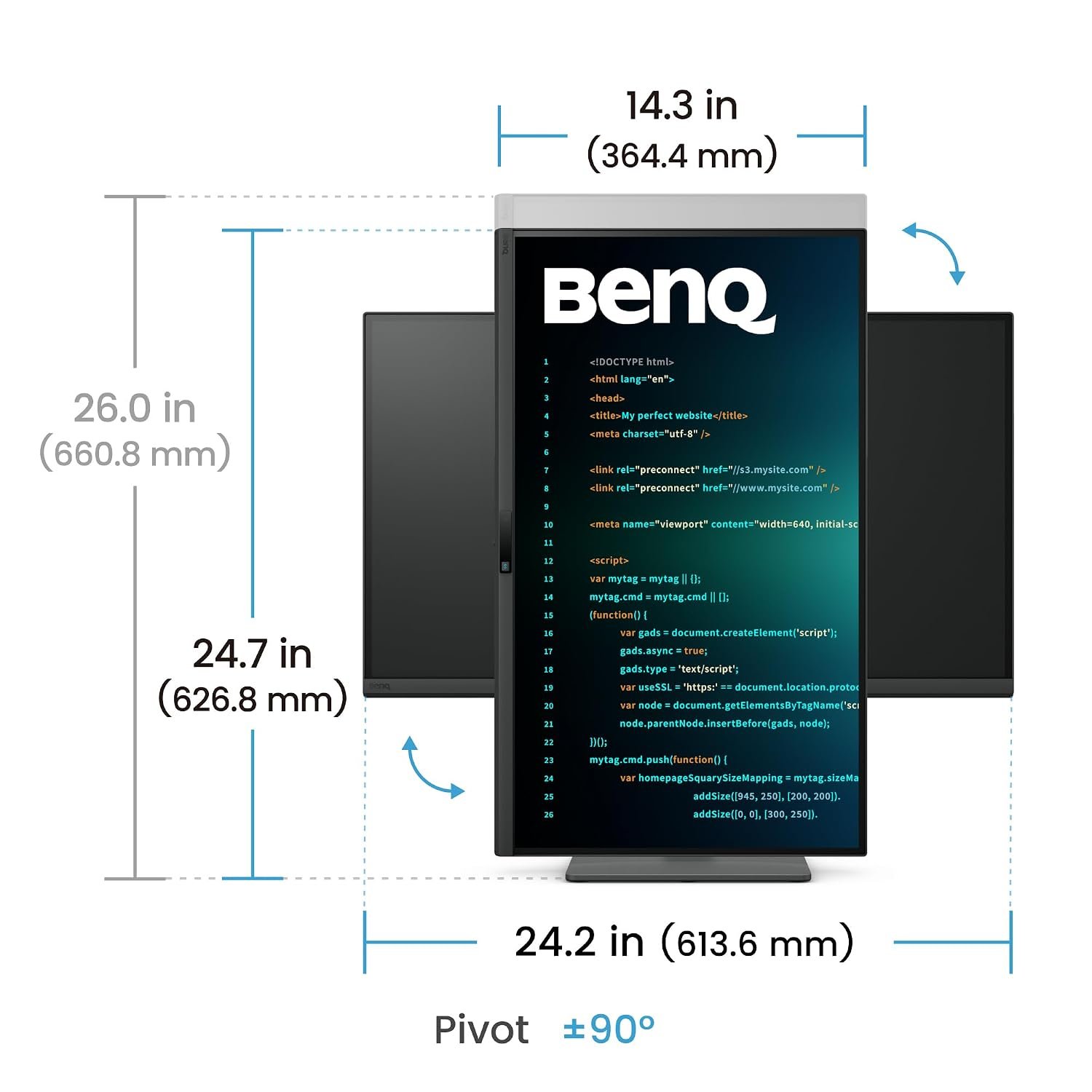
The fully adjustable ergonomic stand helps users maintain a comfortable posture throughout the day.
Ergonomic Adjustments
- Height Adjustment (130 mm)
- Tilt (-5° to 20°)
- Swivel (15° Left / Right)
- Pivot (90° Rotation)
The RD270Q monitor also supports VESA 100 × 100 mm mounting for flexible installation options.
Key Features
- 27-Inch QHD (2560 × 1440) IPS Display
- 144Hz Refresh Rate
- HDR10 Support
- 99% sRGB Color Gamut
- Nano Matte Anti-Glare Panel
- Exclusive Coding Modes
- Paper Color Mode
- Coding Hotkey
- High Pixel Contrast Technology
- USB-C with 65W Power Delivery
- Display Pilot 2 Software
- TÜV-Certified Eye Care Technologies
- Night Hours Protection
- Visual Optimizer
- Built-In 2W Speakers
- Fully Ergonomic Stand
- VESA Mount Compatible
- 3-Year BenQ Manufacturer Warranty
Reviews
There are no reviews yet.