
A 39-inch ultrawide monitor gives you plenty of room for gaming, but screen size alone does not guarantee a good experience. Resolution, panel technology and refresh rate matter just as much, particularly when a display is expected to handle both demanding games and everyday work.
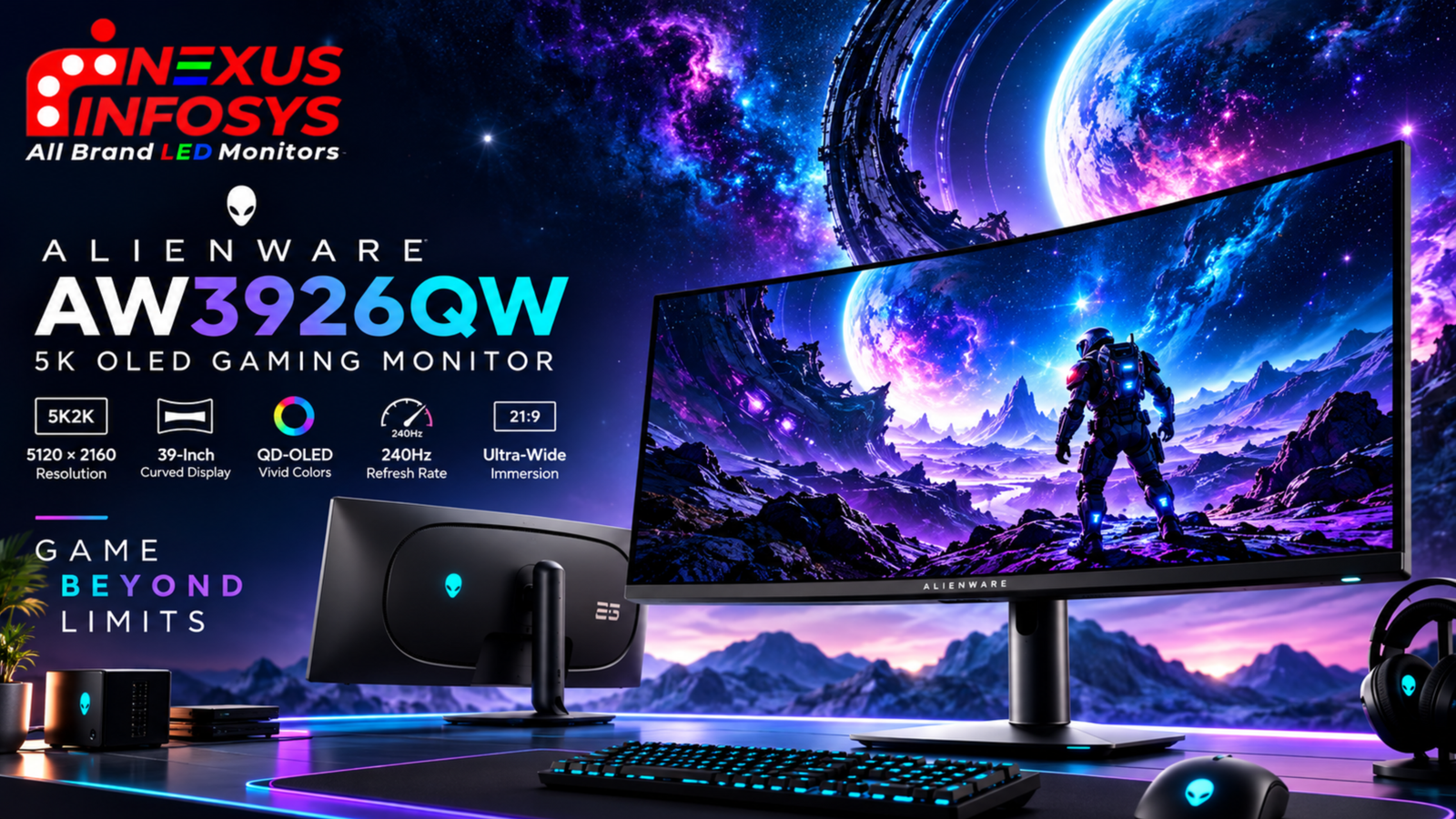
The Alienware AW3926QW brings these elements together in one curved OLED monitor. It offers a resolution of 5120 × 2160 at up to 165Hz, with a second mode that reaches 330Hz at 2560 × 1080. It also features an RGB-stripe OLED panel, USB-C connectivity with 90W power delivery and a built-in KVM switch.
That combination makes it relevant to more than competitive gaming. The extra screen space can be useful for multitasking, while the high pixel density and text-focused panel design are worth considering for work.
Here is what makes the Alienware AW3926QW different, what its specifications mean in practice, and what buyers should consider before investing in a premium ultrawide monitor.
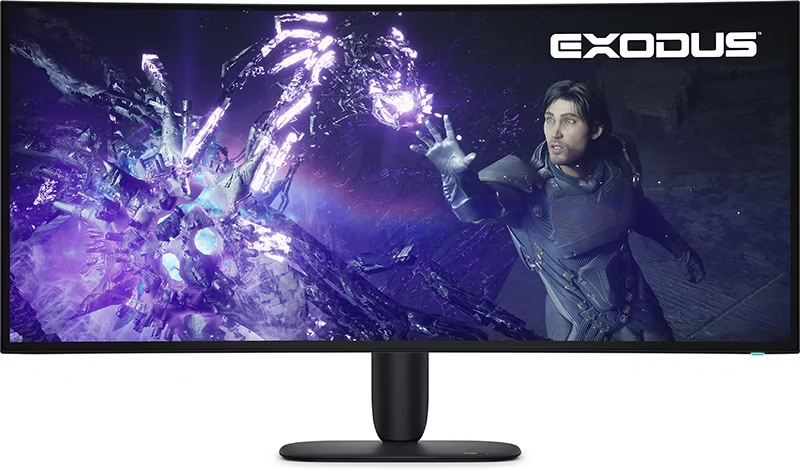
Alienware AW3926QW specifications
| pecification | Details |
|---|---|
| Screen size | 39-inch viewable, 39-inch class |
| Panel technology | RGB-stripe Tandem WOLED |
| Resolution | 5120 × 2160 |
| Aspect ratio | 21:9 |
| Curvature | 1500R |
| Refresh rate | 165Hz at 5120 × 2160 |
| Dual-resolution mode | 330Hz at 2560 × 1080 |
| Response time | 0.03ms GtG, Extreme mode |
| Pixel density | 143 PPI |
| Colour gamut | 99% DCI-P3 |
| Colour depth | 10-bit, up to 1.07 billion colours |
| Typical SDR brightness | 300 nits |
| Peak HDR brightness | Up to 1300 nits |
| HDR support | Dolby Vision HDR, DisplayHDR True Black 500 |
| Adaptive sync | AMD FreeSync Premium Pro, NVIDIA G-SYNC Compatible, VESA Adaptive-Sync |
| Video inputs | 2 × HDMI 2.1, 1 × DisplayPort 2.1 |
| USB-C | DisplayPort Alt Mode, up to 90W power delivery |
| Additional features | KVM, USB hub, PIP and PBP |
| VESA mounting | 100 × 100mm |
What makes the Alienware AW3926QW different?
The main attraction is not any single specification. It is the combination of a high-resolution ultrawide panel, OLED technology and two distinct refresh-rate modes.
A conventional gaming monitor usually prioritises either resolution or speed. The AW3926QW lets users choose between them, depending on the game and the hardware available.
Its 39-inch format also sits between the more familiar 34-inch ultrawide monitors and larger 45-inch displays. That gives buyers another option if they want a wide gaming screen without moving to an even larger panel.
The result is a monitor designed for people who want more screen space, sharper images and the flexibility to switch between different gaming priorities.
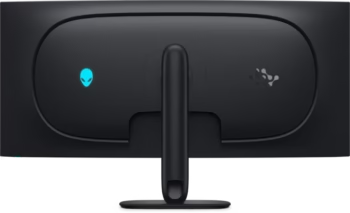
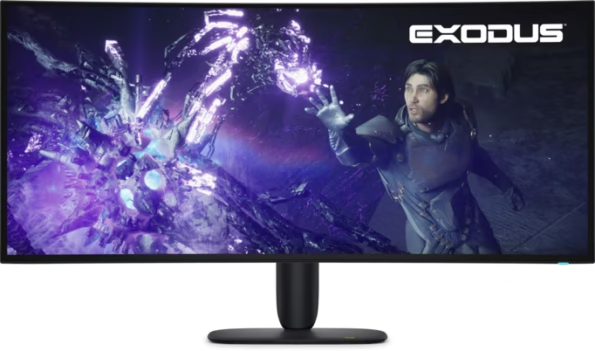
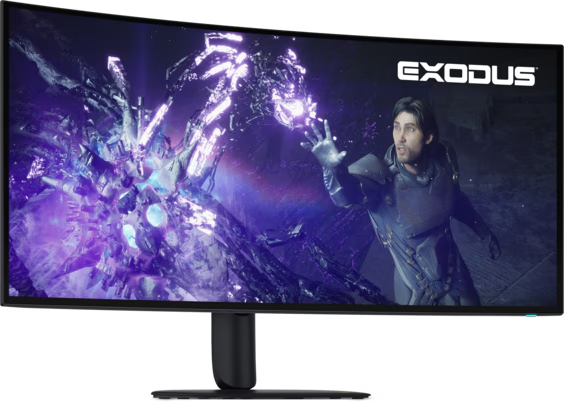
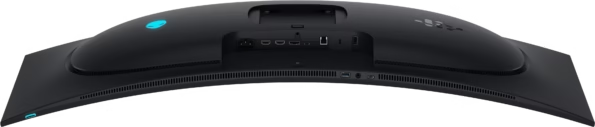
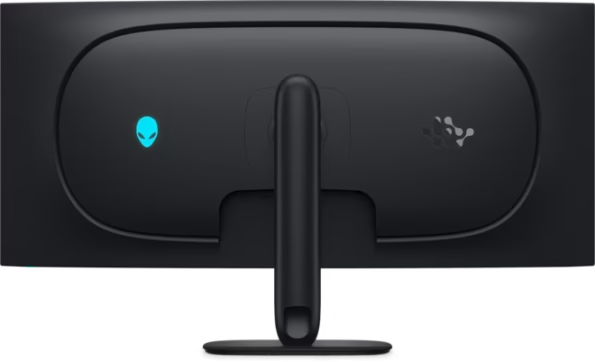
Dell Alienware AW3926QW 39 Inch 5K OLED Monitor with 165Hz, 330Hz & 0.03ms Gaming
- 39-Inch 5K Dual-Resolution OLED Gaming Monitor
- 165Hz at 5K & Up to 330Hz
- OLED Panel with 1,750,000:1 Dynamic Contrast
- 99% DCI-P3 Colour Gamut & 10-Bit Colour
- AMD FreeSync Premium Pro
- USB-C with 90W Power Delivery, HDMI 2.1 & DisplayPort 2.1
- KVM Switch, 2 × USB-C, USB Hub & Adjustable Alienware Stand
- 3 year Warranty
5K2K resolution: more room for gaming and work
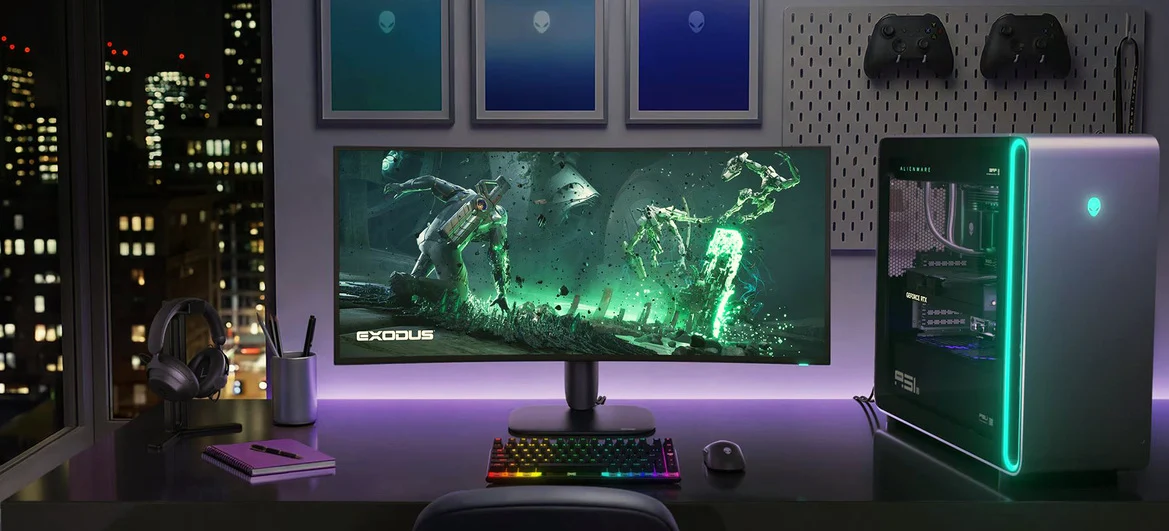
The AW3926QW has a native resolution of 5120 × 2160 pixels. Often described as 5K2K, this resolution combines a 21:9 ultrawide aspect ratio with 2160 vertical pixels.
The difference becomes clearer when compared with a conventional 3440 × 1440 ultrawide. The AW3926QW has approximately 11.1 million pixels, compared with around 5 million on a 3440 × 1440 display.
For gaming, the extra pixels can produce finer details in compatible titles. The wider format also creates an expansive view of the game world, particularly in racing games, open-world adventures and other titles that support ultrawide resolutions.
For work, the benefit is more space for applications. You can arrange documents side by side, keep several windows open or work with a large editing timeline without constantly switching between applications.
Its 143 PPI pixel density is another advantage. Fine text and interface elements can appear sharp, which matters if you use the monitor for coding, spreadsheets or other tasks that involve reading small text.
There is a trade-off: the graphics card must render considerably more pixels at native resolution. Anyone planning to play demanding games at high frame rates should check their GPU’s capabilities before choosing this monitor.
165Hz or 330Hz: which mode should you use?
The dual-resolution feature is one of the AW3926QW’s most distinctive specifications.
5120 × 2160 at 165Hz
Use the native mode when image detail is the priority. It is suited to visually rich games, detailed environments and cinematic experiences where resolution and contrast are important.
A refresh rate of 165Hz also allows for smooth motion. For players who want high resolution without settling for a conventional 60Hz display, this mode offers a useful balance.
2560 × 1080 at 330Hz
The second mode lowers the resolution to 2560 × 1080 and increases the refresh rate to 330Hz. This is aimed at players who prioritise motion clarity and rapid visual updates in competitive games.
A higher refresh rate can make fast camera movements appear smoother, provided the PC can produce sufficiently high frame rates. The lower resolution also reduces the rendering workload compared with native 5K2K.
It is important to understand the compromise: 330Hz is available at 2560 × 1080, not at 5120 × 2160.
If you alternate between competitive shooters and visually demanding single-player games, this flexibility may be useful. If you mainly play one type of game, consider whether you need both modes.
RGB-stripe OLED and image quality
OLED technology is known for its ability to produce deep blacks and strong contrast. Because individual pixels control their own light output, dark areas can appear genuinely dark rather than showing the glow sometimes associated with LCD backlights.
The AW3926QW adds an RGB-stripe subpixel arrangement. This layout is designed to improve text clarity compared with certain other OLED subpixel arrangements, making it relevant to users who work on their monitors as well as play games.
The panel also supports 99% DCI-P3 colour coverage and 10-bit colour depth. That gives it a wide colour range and the ability to display up to 1.07 billion colours.
HDR support includes Dolby Vision and VESA DisplayHDR True Black 500, with peak brightness specified at up to 1300 nits.
That peak figure refers to HDR highlights under supported conditions, not sustained brightness across the whole screen. For everyday desktop work, the typical SDR brightness of 300 nits is the more useful reference.
These features make the AW3926QW an option for people who value contrast, colour and image detail alongside high refresh rates.
Can it replace a separate work monitor?
For some users, yes. The AW3926QW has features that make it practical as a shared gaming and productivity display.
Its 21:9 format provides room for multiple applications, while USB-C connectivity supports a compatible laptop with DisplayPort Alt Mode, data transfer and up to 90W power delivery.
The built-in KVM switch is useful when you have two computers at the same desk. With compatible connections and peripherals, you can share a keyboard and mouse between a work laptop and a gaming PC instead of keeping separate sets of accessories.
The monitor also supports Picture-in-Picture and Picture-by-Picture. These modes allow content from different sources to appear on the screen together, which can help when comparing information or working across multiple systems.
However, a monitor this size needs enough desk space. Measure the available width and depth, and consider your seating distance before purchasing. Its 1500R curve may also suit some users better than others.
Connectivity and compatibility
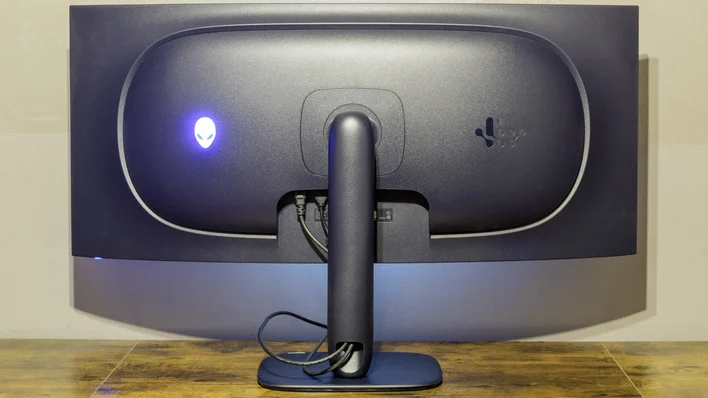
The AW3926QW includes two HDMI 2.1 inputs, one DisplayPort 2.1 connection and a USB hub. USB-C provides another option for compatible laptops and supports up to 90W power delivery.
This combination is useful for a setup that includes a gaming PC, laptop and peripherals. DisplayPort 2.1 is particularly relevant to users planning a high-bandwidth connection from a compatible graphics card.
Console buyers should pay attention to the aspect ratio. Most consoles and games are designed around 16:9 output, whereas the AW3926QW is a 21:9 display. Depending on the console and selected mode, black bars may appear at the sides rather than the image filling the entire screen.
The monitor also does not have built-in speakers. If you plan to use it for gaming or entertainment, account for headphones or external speakers.
Things to consider before buying
The AW3926QW has an impressive feature set, but it is not necessarily the right choice for every setup.
Graphics card requirements: Native 5K2K gaming is demanding. A high-end monitor cannot compensate for a graphics card that struggles to render games at the desired resolution and frame rate.
Screen reflections: The display uses an anti-reflective treatment, but the screen surface is not the same as a heavily matte panel. Consider the lighting in your room, especially if your desk faces a window.
Desk space: At roughly 92cm wide, the monitor occupies a substantial amount of space. Check the dimensions of your desk and leave room for other equipment.
The refresh-rate trade-off: The 330Hz mode requires a lower resolution. Make sure that this is a compromise you are happy to make.
OLED warranty: Check the warranty conditions that apply to your purchase in India, including any OLED burn-in coverage. Do not assume that all regional warranty terms are identical.
These points are worth considering before spending on a premium monitor, particularly if you intend to use it as your main display for several years.
Alienware AW3926QW price in India
The Alienware AW3926QW is listed on Nexus Infosys. Since prices and availability can change, check the current product page before ordering.
You can review the monitor’s specifications and purchase details here:
View Alienware AW3926QW on Nexus Infosys
Check the applicable warranty information and confirm that the monitor suits your PC, desk and intended use before placing your order.
Frequently asked questions
Is the Alienware AW3926QW a 5K monitor?
It has a resolution of 5120 × 2160, commonly called 5K2K. Its 21:9 aspect ratio makes it wider than a standard 16:9 display.
Does the AW3926QW support 330Hz at full resolution?
No. It supports up to 165Hz at 5120 × 2160 and up to 330Hz at 2560 × 1080.
Is the AW3926QW suitable for productivity?
It can be useful for multitasking thanks to its ultrawide resolution, RGB-stripe panel, USB-C connectivity and KVM switch. Whether it is worth the price for office work depends on how much you will use its gaming and OLED features.
Can I connect a laptop using USB-C?
Yes, provided the laptop supports video output through USB-C. The monitor supports DisplayPort Alt Mode and up to 90W power delivery, subject to device compatibility.
Does the AW3926QW support NVIDIA G-SYNC?
It is listed as NVIDIA G-SYNC Compatible and also supports AMD FreeSync Premium Pro and VESA Adaptive-Sync. The available functionality depends on the connected hardware and supported settings.