

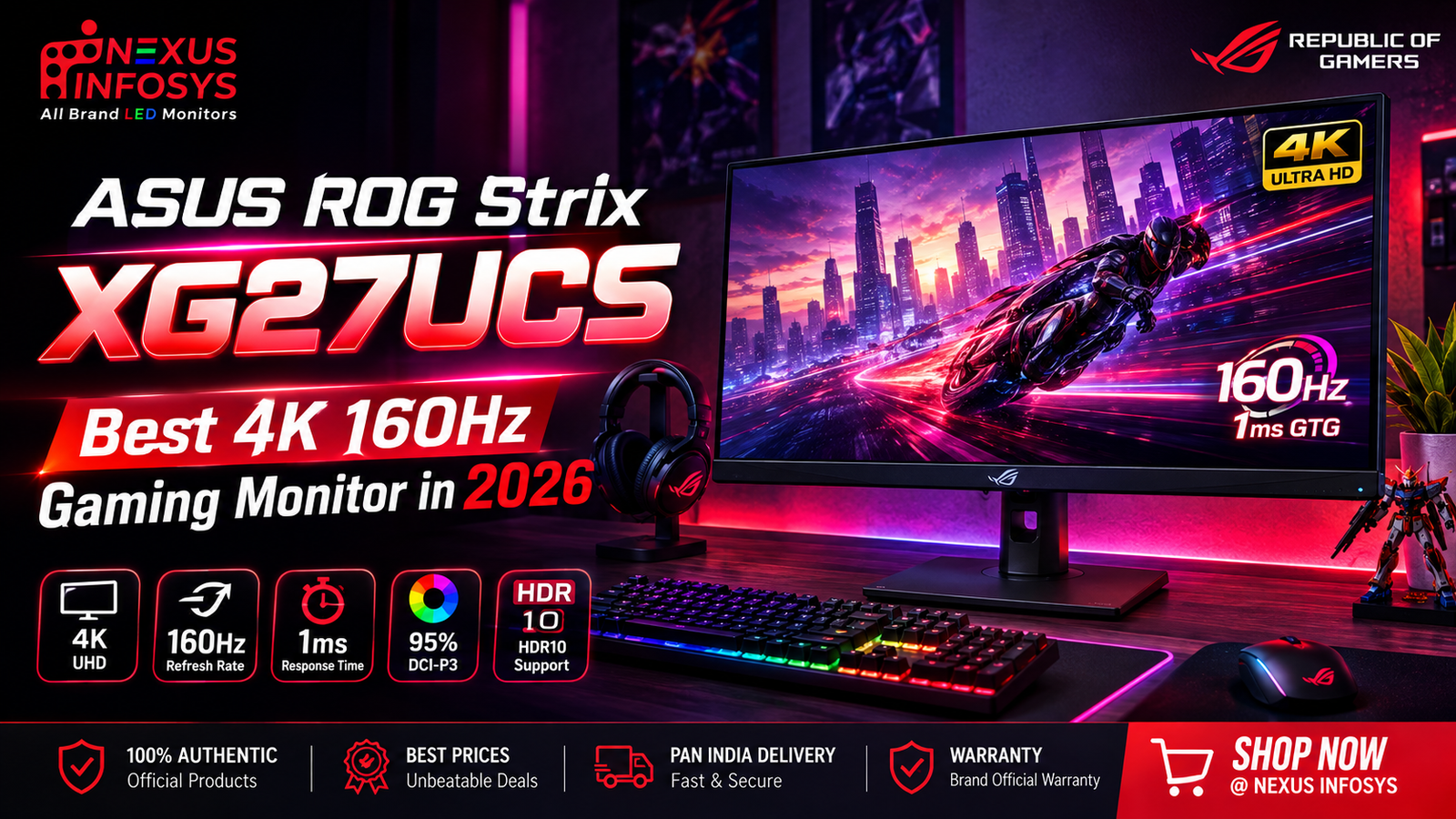
ASUS ROG Strix XG27UCS is a best-in-class 4K, 160Hz gaming monitor for 2026. It features a Fast IPS display, 1ms response time, HDR400, and HDMI 2.1. It also includes USB-C and additional gaming features.
ASUS ROG Strix XG27UCS is a best-in-class 4K, 160Hz gaming monitor for 2026. It features a Fast IPS display, 1ms response time, HDR400, and HDMI 2.1. It also includes USB-C and additional gaming features.
Quick Answer: ASUS ROG Strix XG27UCS
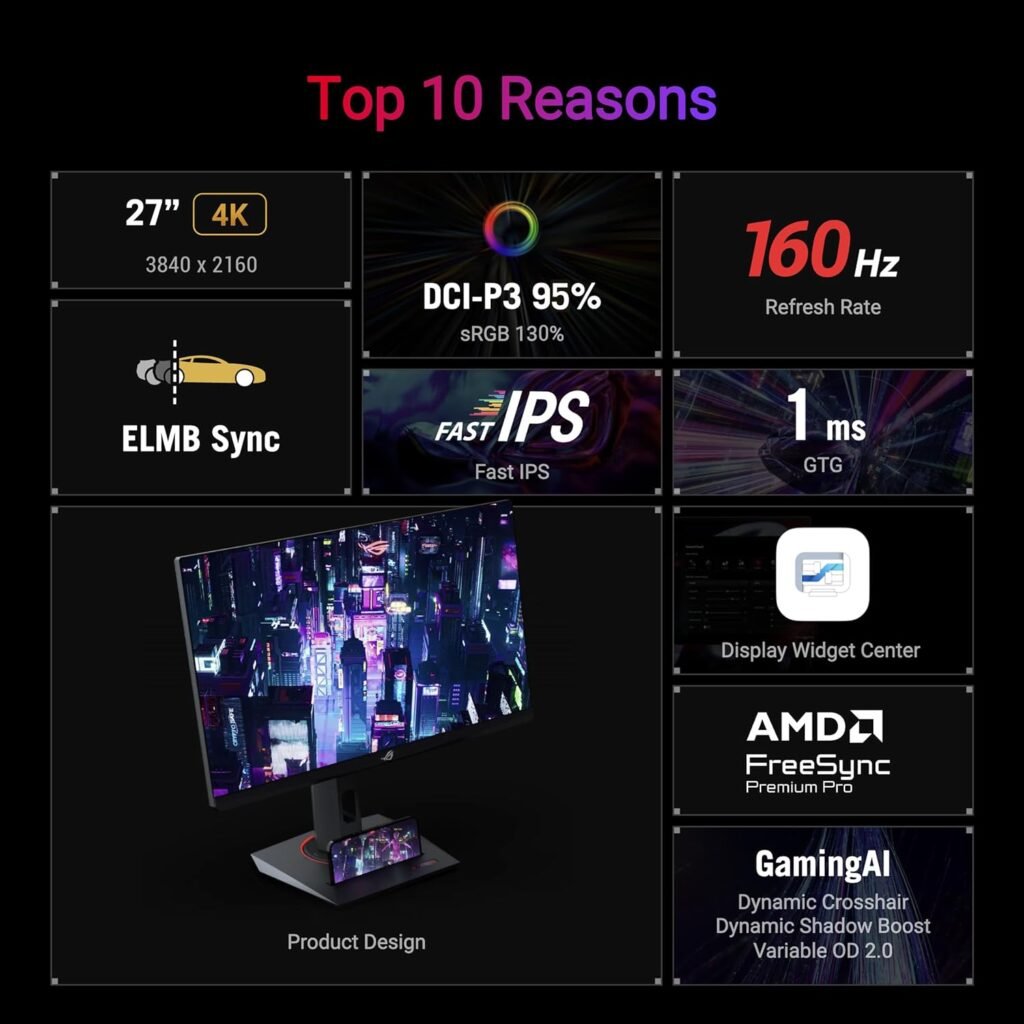
ASUS ROG Strix XG27UCS is a sharper 4K, fast 160Hz Fast IPS choice with 1ms response, HDR400, 95% DCI-P3, and USB-C connectivity for high-performance gaming and productivity. However The XG27UCS combines a 27-inch 4K UHD Fast IPS panel, 160Hz refresh rate, 1ms GtG response time, 95% DCI-P3 coverage, HDR10/DisplayHDR 400 support, HDMI 2.1, DisplayPort 1.4, and USB-C connectivity. ASUS also includes ELMB Sync, FreeSync, G-SYNC compatibility, and GamePlus features.
ASUS ROG Strix XG27UCS – Key Specifications
- Screen Size: 27-inch
- Resolution: 4K UHD (3840 × 2160)
- Panel Type: Fast IPS
- Refresh Rate: Up to 160Hz
- Response Time: 1ms GtG
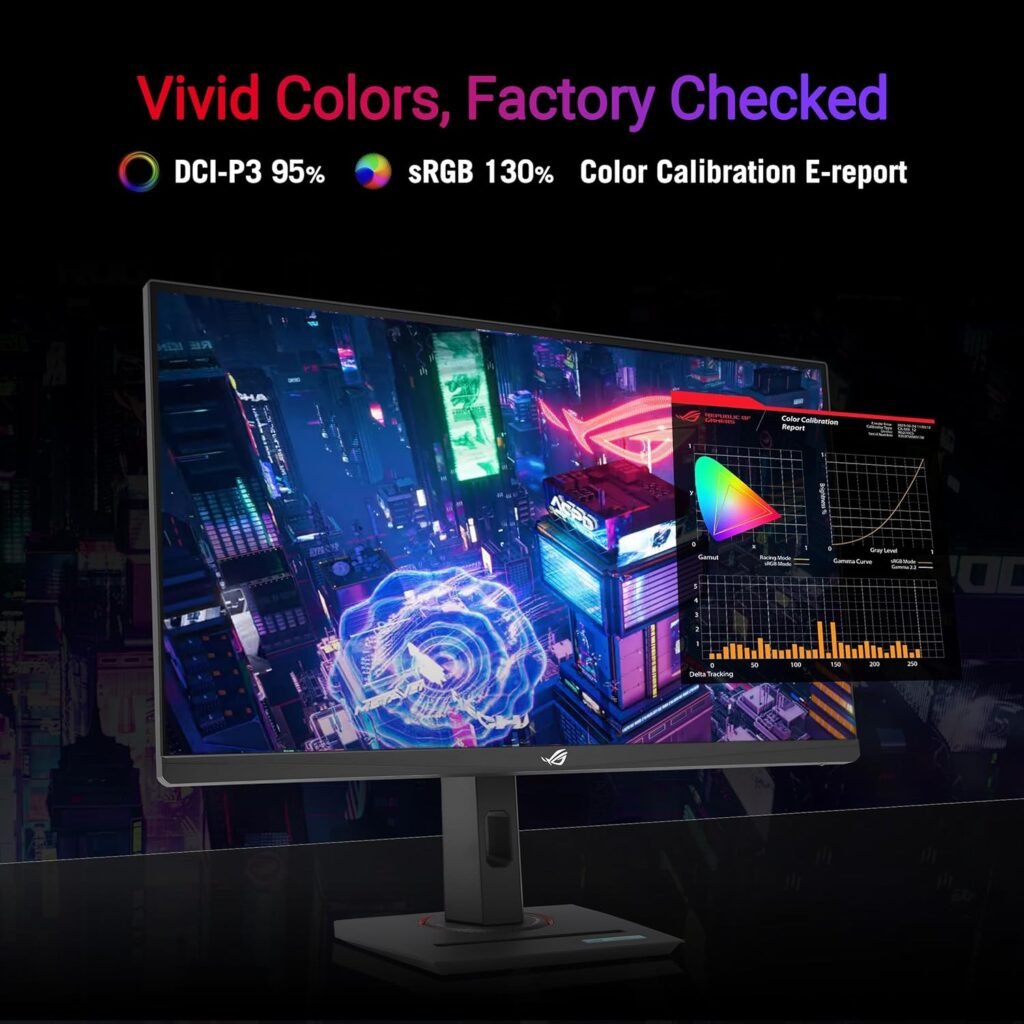
- Color Gamut: 95% DCI-P3 / 130% sRGB
- Brightness: 400 nits typical / 450 nits HDR peak
- HDR: HDR10 / VESA DisplayHDR 400
- Color Depth: 10-bit
- Adaptive Sync: AMD FreeSync Premium & G-SYNC Compatible
- Connectivity: HDMI 2.1, DisplayPort 1.4 and us b-c
- us b-c Power Delivery: 15W
- Ergonomics: Height, tilt, swivel and pivot adjustment
- VESA: 100 × 100mm
- Ideal For: 4K gaming, competitive gaming, console gaming, streaming and productivity
Display & Gaming Performance
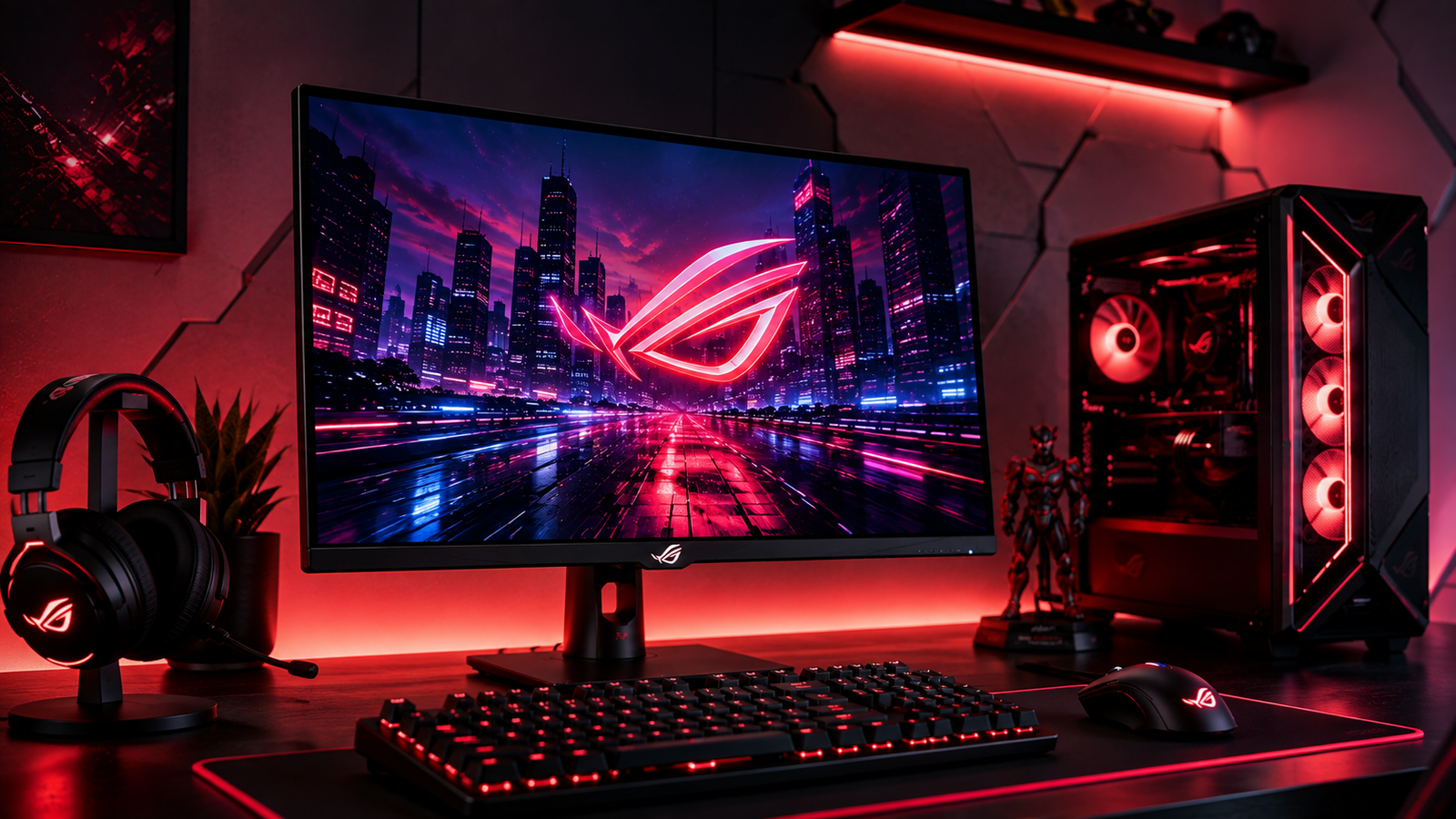
The 27-inch 4K Fast IPS display combines 3840 × 2160 resolution, 160Hz refresh rate and 1ms GtG response time to deliver sharp visuals with smooth, responsive game play—making it equally suitable for AAA titles and fast-paced competitive games.
The 163 pp density also makes text, game textures and fine details appear exceptionally sharp on the 27-inch screen.
4K UHD Visual Quality
The XG27UCS uses a 3840 × 2160 4K UHD resolution, providing four times the pixel count of Full HD.
This is particularly noticeable in:
- Open-world games
- Racing games
- RPGs
- Strategy games
- Video editing
- Photo editing
- Streaming
- Desktop productivity
For gamer with a capable GPU, 4K resolution gives modern games considerably more detail and clarity.
ASUS ROG Strix XG27UCS: 160Hz Refresh Rate and 1ms Response Time
A 4K monitor doesn’t have to be slow. The ASUS ROG Strix XG27UCS reaches 160Hz while its Fast IPS panel offers 1ms GtG. This setup reduces visible motion blur and smooths fast camera movements. Additionally, the 160Hz refresh rate gives players more fluid motion than a 60Hz display.
ELMB Sync & Adaptive Sync
ASUS includes ELMB Sync, allowing motion-blur reduction to work with variable refresh rate technology. The monitor also supports AMD FreeSync Premium and is G-SYNC Compatible. In practical terms, these technologies help reduce:
- Screen tearing
- Stuttering
- Motion blur
- Uneven frame delivery
This is particularly useful when your GPU’s frame rate changes during demanding games.
This is especially helpful as the GPU’s frame rate varies in demanding games.
Color Performance
The XG27UCS isn’t positioned as a true color-monitor for professionals.
However, its color performance is strong for a gaming display.
ASUS specifies 95% DCI-P3 coverage and 130% sRGB color space, along with 10-bit color support.
That makes the monitor suitable for:
- Gaming
- YouTube content
- Streaming
- General photo editing
- Video editing
- Social media creation
For professional color-critical workflows, we recommend a dedicated creator monitor with more specialized calibration and color-management features.
HDR Experience
The monitor supports HDR10 and VESA DisplayHDR 400. ASUS specifies up to 450 nits peak HDR brightness. HDR-compatible games can benefit from brighter highlights and improved tonal range compared with standard SDR. However, keep expectations realistic: DisplayHDR 400 is an entry-level HDR certification, so it won’t provide deep blacks and high contrast of OLED or advanced Mini LED displays.
HDMI 2.1 for Modern Gaming
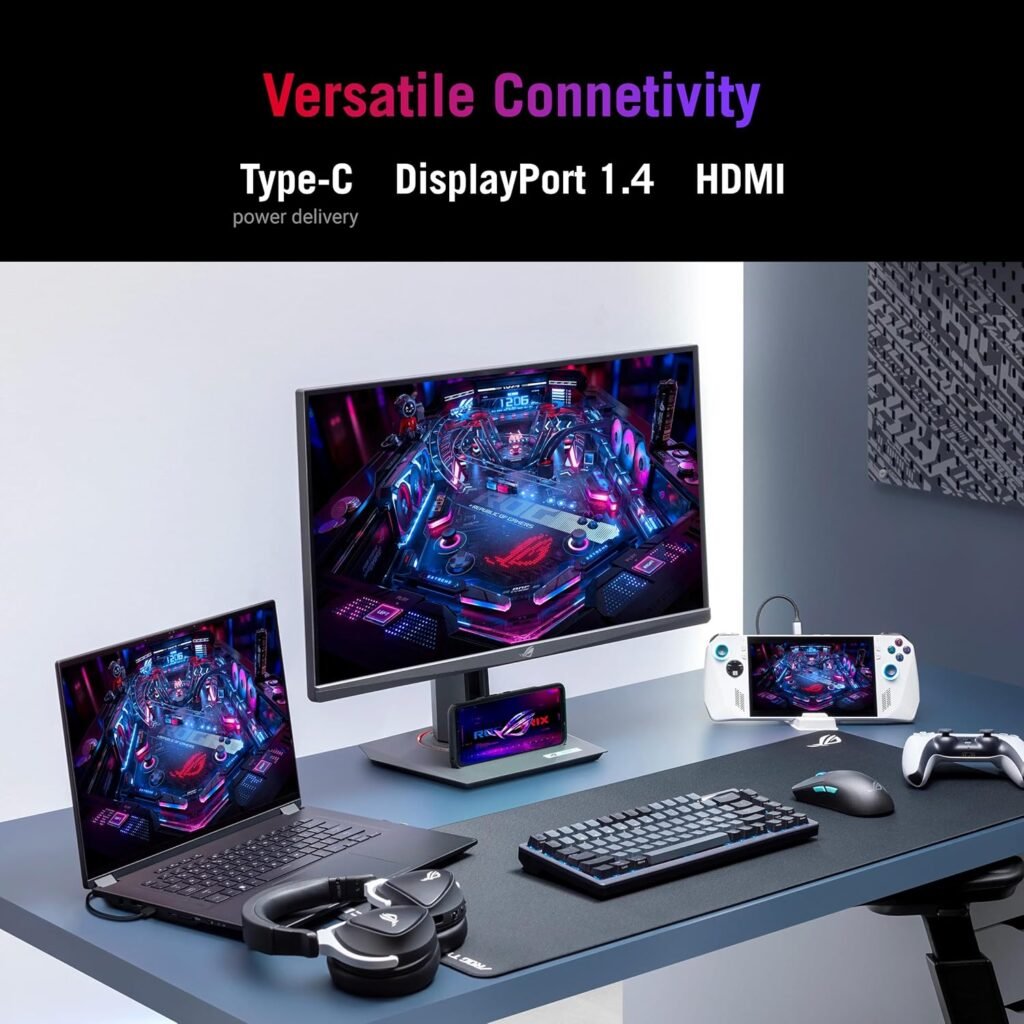
One of the features we particularly appreciate is HDMI 2.1 connectivity. Additionally, this makes the XG27UCS a more useful option for modern gaming setups and compatible consoles. ASUS also provides DisplayPort 1.4 and USB-C with DisplayPort Alt Mode. The connection options include:
- 1 × HDMI 2.1
- 1 × DisplayPort 1.4
- 1 × us b-c with DP Alt Mode
- 3.5mm headphone jack
us b-c Connectivity
us b-c makes the monitor particularly useful for laptop users. The us b-c port supports DisplayPort Alt Mode, allowing compatible laptops to send video to the monitor through us b-c. ASUS specifies 15W us b-c power delivery. Additionally, it’s important to note that the 15W charging capability is not intended to fully power most performance laptops. Instead, the key advantage is convenient video connectivity.
Design & Ergonomics
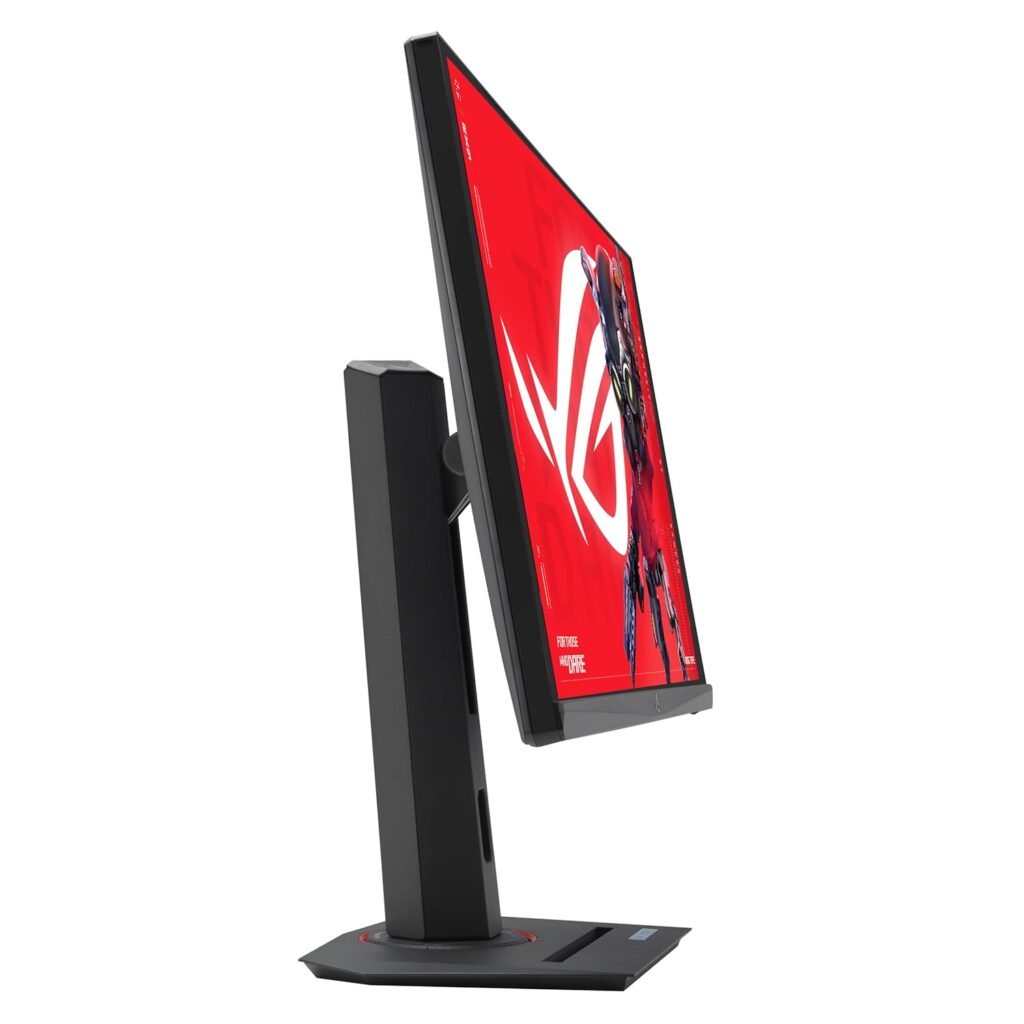
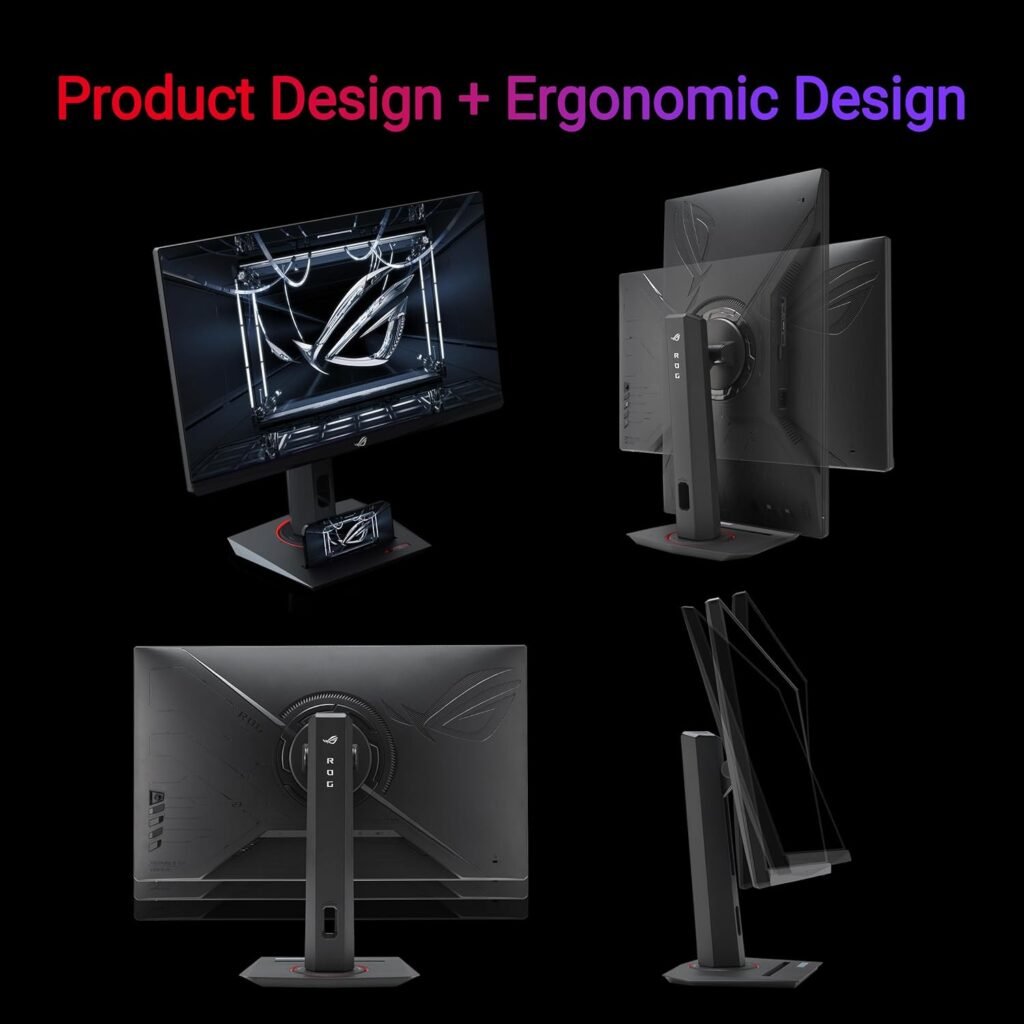
The XG27UCS has a compact ROG gaming design that does not take up excess desk space. The stand supports:
- Height adjustment up to 120mm
- Tilt
- Swivel
- Pivot
- VESA 100 × 100mm mounting
ASUS also adds a phone holder or groove to the stand design, which is a useful small feature for modern desks.
Gaming Features
ASUS includes several ROG-focused features designed to make gaming more convenient.
These include:
- GamePlus
- GameVisual
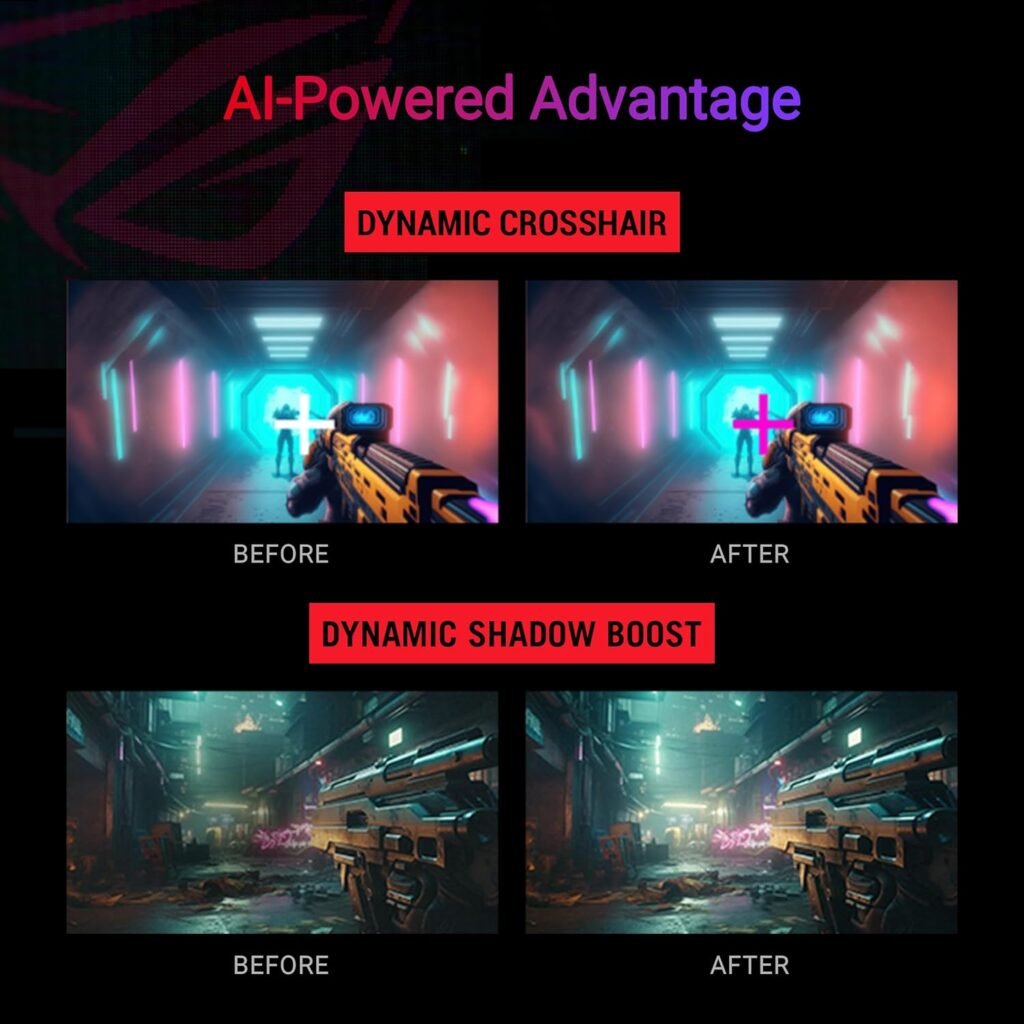
- Shadow Boost
- ELMB Sync
- Variable Refresh Rate
- GameFast Input Technology
- DisplayWidget Center
- Multiple HDR modes
- Low Blue Light
- Flicker-Free technology
The AI-powered GamePlus features also provide gaming assistance, such as dynamic cross hair functionality.
Pros
Excellent 4K UHD resolution
- Fast 160Hz refresh rate
- 1ms GtG response time
- Fast IPS panel
- 95% DCI-P3 color coverage
- HDR10 and DisplayHDR 400
- HDMI 2.1
- DisplayPort 1.4
- us b-c connectivity
- FreeSync Premium
- G-SYNC Compatible
- ELMB Sync
- Strong ergonomic adjustment
ASUS ROG Strix XG27UCS
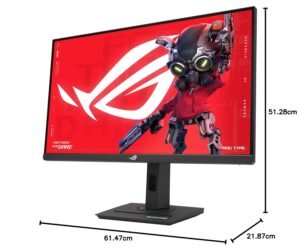
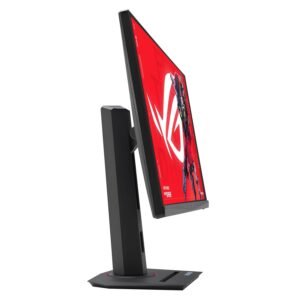





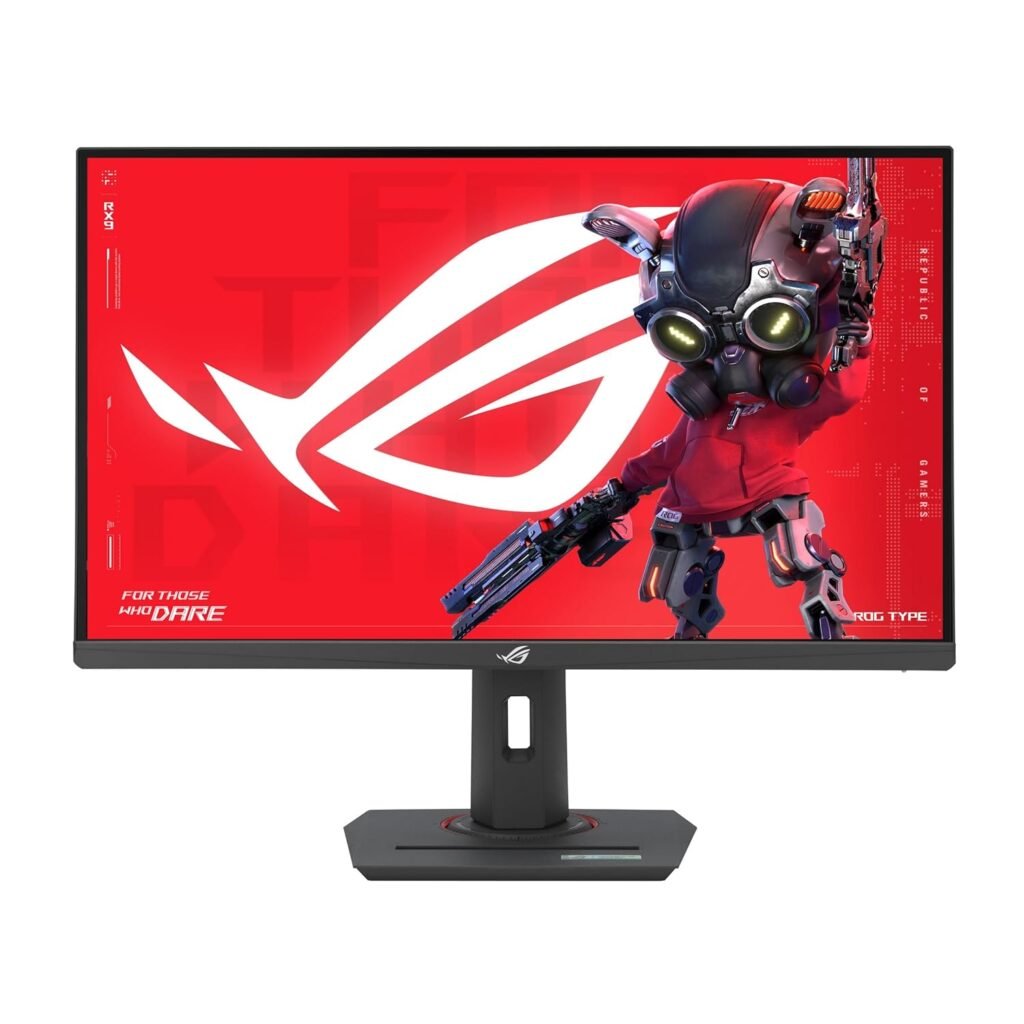
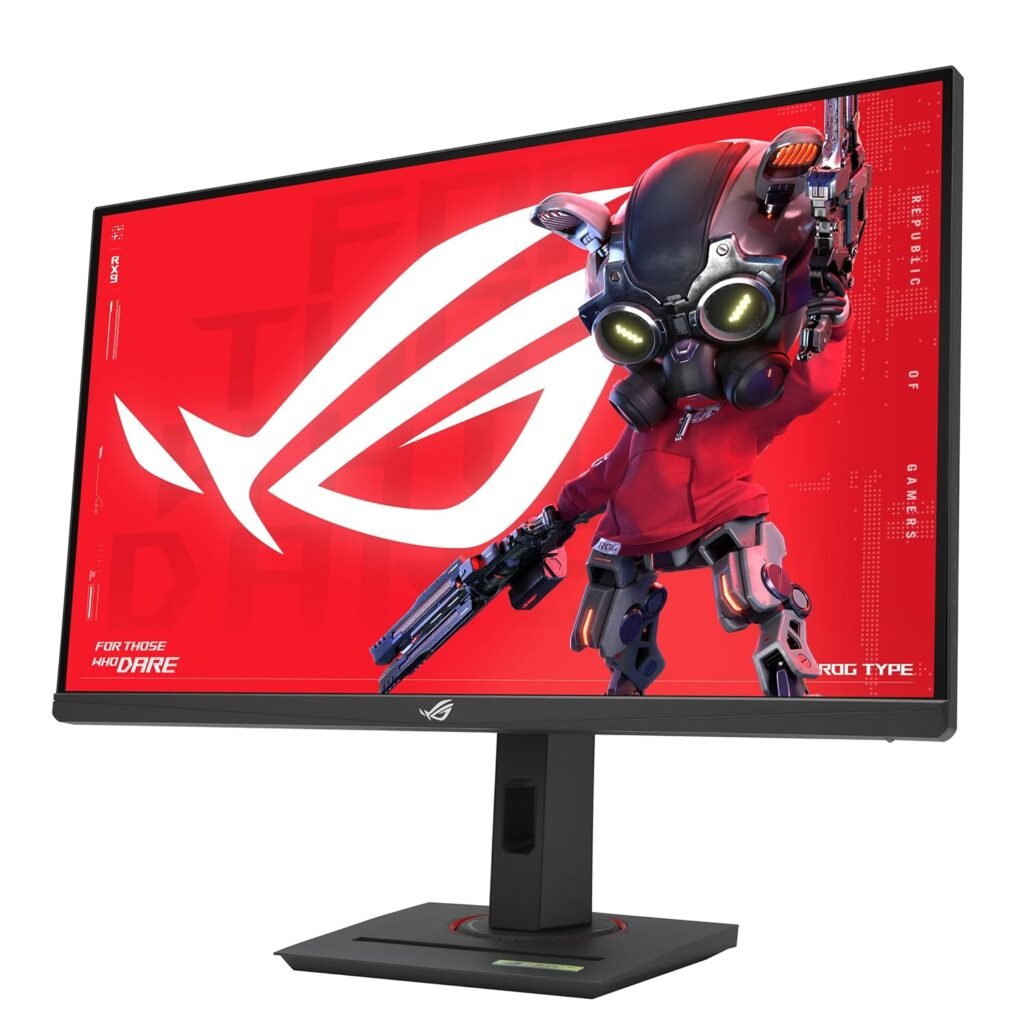
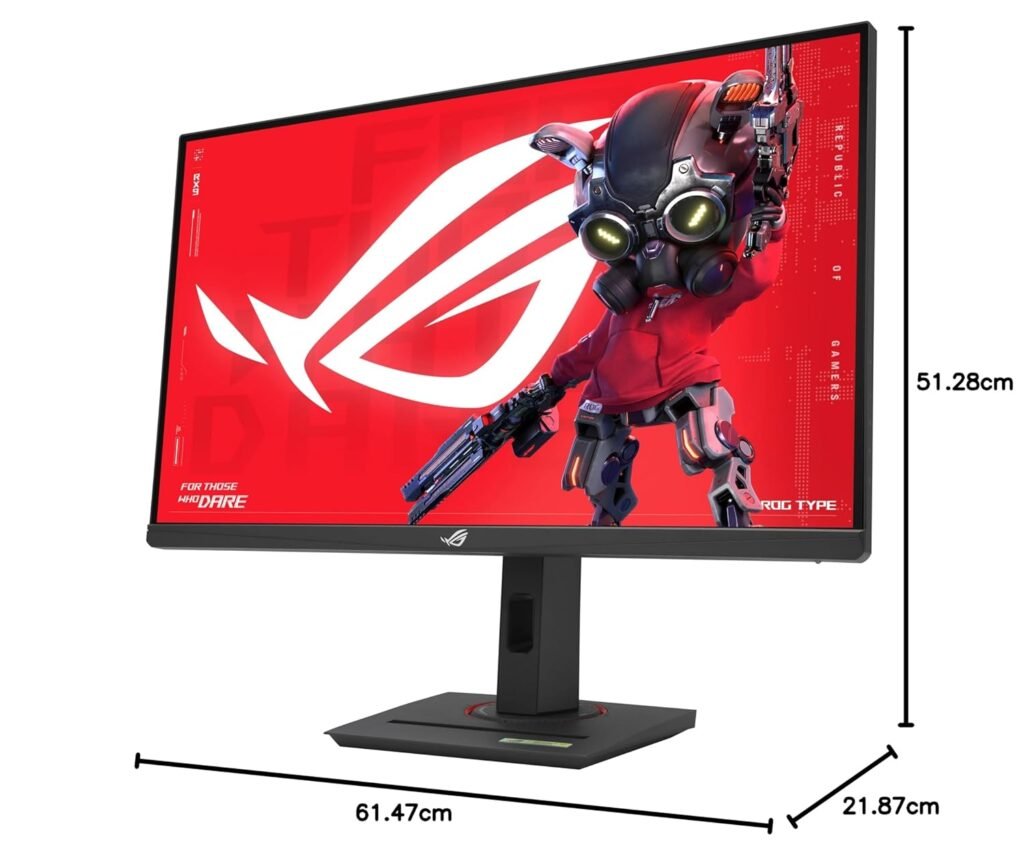
ASUS ROG Strix XG27UCS 27 inch 4K HDR400 USB-C Gaming Monitor UHD (3840 x 2160), 160Hz, 1ms, Fast IPS,130% sRGB, Extreme Low Motion Blur Sync, G-Sync Compatible, DisplayWidget, Tripod socket, 3yr warranty
The main reason to choose the XG27UCS is its combination of 4K resolution and 160Hz gaming. For gamer with a sufficiently powerful GPU, the combination of 4K and 160Hz makes this a particularly attractive long-term upgrade.
Our Verdict
At Nexus Infosys, we see the ASUS ROG Strix XG27UCS as a strong all-round gaming monitor for users who don’t want to compromise between resolution, refresh rate and versatility. Its 4K Fast IPS panel, 160Hz refresh rate, 1ms response time, 95% DCI-P3 coverage, HDR400, HDMI 2.1 and USB-C make it suitable for modern PC and console gaming while still being capable of handling everyday creative work.
FAQ’s
Is the ASUS ROG Strix XG27UCS a 4K monitor?
Yes. It features a 3840 × 2160 4K UHD resolution on a 27-inch Fast IPS panel.
What is the refresh rate of the XG27UCS?
The maximum refresh rate is 160Hz.
Does the ASUS XG27UCS support HDMI 2.1?
Yes. ASUS lists one HDMI 2.1 port on the XG27UCS.
Does the XG27UCS have us b-c?
Yes. It has us b-c with DisplayPort Alt Mode and 15W Power Delivery.
Is the ASUS XG27UCS good for PS5?
Yes. Its 4K resolution and HDMI 2.1 connectivity make it a strong choice for compatible console gaming setups.
Is the XG27UCS good for video editing?
Yes, for general video editing and content creation. Its 4K resolution and 95% DCI-P3 coverage provide a strong visual foundation, although professional colorists may prefer a specialized creator display.
Does it support G-SYNC?
Yes. ASUS lists the XG27UCS as G-SYNC Compatible, alongside FreeSync support.
Does the monitor have built-in speakers?
No. ASUS’s specifications list no built-in speakers.


Recent Comments