

Description
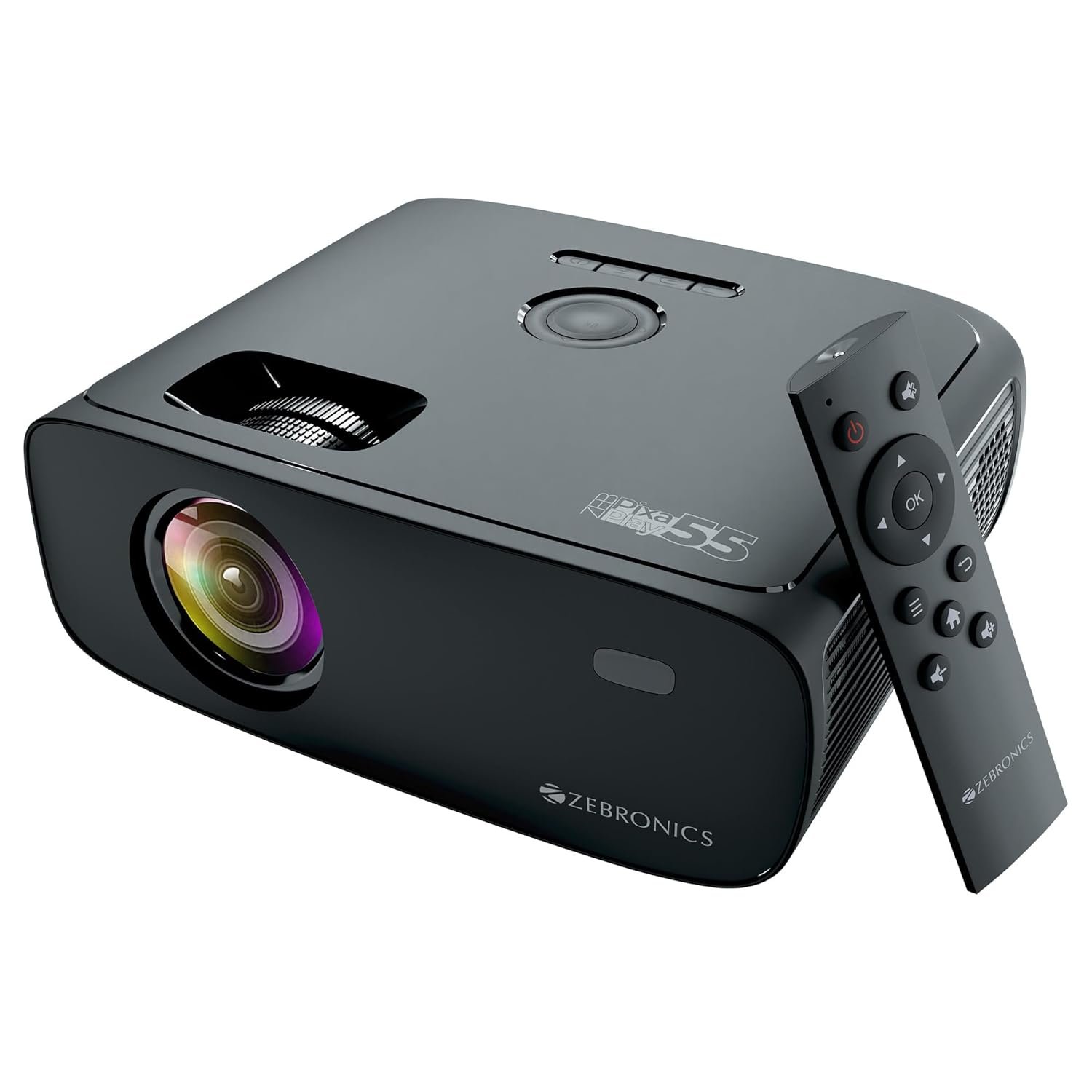
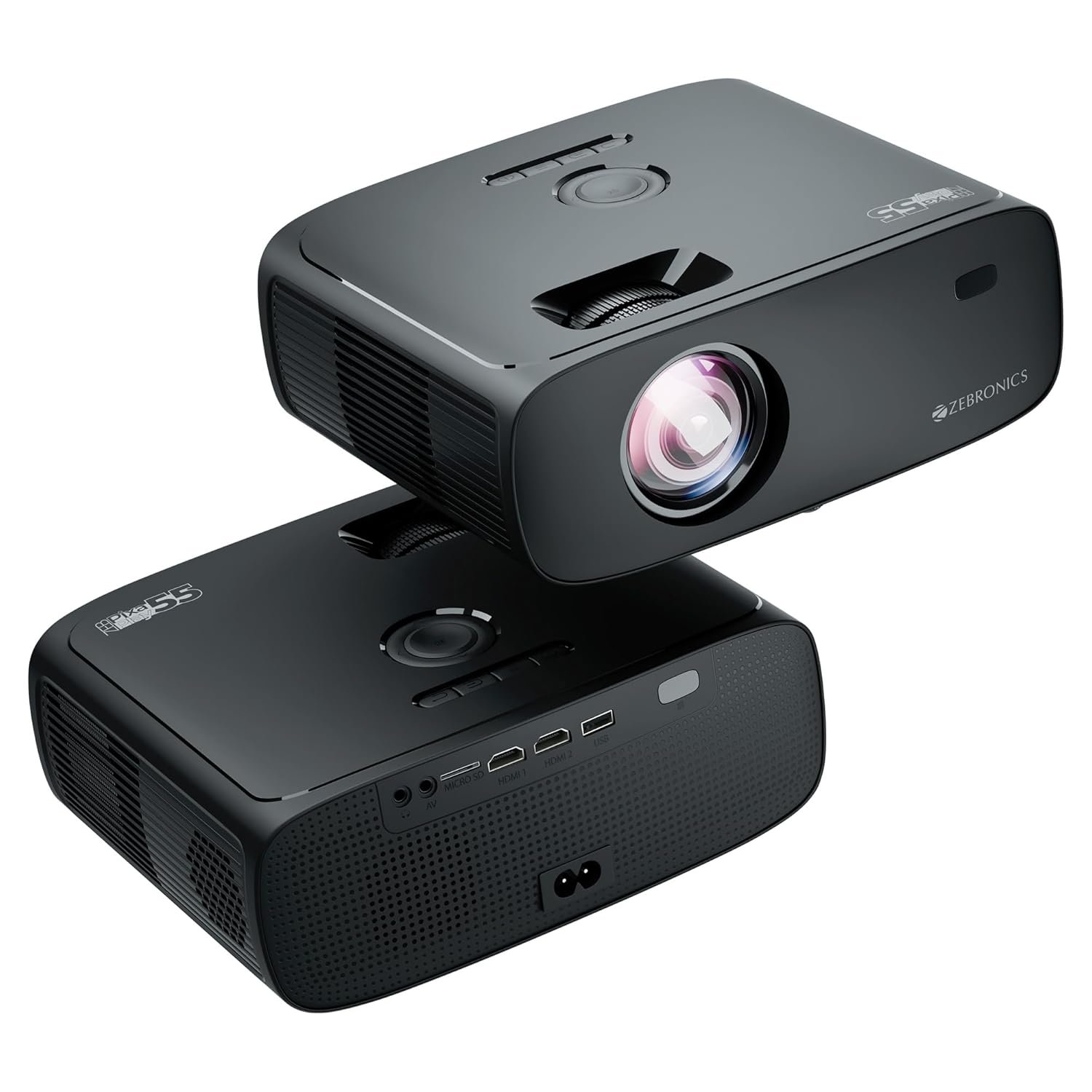
ZEBRONICS PIXAPLAY 55 , Smart Projector, 10000 Lumens, 4K Support, 150 Inch Screen Size, Quad Core Processor, Bluetooth, HDMI, USB, WiFi, mSD, AUX, 1080p Native, APP Support, Miracast
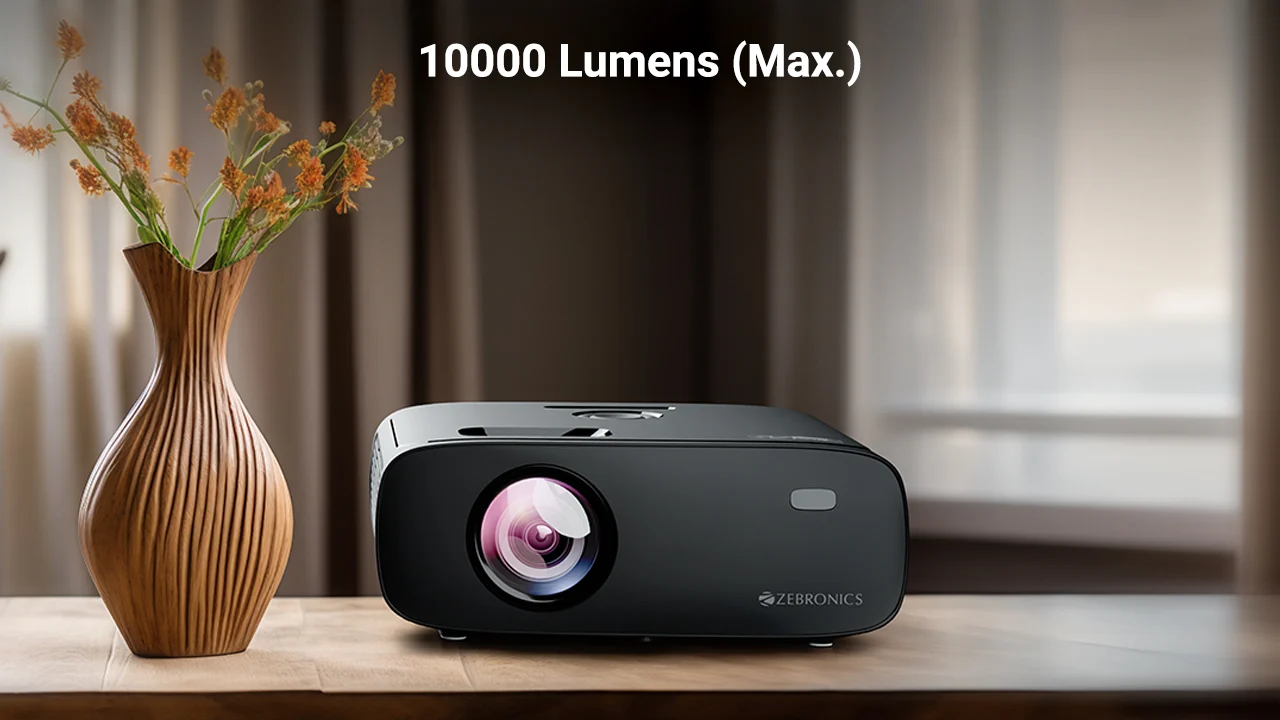
The Zebronics PixaPlay 55 is a versatile Full HD Smart LED Projector designed for home entertainment, office presentations, gaming and large-screen viewing. Featuring a 1920 × 1080 native resolution, support for high-resolution content, powerful LED projection and a screen size of up to 150 inches, the PixaPlay 55 provides an immersive viewing experience without requiring a large television.
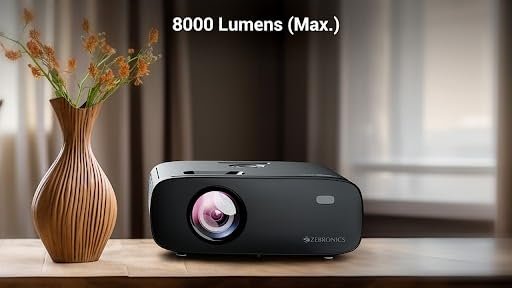
The projector is designed around a powerful LED light source, with the supplied specifications listing 8000 ANSI lumens of maximum white brightness and a headline specification of up to 10,000 lumens. For consistent technical specification purposes, the detailed product specification of 8000 ANSI lumens is used throughout this description.
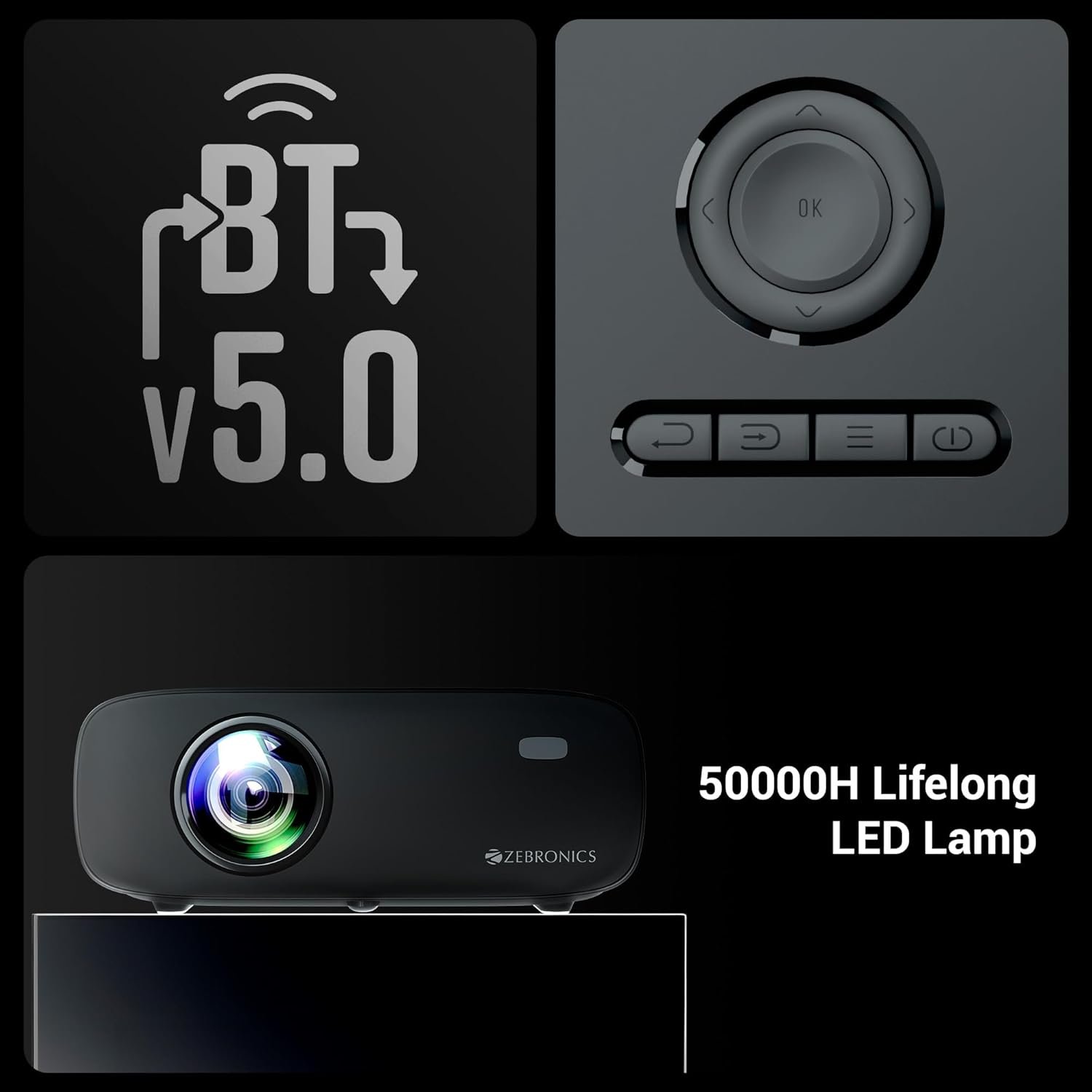
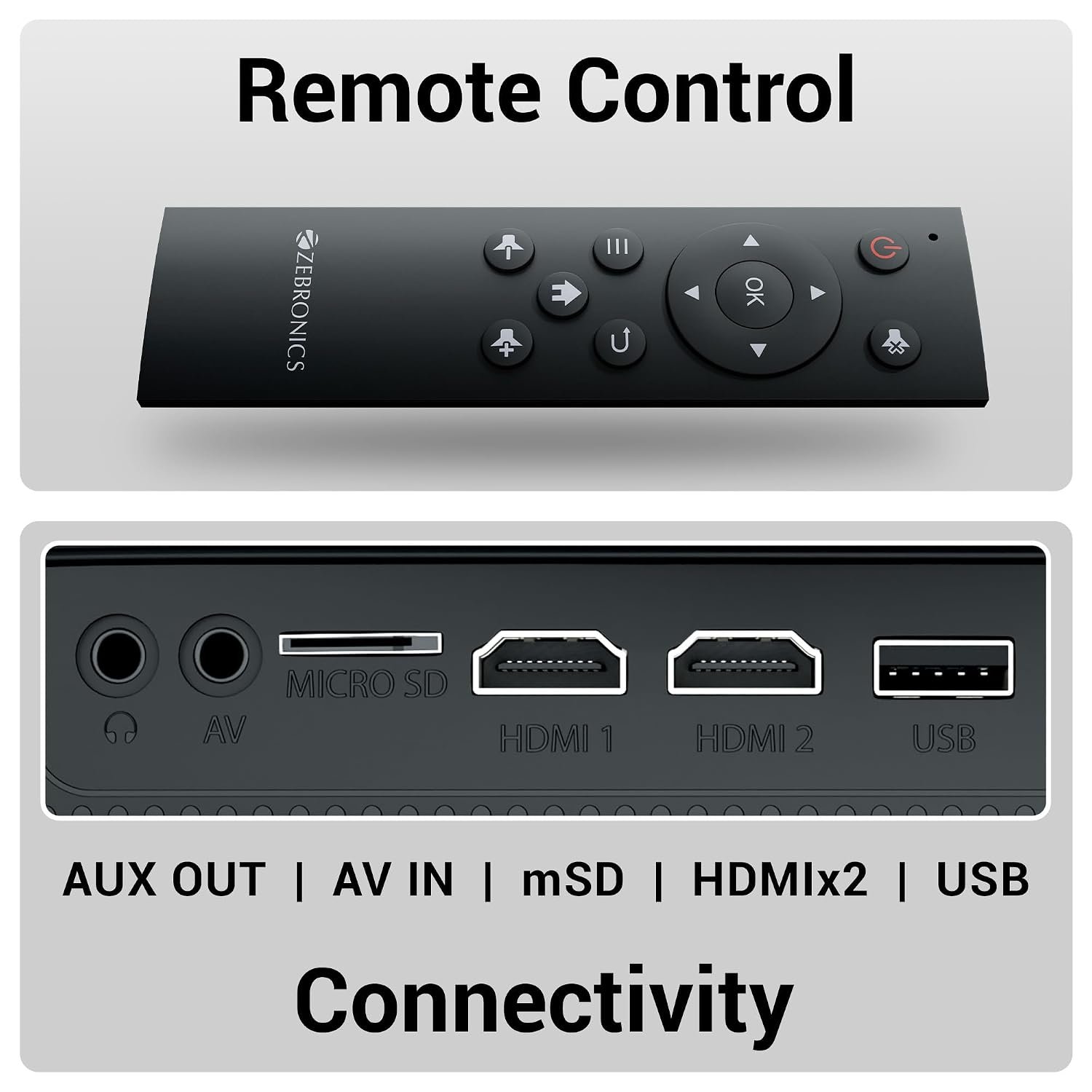
With a 50,000-hour LED lamp life, the PixaPlay 55 is designed for long-term use. Its portable tabletop design makes it easy to move between rooms, while built-in connectivity including Wi-Fi, Bluetooth, HDMI, USB, microSD and AUX provides multiple ways to connect compatible devices.
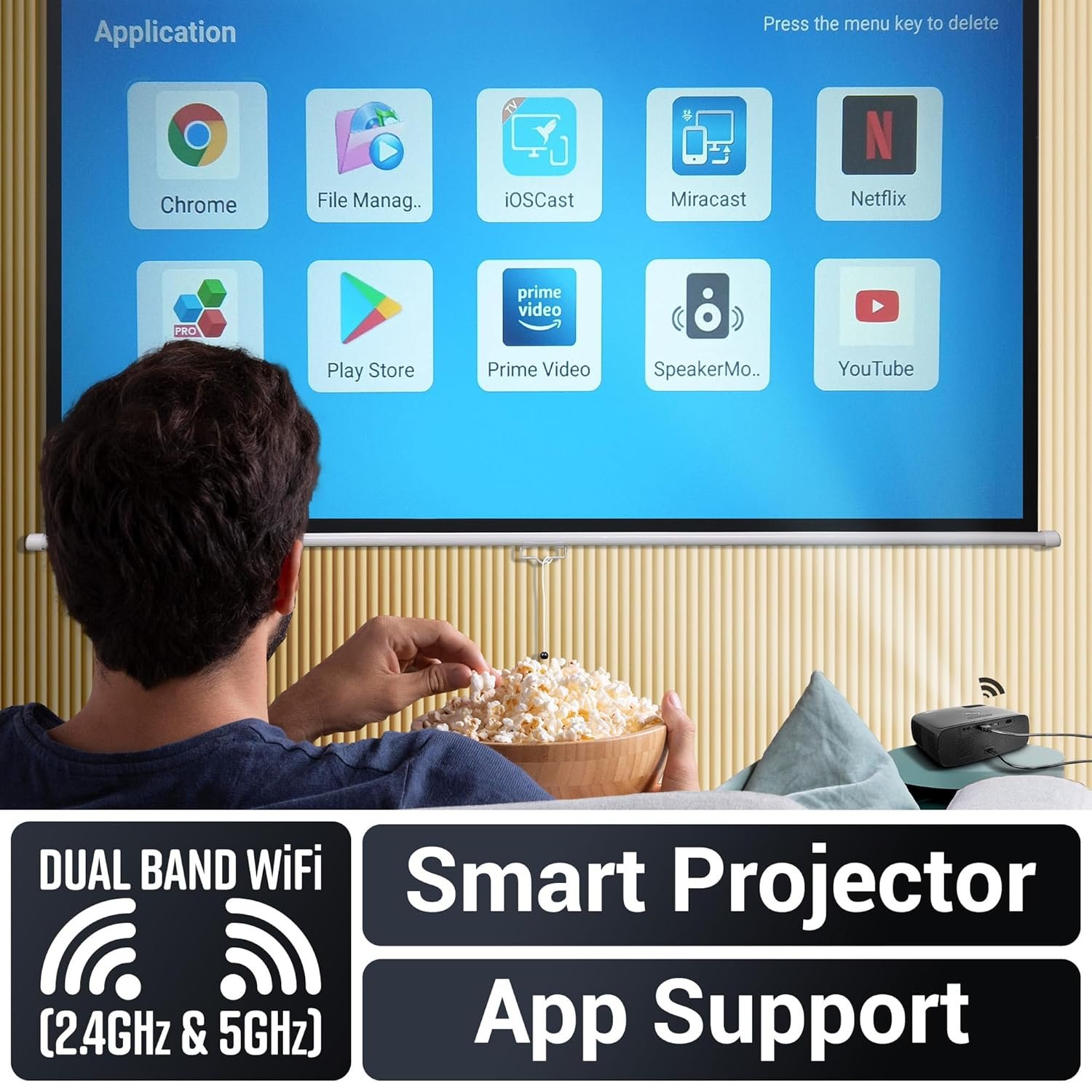
The projector also supports Miracast and app control, allowing users to enjoy content from compatible smartphones, tablets, laptops, gaming consoles, streaming devices and external storage.
1080p Full HD Native Resolution
The Zebronics PixaPlay 55 features a 1920 × 1080 Full HD native resolution, providing detailed visuals for movies, videos, presentations and gaming.
Full HD resolution offers a significant improvement in detail compared with lower-resolution projectors, making text, images and video content appear sharper on large projection surfaces.
The 16:9 Full HD format is particularly suitable for modern entertainment content, including:
- Movies
- TV shows
- Streaming
- Sports
- Gaming
- YouTube videos
- Presentations
- Digital content
Up to 150-Inch Large-Screen Projection
The PixaPlay 55 supports a maximum projected image size of approximately 150 inches.
This allows users to create a large home-theatre-style viewing experience without purchasing a large-format television.
The large projection capability is ideal for:
- Home cinema
- Movie nights
- Sports viewing
- Gaming
- Family entertainment
- Outdoor entertainment
- Presentations
- Training
A suitable projection surface and controlled ambient lighting can help maximise the viewing experience.
Up to 8000 ANSI Lumens Brightness
The detailed specifications list 8000 ANSI lumens maximum white brightness, while the product headline advertises up to 10,000 lumens.
For technical consistency, the 8000 ANSI lumens specification is the recommended reference for this product listing.
The high brightness output is designed to provide strong projected visibility and can be particularly useful for larger screens and environments where some ambient light is present.
Actual perceived brightness can vary depending on:
- Room lighting
- Projection distance
- Screen surface
- Projection size
- Content
- Picture settings
1000:1 Contrast Ratio
The projector features a 1000:1 contrast ratio, helping create separation between brighter and darker areas of the projected image.
Good contrast performance is particularly useful for:
- Movie scenes
- Night scenes
- Gaming environments
- Dark backgrounds
- Cinematic content
- Presentations with detailed graphics
Combined with Full HD resolution, the contrast ratio helps maintain a balanced visual experience across different types of content.
4K Content Support
The PixaPlay 55 is advertised with 4K support, providing compatibility with high-resolution input content.
The supplied detailed specifications list the maximum display resolution as 1920 × 1080, meaning the projector’s native projection resolution remains Full HD.
4K support therefore provides source compatibility rather than native 4K projection.
This allows users to connect compatible high-resolution media sources while the projector processes the content for its native Full HD output.
Long-Life 50,000-Hour LED Lamp
The PixaPlay 55 uses a long-life LED light source rated for approximately 50,000 hours.
This provides a major convenience advantage compared with traditional lamp-based projectors that require periodic lamp replacement.
The long-life LED system makes the projector suitable for regular:
- Home entertainment
- Office presentations
- Gaming
- Training
- Streaming
- Movie viewing
With no frequent lamp replacement requirement under normal rated usage, maintenance can be simpler over the projector’s usable life.
Quad-Core Smart Processing
The projector is designed with a Quad-Core processor to support its smart projector functions and applications.
The built-in smart platform allows users to access compatible applications and manage projector functions without relying entirely on an external computer.
This makes the PixaPlay 55 more versatile than a conventional basic projector.
App Control
The PixaPlay 55 supports app-based control, providing an additional way to operate compatible projector functions.
App control can make everyday operation more convenient by allowing users to manage supported functions through a compatible smart device.
This is particularly useful for home entertainment setups where the projector may be positioned away from the main seating area.
Wi-Fi Connectivity
Built-in Wi-Fi connectivity provides wireless networking for supported smart features and compatible applications.
Wi-Fi can be used for:
- Smart projector functions
- Online content
- Wireless screen sharing
- App-based functionality
- Compatible streaming workflows
This reduces dependence on wired network connections for everyday entertainment.
Miracast & Wireless Screen Sharing
The PixaPlay 55 supports Miracast, allowing compatible smartphones, tablets and other devices to mirror supported content onto the large projected screen.
This is useful for displaying:
- Photos
- Videos
- Mobile applications
- Presentations
- Websites
- Mobile gaming
- Personal content
Wireless screen mirroring makes it easier to share content without connecting a dedicated HDMI cable every time.
Bluetooth Connectivity
The projector also supports Bluetooth, providing wireless connectivity with compatible Bluetooth devices.
This can be useful for compatible audio accessories and other supported peripherals.
Bluetooth helps create a cleaner entertainment setup by reducing the need for additional wired connections.
HDMI Connectivity
The HDMI interface allows users to connect a wide range of digital video sources.
Compatible devices can include:
- Laptops
- Desktop PCs
- Gaming consoles
- Streaming devices
- Blu-ray players
- Media players
- Set-top boxes
HDMI provides a convenient wired connection for Full HD video content and compatible audio.
USB Connectivity
The PixaPlay 55 includes USB connectivity, allowing users to connect compatible storage devices and peripherals.
USB can be useful for accessing supported media files and content without requiring a separate computer.
Compatible content may include supported:
- Videos
- Photos
- Music
- Documents
- Media files
File compatibility depends on the projector’s supported formats and software environment.
microSD Card Support
The projector includes a microSD card interface, providing another convenient method for accessing compatible content.
Users can use supported microSD storage for compatible:
- Videos
- Photos
- Music
- Documents
- Multimedia files
This can be particularly useful for portable presentations and entertainment where carrying a laptop is not convenient.
AUX Audio Connectivity
The PixaPlay 55 also provides AUX connectivity, allowing users to connect compatible external audio equipment.
This provides an additional option when users want to route audio through a separate speaker system or other compatible audio device.
Built-In Speaker
The projector features a built-in speaker, providing convenient integrated audio for everyday entertainment and presentations.
The integrated speaker can be useful for:
- Movies
- YouTube
- Presentations
- Gaming
- Training
- Casual viewing
- Outdoor movie sessions
For larger rooms or a more immersive cinema experience, an external audio system can provide greater volume and a wider soundstage.
Portable Tabletop Design
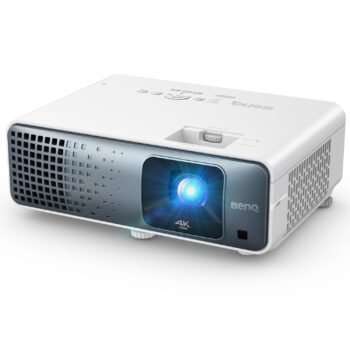
The PixaPlay 55 uses a portable tabletop form factor, allowing users to move the projector between different locations.
It can be positioned on a:
- Table
- Desk
- Shelf
- Entertainment cabinet
- Portable stand
This makes it suitable for users who want a projector that can serve multiple rooms or be stored away when not in use.
Wide Device Compatibility
The PixaPlay 55 is designed to work with a broad range of devices.
Supported compatible devices listed for the product include:
- Smartphones
- Tablets
- Laptops
- Gaming Consoles
- Streaming Devices
- Blu-ray Players
- USB Drives
- microSD Cards
This broad compatibility makes the projector suitable for both home entertainment and portable presentation requirements.
Supported Video Formats
The supplied specifications list support for several popular video formats and codecs, including:
- AVI
- MP4
- MPEG1
- MPEG2
- MKV
- WMV
- MOV
- FLV
- H.264
This provides compatibility with a broad range of commonly used video files.
Actual playback support can depend on codec, bitrate, resolution and software compatibility.
Suitable for Home & Office Entertainment
The PixaPlay 55 is designed to work across both home and office environments.
Home Entertainment
Use it for:
- Movies
- TV shows
- Sports
- Gaming
- Streaming
- Family movie nights
- Large-screen entertainment
Office & Presentation
The projector can also be used for:
- Presentations
- Training
- Meetings
- Demonstrations
- Educational content
- Portable business presentations
Its Full HD native resolution and large projection capability make it a flexible display solution for users who need portability.
Key Highlights at a Glance
- Zebronics PixaPlay 55
- Smart LED Projector
- 1920 × 1080 Native Full HD Resolution
- Up to 10,000 Lumens Advertised
- Up to 8000 ANSI Lumens Maximum White Brightness
- 1000:1 Contrast Ratio
- Up to 150-Inch Projection
- 381cm Maximum Screen Size
- 50,000-Hour LED Lamp Life
- Portable Tabletop Design
- Quad-Core Processor
- App Control
- Wi-Fi
- Bluetooth
- Miracast
- HDMI
- USB
- microSD
- AUX
- Built-In Speaker
- Smartphones Compatible
- Tablets Compatible
- Laptops Compatible
- Gaming Consoles Compatible
- Streaming Devices Compatible
- Blu-ray Players Compatible
- USB Drive Support
- Multiple Video Format Support
- Ideal for Home Cinema, Gaming, Streaming & Presentations
Reviews
There are no reviews yet.