
Dual-monitor setups have become common for designers, programmers, traders, video editors, gamers and professionals who need more screen space. But while adding a second monitor improves productivity, it creates another problem: how do you properly illuminate such a wide workspace without creating reflections or glare on either screen?
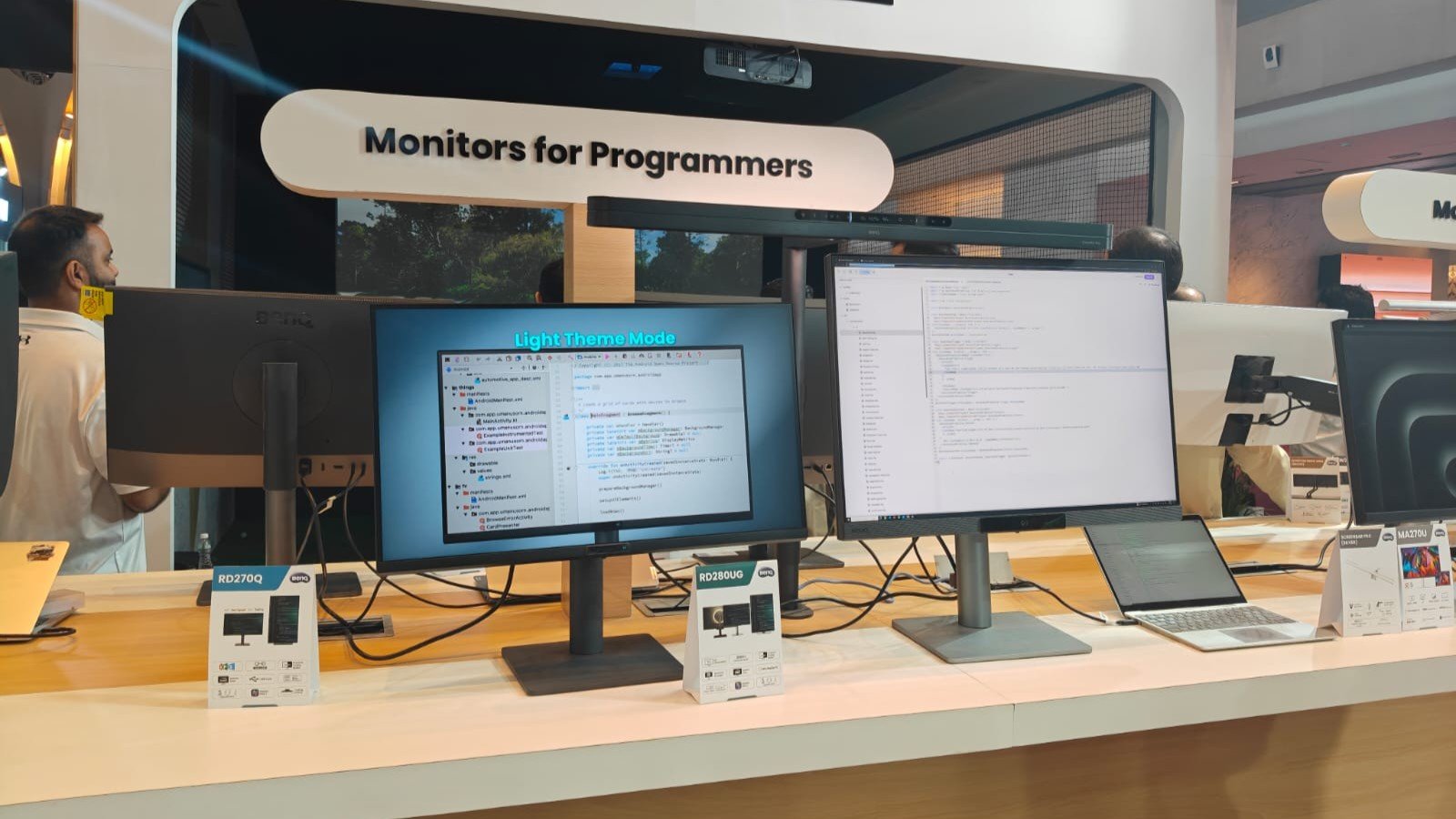
The BenQ ScreenBar Max has been designed specifically to answer that question.
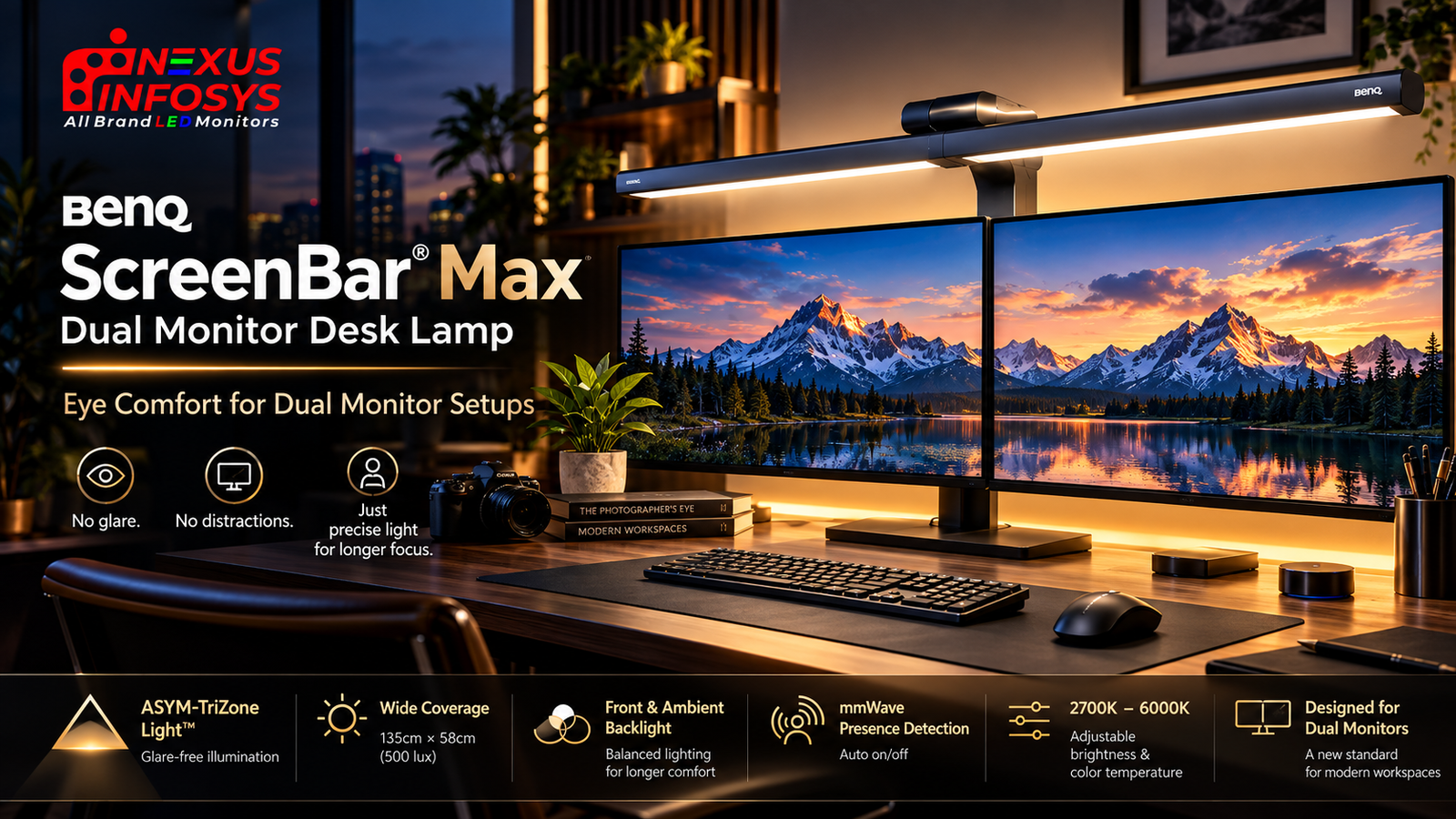
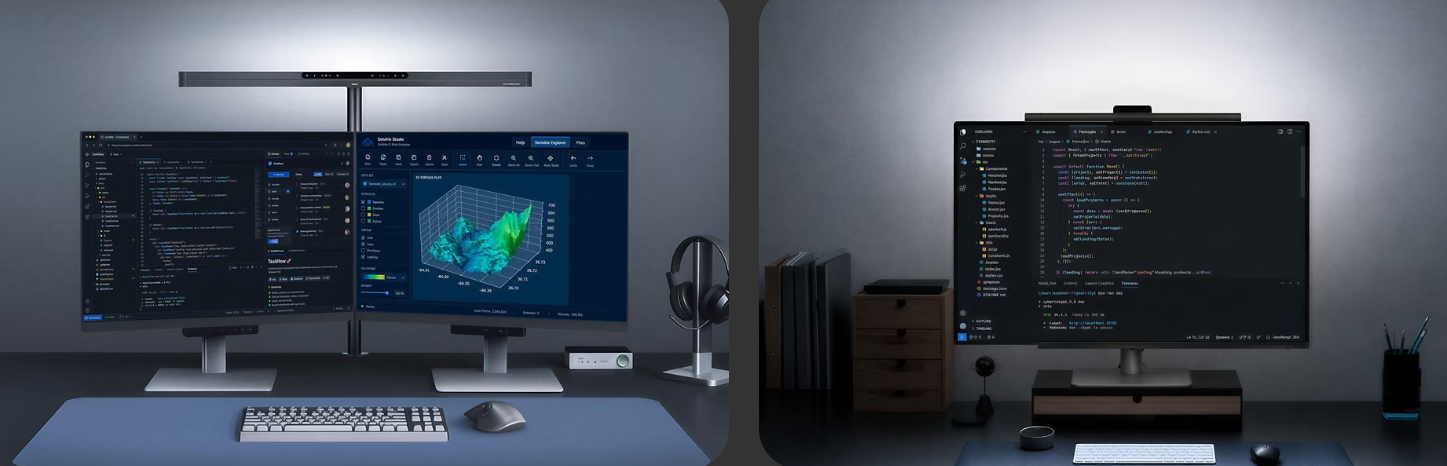
Introduced in 2026, the ScreenBar Max is BenQ’s first ScreenBar created specifically for dual-monitor workspaces. Instead of attaching directly to one monitor, it mounts to the desk and stretches across the complete setup, providing wide front illumination together with ambient lighting behind the displays.
But what makes the ScreenBar Max different from the ScreenBar Pro or Halo 2, and who is it actually designed for?
Let’s take a closer look.
What Is the BenQ ScreenBar Max?
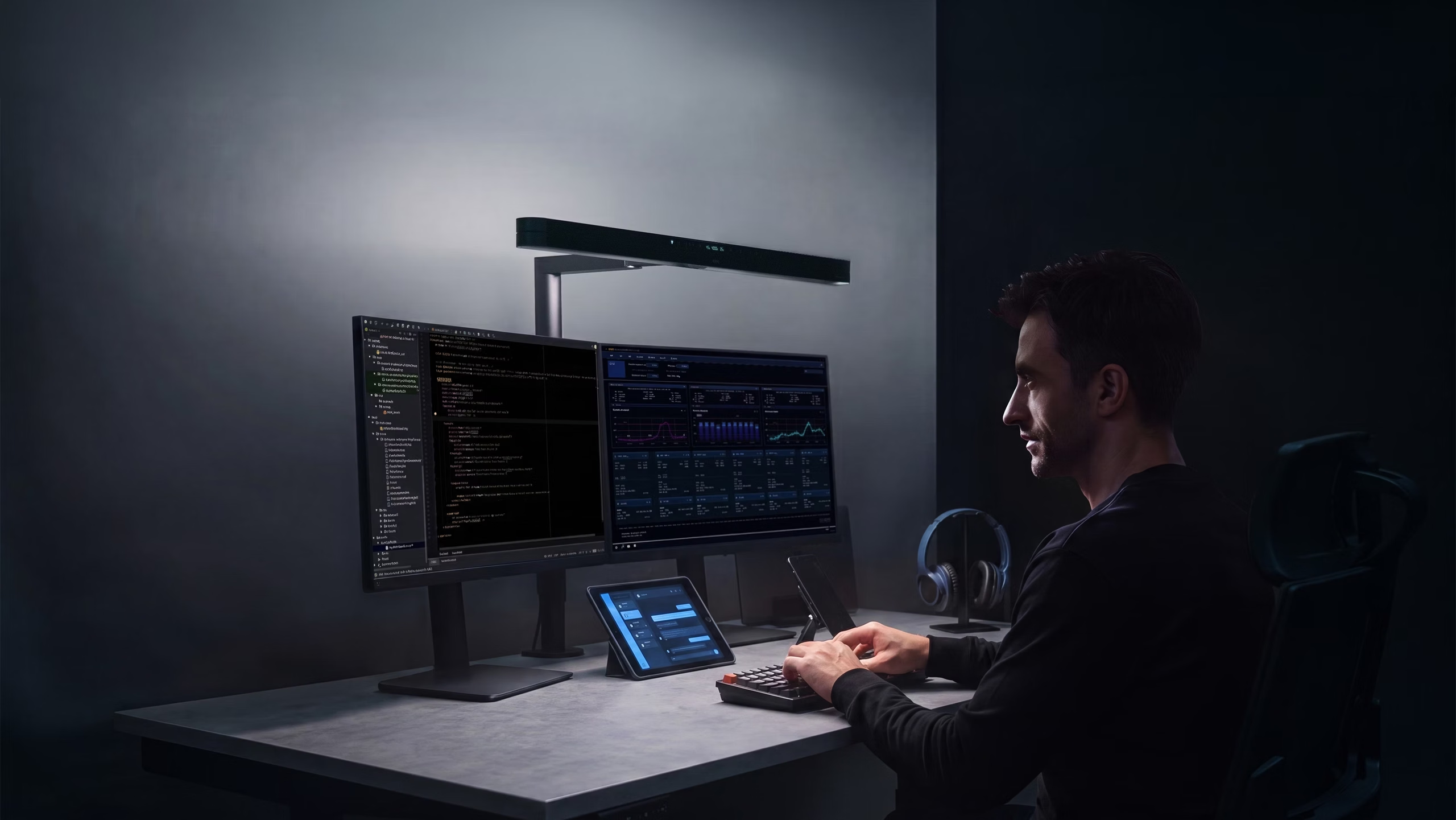
The BenQ ScreenBar Max is an 85 cm-wide premium desk lighting system developed for users working with two monitors or particularly wide desktop setups.
Traditional monitor light bars are normally attached to the top of one display. That works well for a conventional single-monitor workstation, but using two separate light bars can produce overlapping pools of light, separate controls and additional cables.
ScreenBar Max takes a different approach.
One large light source sits above the entire workstation, helping create a continuous area of illumination across both sides of the desk.
It also includes a rear ambient light, automatic brightness adjustment and smart presence detection.
Why Dual Monitors Need a Different Type of Desk Light
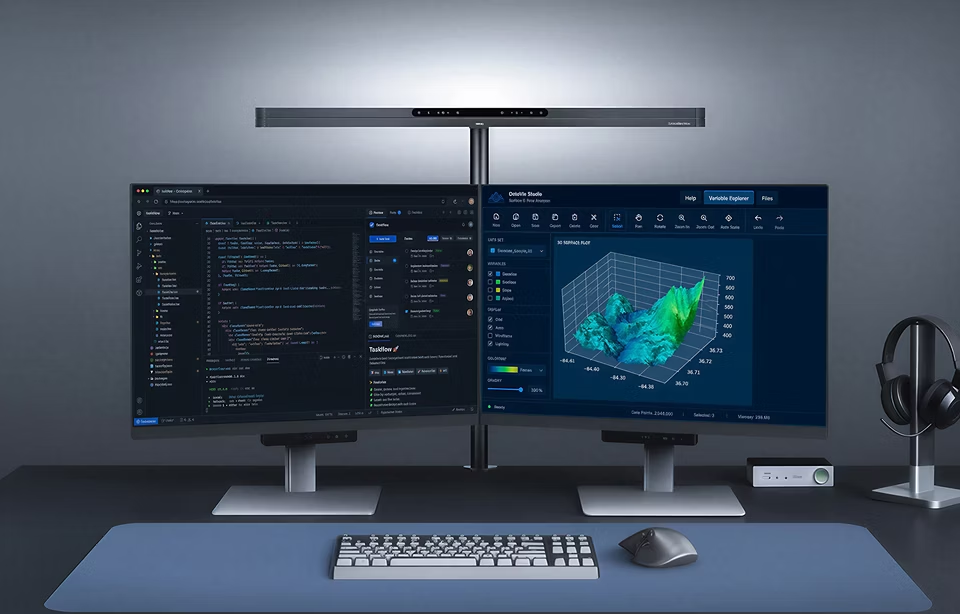
A normal desk lamp can work perfectly well beside a computer, but positioning becomes more complicated when two large monitors occupy most of the desk.
Place the lamp on one side and illumination may become uneven.
Place it behind the displays and the monitors themselves can obstruct the light.
Use two separate lamps or two monitor light bars and the illumination can overlap in the middle of the workspace.
The ScreenBar Max attempts to solve this by treating both monitors and the area in front of them as one continuous workspace.
This is arguably its biggest advantage.
Instead of lighting the left monitor and right monitor independently, one 85 cm-wide fixture provides illumination across the keyboard, mouse, documents and surrounding desk surface.
ASYM-TriZone Light™: Light Where You Need It
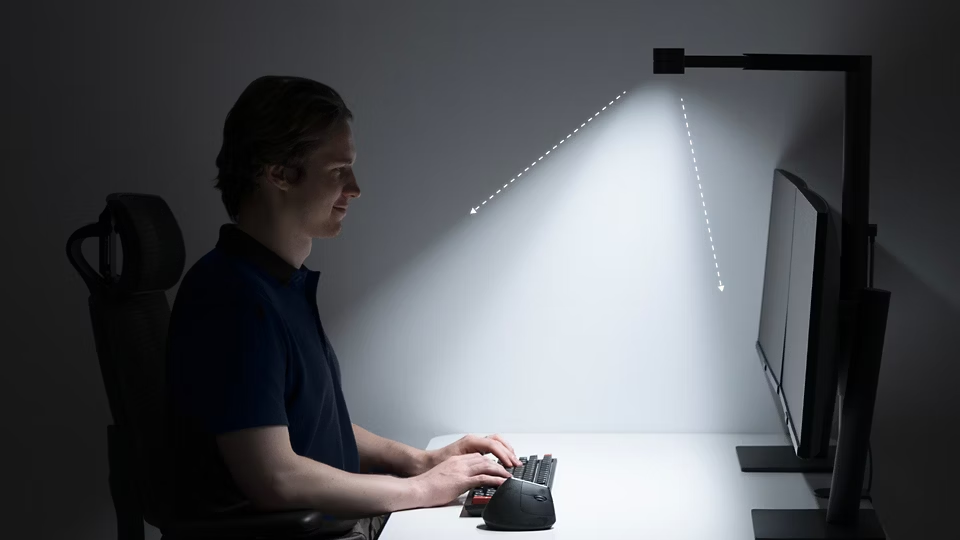
At the heart of the ScreenBar Max is BenQ’s ASYM-TriZone Light™ optical design.
Instead of flooding light in every direction like a conventional lamp, its asymmetric optical structure directs illumination downward and forward across the working surface.
The objective is simple:
Illuminate the desk without unnecessarily shining light directly toward your eyes or onto the monitor panels.
BenQ combines the optical structure with a high-reflectivity aluminium reflector to shape the beam across the wider dual-monitor workspace.
For users working with large premium monitors, especially creator displays with carefully controlled screen surfaces, keeping stray light away from the display can be an important advantage.
Huge 135 cm × 58 cm Lighting Coverage
The numbers show just how different the ScreenBar Max is from a conventional ScreenBar.
At its highest 71 cm position, BenQ rates the ScreenBar Max at:
1400 lux centre illuminance
and
135 cm × 58 cm coverage at 500 lux
That is a considerable area for a desk light and is one of the main reasons the Max makes sense for dual-display workstations.
For comparison, the BenQ ScreenBar Pro provides approximately 85 × 50 cm of coverage at 500 lux, with centre illuminance above 1000 lux.
| Feature | ScreenBar Max | ScreenBar Pro |
|---|---|---|
| Designed primarily for | Dual monitors | Single monitor |
| Lamp width | 85 cm | 50 cm |
| 500-lux coverage | 135 × 58 cm | 85 × 50 cm |
| Centre illuminance | 1400 lux | >1000 lux |
| Rear ambient light | Yes | No |
| Desk-mounted | Yes | No |
| Presence detection | mmWave | Ultrasonic |
| Maximum power | 36W | 8.5W |
The difference is not simply higher brightness. The important improvement is width and uniformity across a larger desk.
Front Light and Ambient Backlight in One System
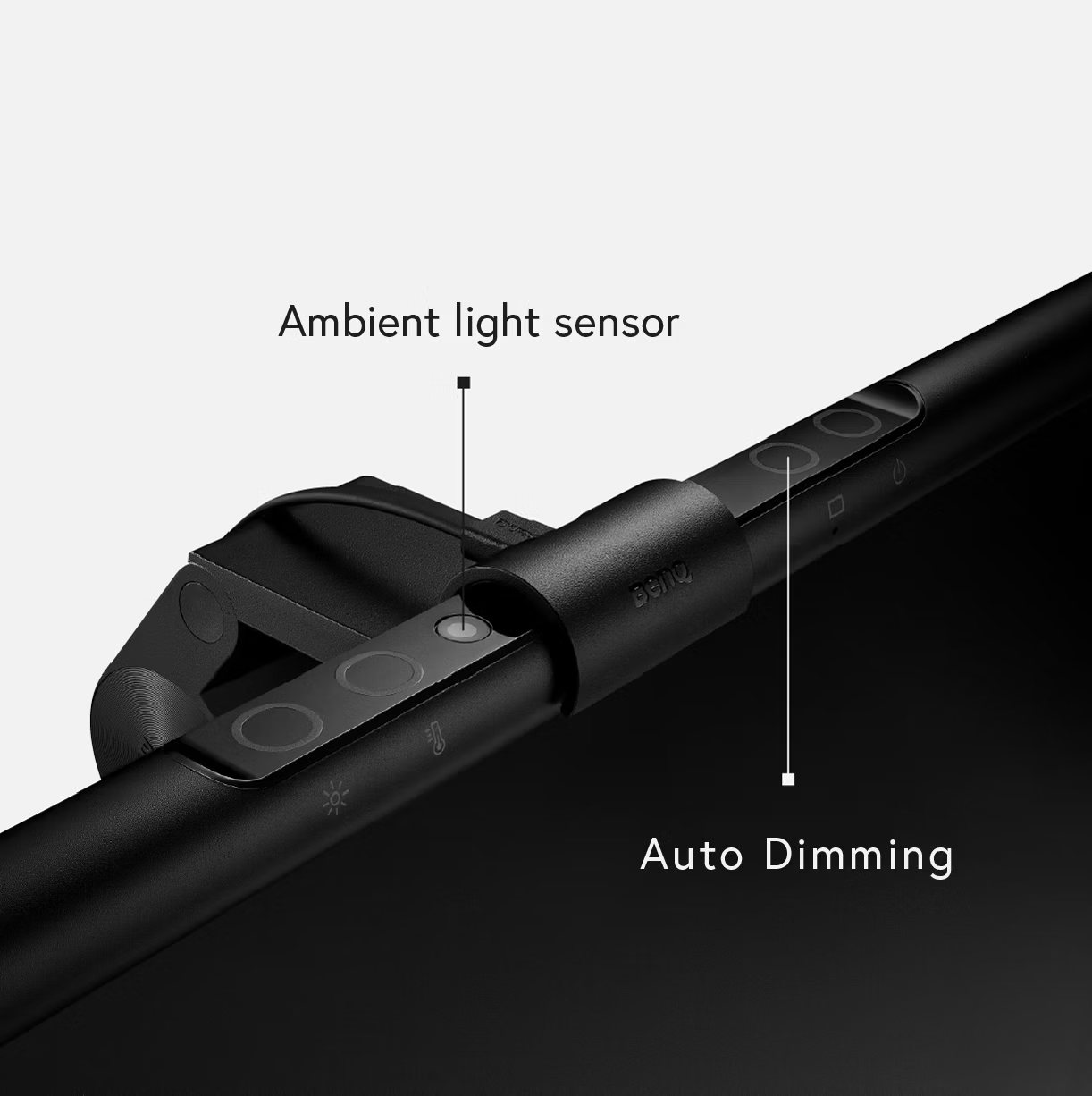
ScreenBar Max combines two types of lighting.
The front light illuminates your keyboard, mouse, documents and desk surface.
The rear ambient light illuminates the area behind your monitors.
The front and rear lighting can also be controlled separately, allowing the ScreenBar Max to operate as a task light, an ambient backlight or both.
This is especially useful when working in a dark room, where a bright monitor surrounded by a very dark environment can feel uncomfortable during extended sessions.
Instead of adding a separate bias-lighting strip behind your displays, ScreenBar Max incorporates both lighting functions into the same system.
Smart mmWave Presence Detection
One of the more interesting features is the 24 GHz mmWave presence sensor.
When enabled, ScreenBar Max can automatically turn on as you approach and begin using the workstation.
According to BenQ, the sensor operates around the normal seated working area and can switch the light off after approximately three minutes without significant movement.
This is different from the ultrasonic sensing used on some existing ScreenBar models.
For a workstation that is used throughout the day, this makes ScreenBar Max closer to a set-it-and-forget-it lighting system than a conventional lamp.
Automatic Brightness Adjustment
ScreenBar Max also includes automatic brightness adjustment.
Its sensor monitors the lighting environment and can automatically adjust illumination toward an appropriate working level.
Users who prefer manual control can adjust the brightness themselves and choose a colour temperature between 2700K and 6000K.
That gives you warmer lighting for relaxed evening use and cooler lighting for focused daytime work.
High Colour Quality for Creators
Brightness isn’t the only specification that matters.
The ScreenBar Max front light is rated at:
CRI: Ra ≥95
Colour Fidelity Index: Rf ≥96
High colour-rendering performance is particularly relevant to photographers, designers, video editors and other creative professionals whose desks may contain printed proofs, photographs, reference materials or physical products.
The official specifications also list dual-colour LEDs and a dark-grey aluminium-alloy construction.
Adjustable for Different Monitor Configurations
Dual-monitor setups are rarely identical.
You might have:
- two horizontal 27-inch monitors;
- two 32-inch displays;
- one horizontal and one vertical monitor;
- monitors mounted on individual arms;
- or an ultrawide display with a second screen.
ScreenBar Max offers three height settings:
55 cm / 63 cm / 71 cm
The lamp can also slide approximately 17.5–28 cm to adjust its position relative to the screens.
BenQ recommends positioning the light approximately 5 cm in front of the monitor to achieve suitable illumination while avoiding glare.
One Important Thing to Check: Your Monitor Arm
This is something buyers should check before purchasing.
ScreenBar Max uses a central desk clamp.
That means users with a dual-monitor arm that is already clamped to the centre of the desk may need to think carefully about placement.
Independent reviewers have reported that the light and a centrally mounted dual-monitor arm can compete for the same space.
If your monitors use their original stands, installation should generally be much simpler.
If you use a monitor arm, check the available space along the rear edge of your desk before deciding where the ScreenBar Max will be mounted.
The desk clamp supports surfaces up to 6 cm thick. BenQ also offers an optional freestanding base for setups where clamping is not practical.
Checkout Now
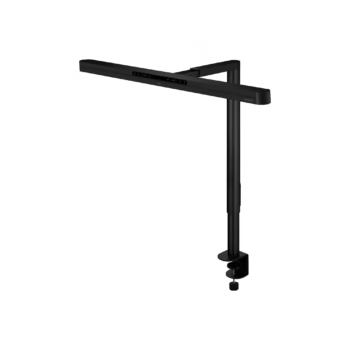
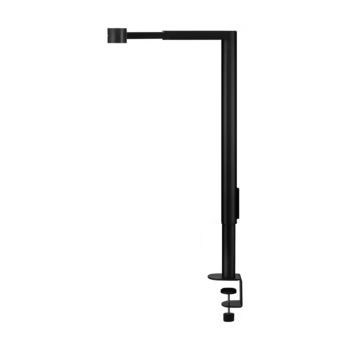
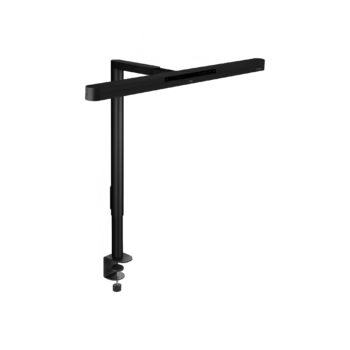
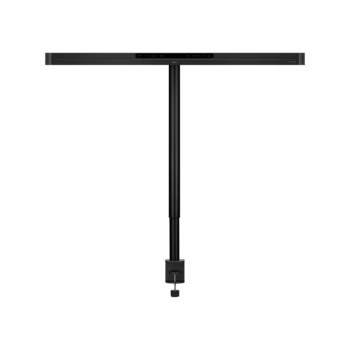
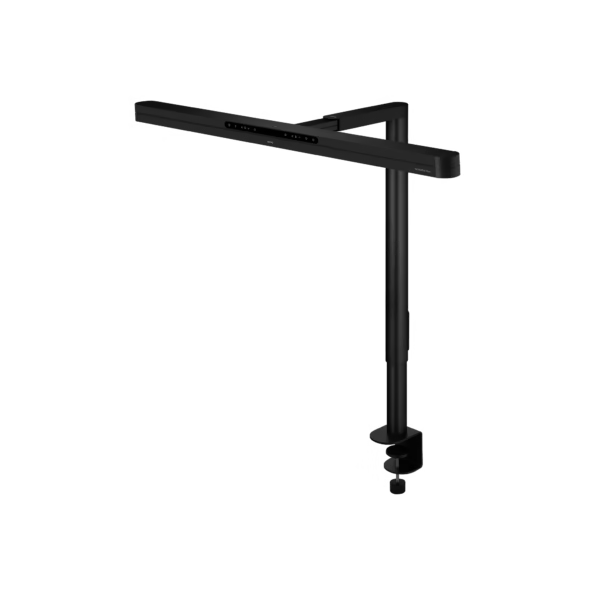
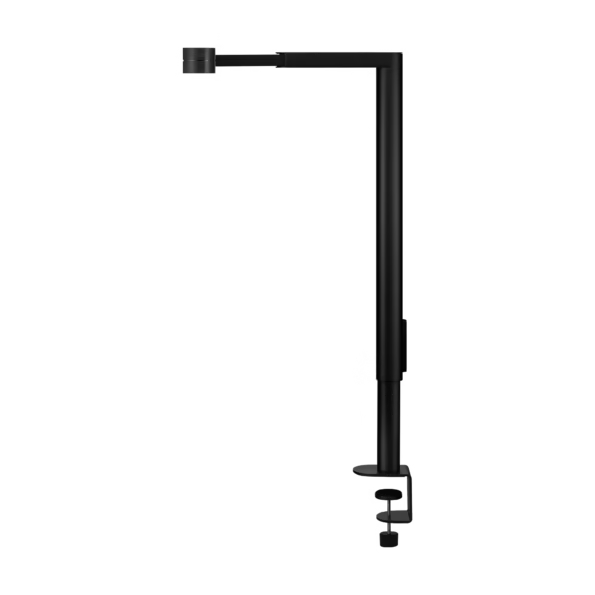
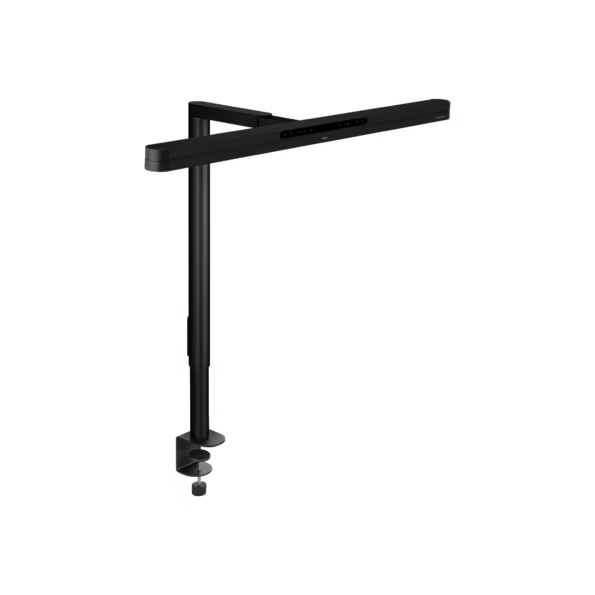
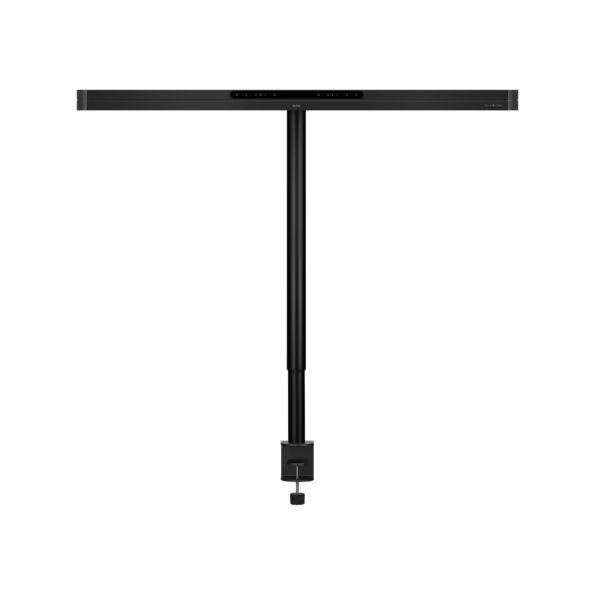
BenQ ScreenBar Max Dual Monitor Desk Lamp
- BenQ ScreenBar® Max Dual Monitor Desk Lamp
- ASYM-TriZone Light™ Optical Technology
- Ambient Backligh
- Up to 1400 Lux Centre Illuminance & 135 × 58cm Coverage
- Auto Presence Detection with mmWave Radar
- 2700K–6000K Adjustable Colour Temperature & Ra≥95 CRI
- Flexible Dual-Monitor Positioning
ScreenBar Max vs ScreenBar Halo 2
These products serve slightly different users.
The ScreenBar Halo 2 mounts directly onto a monitor and includes a wireless controller, front illumination and rear ambient lighting. BenQ lists approximately 85 × 50 cm coverage at 500 lux for the Halo 2.
The ScreenBar Max is significantly larger and instead mounts to the desk.
| ScreenBar Max | ScreenBar Halo 2 | |
|---|---|---|
| Best suited for | Dual monitors / very wide setups | Single monitor |
| Mount | Desk clamp | Monitor clamp |
| Front lighting | Yes | Yes |
| Rear lighting | Yes | Yes |
| 500-lux coverage | 135 × 58 cm | 85 × 50 cm |
| Controls | Integrated controls | Wireless controller |
| Auto on/off | mmWave sensor | Ultrasonic sensor |
| Colour temperature | 2700–6000K | 2700–6500K |
For a standard single-monitor workstation, the Halo 2 remains the more compact solution.
For a wide dual-monitor workstation where one consistent pool of light is the priority, ScreenBar Max has been created specifically for that job.
BenQ ScreenBar Max India Availability
The ScreenBar Max was showcased in Mumbai at InfoComm India 2026, bringing BenQ’s new dual-monitor lighting system to the attention of Indian professional users.
At the time of writing, official public India pricing and general retail availability have not yet been announced.
For the latest information regarding BenQ ScreenBar Max price in India, availability and launch updates, customers can check with Nexus Infosys – BenQ Experience Centre, Mumbai.
Is the BenQ ScreenBar Max Worth Considering?
ScreenBar Max isn’t simply a larger version of the existing ScreenBar.
Its biggest advantage is that it has been designed around a problem other monitor lamps don’t fully address: lighting an entire dual-monitor workstation from one fixture.
The combination of 135 cm-wide 500-lux coverage, 1400-lux centre illumination, ASYM-TriZone Light™, front and rear lighting, automatic brightness control and mmWave presence sensing makes it one of BenQ’s most advanced workspace lighting products.
There are considerations. It is considerably larger than a traditional ScreenBar, requires its own power adapter, and users with centrally mounted monitor arms should check clamp clearance carefully.
But for professionals building a premium dual-monitor workspace, the ScreenBar Max offers something much more specialized than an ordinary desk lamp: one integrated lighting system designed around the complete workspace rather than one individual monitor.
Frequently Asked Questions
What is the BenQ ScreenBar Max?
BenQ ScreenBar Max is a desk-mounted lighting system designed specifically for dual-monitor workspaces. It combines wide front illumination, ambient rear lighting and smart lighting controls.
Can ScreenBar Max light two 27-inch monitors?
Yes. The ScreenBar Max is specifically designed around dual-monitor setups and provides 500-lux coverage across an area measuring approximately 135 × 58 cm.
Can ScreenBar Max be used with two 32-inch monitors?
Its wide lighting coverage can suit large dual-monitor setups, although monitor height, angle, stands and positioning should be checked when planning installation.
Does ScreenBar Max cause glare on the monitor?
Its ASYM-TriZone optical system is designed to direct light toward the working area while minimizing light falling directly onto the screens or into the user’s eyes.
Does ScreenBar Max have a backlight?
Yes. It includes rear ambient lighting as well as front desk illumination, and the two lighting areas can be controlled independently.
Does ScreenBar Max automatically turn on?
Yes. It uses a 24 GHz mmWave presence sensor that can automatically activate the light when movement is detected around the working position.
Can ScreenBar Max work with monitor arms?
It can be used in monitor-arm setups, but users should check the mounting arrangement. A central dual-monitor-arm clamp may occupy the same area where the ScreenBar Max clamp would normally be installed.
What is the BenQ ScreenBar Max price in India?
Official public India pricing had not been announced at the time this article was published. Contact Nexus Infosys or check mynexusinfosys.com for updated India pricing and availability.
Experience BenQ Products at Nexus Infosys
Looking to build a better professional or dual-monitor workstation?
Explore BenQ professional monitors, gaming monitors, ScreenBar lighting solutions and monitor accessories at Nexus Infosys.
Nexus Infosys – BenQ Experience Centre, Mumbai
Visit mynexusinfosys.com for current product availability, specifications and delivery options across India.