


Description
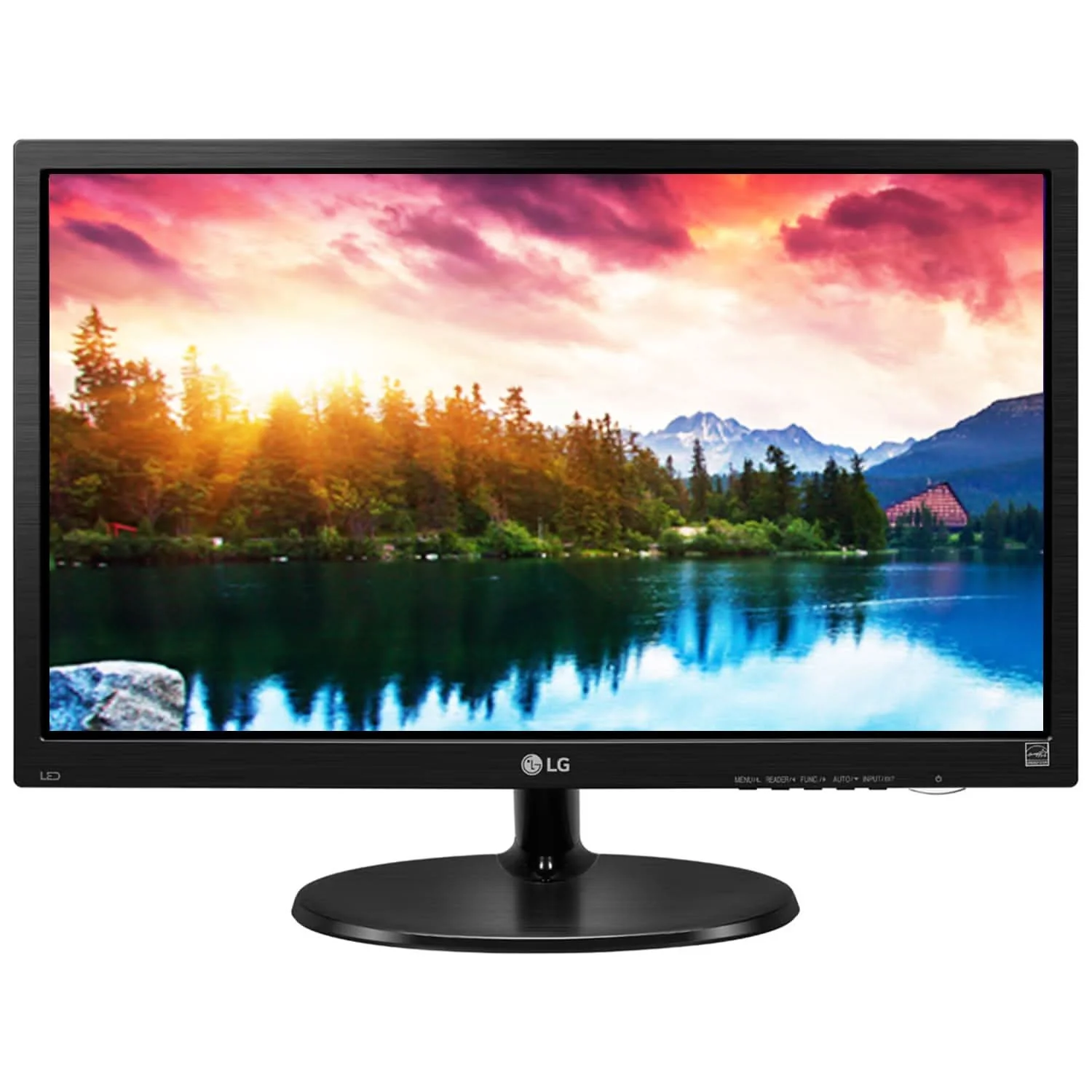
LG 19M38LB-B 19 Inch HD (1366 X 768) Monitor, 5 ms, 75Hz, Flicker Safe, Reader Mode, Smart Energy Saving, Black Stabilizer, D-Sub, HDMI Port, Head Phone Out, 3 Years Onsite Warranty, Black
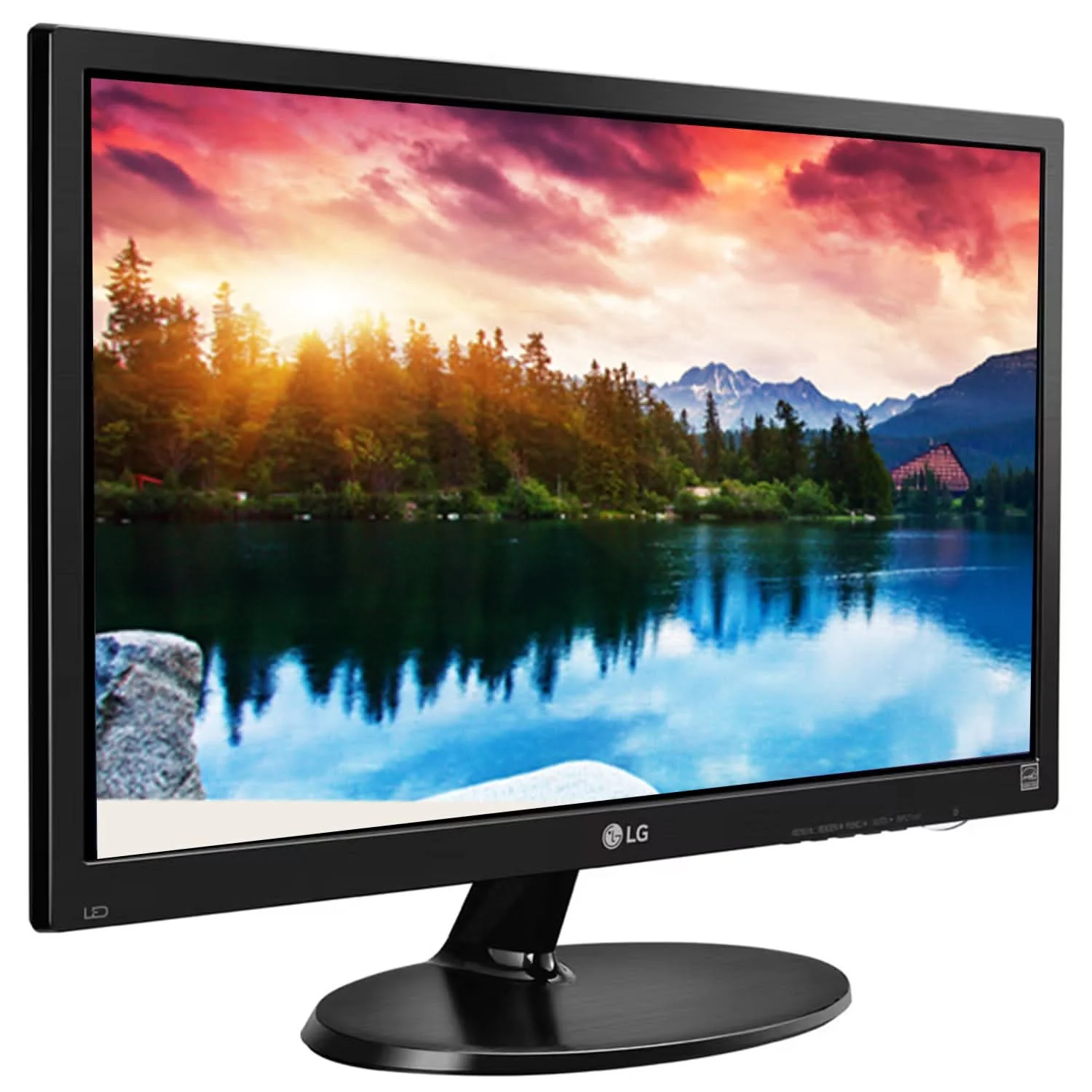
The LG 19M38LB-B is a compact 19-inch HD LED monitor designed for everyday computing, office productivity, education and home use. Featuring a 1366 × 768 resolution, a 16:9 widescreen aspect ratio and a 75Hz refresh rate, this monitor provides a practical display solution for browsing, document editing, online learning and routine desktop applications.
Designed with everyday viewing comfort in mind, the LG 19M38LB-B includes Reader Mode and Flicker Safe technology to help reduce blue-light exposure and minimise screen flickering. Its OnScreen Control software makes it easier to adjust display settings and organise applications, while Screen Split and My Display Presets support convenient multitasking and personalised viewing configurations.
The monitor also incorporates Color Weakness Mode, Black Stabilizer and Smart Energy Saving, offering additional functionality for accessibility, image visibility and efficient operation. With HDMI and VGA connectivity, a tilt-adjustable stand and 75 × 75mm VESA mounting support, the LG 19M38LB-B is a versatile choice for compact workstations, study desks and everyday office environments.

19-Inch HD LED Display for Everyday Computing
The LG 19M38LB-B features an 19-inch-class display with a native resolution of 1366 × 768 pixels.
Its HD resolution provides a practical viewing area for everyday computer tasks, including documents, spreadsheets, web browsing, email, online classes and basic multimedia.
The 16:9 widescreen aspect ratio is suitable for common desktop applications and video content, while the compact screen size makes the 19M38LB-B monitor easy to accommodate on smaller desks.
Display Highlights
- 19-Inch Display
- 1366 × 768 HD Resolution
- 16:9 Aspect Ratio
- TN Panel Technology
- LED Backlight
- 200 cd/m² Typical Brightness
- 600:1 Typical Contrast Ratio
- 16.7 Million Colours
- 72% NTSC Colour Gamut
- 90° Horizontal / 65° Vertical Viewing Angle
75Hz Refresh Rate for Smooth Everyday Viewing
The monitor supports a 75Hz maximum refresh rate, providing a modest improvement in motion smoothness over a conventional 60Hz display when configured and connected appropriately.
Everyday activities such as scrolling through websites, navigating menus, moving windows and viewing videos can feel more fluid.
The 75Hz refresh rate makes the LG 19M38LB-B suitable for users who need a practical display for productivity, study and general entertainment rather than high-refresh-rate competitive gaming.
5ms Response Time
With a 5ms response time, the LG 19M38LB-B supports responsive transitions for routine desktop tasks and multimedia viewing.
It is suitable for everyday activities such as:
- Office applications
- Web browsing
- Document editing
- Online learning
- Video playback
- Casual entertainment
The monitor is primarily designed for everyday computing and productivity.
Reader Mode for Comfortable Reading
The integrated Reader Mode adjusts the display picture to help reduce blue-light output during text-heavy activities.
This can make the monitor a useful option for users who spend extended periods reading digital content.
Reader Mode is particularly suitable for:
- Documents and PDFs
- Reports
- Emails
- Web articles
- Online learning materials
- E-books
- Office applications
The mode can be enabled when reading or studying and switched off when other picture settings are preferred.
Flicker Safe Technology
Flicker Safe technology is designed to minimise screen flickering that can contribute to viewing discomfort for some users.
Combined with Reader Mode, it supports a more comfortable viewing experience during extended office and study sessions.
These features make the monitor suitable for home offices, educational environments and everyday desktop use.
OnScreen Control for Convenient Display Management
LG OnScreen Control allows users to adjust supported display settings through compatible software rather than relying entirely on the monitor’s physical controls.
This can simplify routine adjustments and make it easier to configure the screen for different tasks.
My Display Presets
My Display Presets allows users to assign customised picture modes to supported applications. Once configured, the software can automatically apply the associated display mode when using those applications.
This is useful for people who regularly switch between office work, browsing and other supported activities.
Screen Split for Multitasking
The Screen Split feature helps organise application windows into different screen sections.
By arranging windows into supported layouts, users can keep multiple applications visible instead of repeatedly switching between them.
This can be useful for:
- Working with documents and spreadsheets
- Viewing a browser alongside office applications
- Comparing information from different sources
- Managing emails while working
- Organising everyday desktop tasks
The available layouts and functions depend on the supported OnScreen Control software version.
Color Weakness Mode for Improved Colour Distinction
The LG 19M38LB-B includes Color Weakness Mode, which uses colour-adjustment algorithms to help users who have difficulty distinguishing certain ranges of colours.
This feature is designed to make important visual information easier to differentiate in supported content.
It can be helpful when viewing charts, interface elements and other applications that rely on colour to communicate information.
Black Stabilizer for Enhanced Visibility
Black Stabilizer helps adjust dark areas of the image to improve visibility in shadowed scenes.
This can be useful when viewing content where darker details are difficult to distinguish.
Alongside its everyday productivity features, Black Stabilizer provides an additional image-adjustment option for compatible games and multimedia.
Smart Energy Saving
The monitor includes Smart Energy Saving, a feature designed to reduce power consumption through supported display adjustments.
With an on-mode power consumption of approximately 12.1W, the LG 19M38LB-B is suitable for users seeking a compact, low-power display for regular desktop use.
Actual energy consumption may vary depending on display settings and operating conditions.
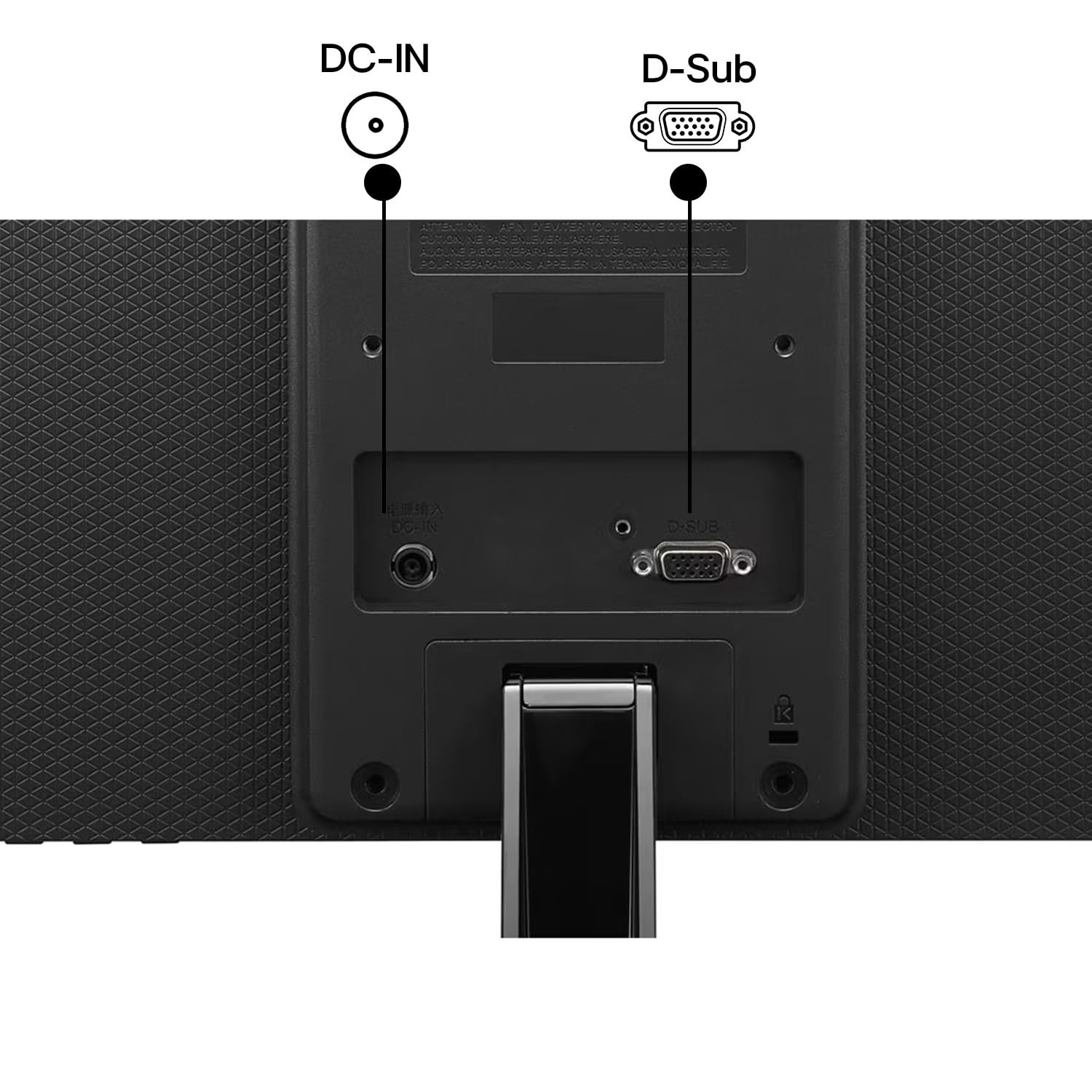
HDMI & VGA Connectivity
The LG 19M38LB-B provides two video-input options for connecting compatible computers and other devices.
HDMI
The HDMI input supports digital video connectivity for compatible desktop PCs, laptops and other HDMI-enabled devices.
VGA
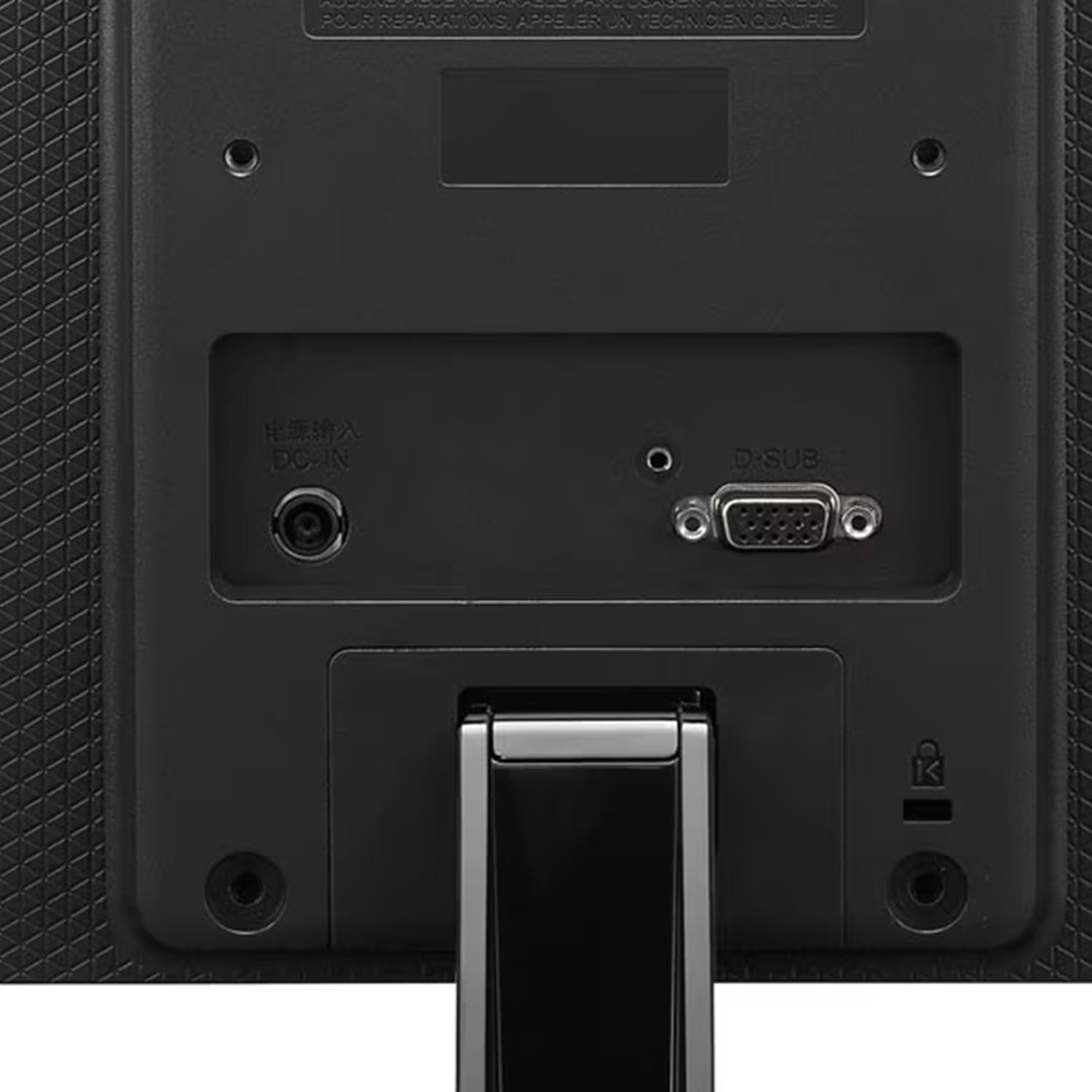
The VGA input provides compatibility with computers and legacy equipment that use an analogue video connection.
Connectivity Summary
- 1 × HDMI
- 1 × D-Sub (VGA)
- 1 × 3-Pole Headphone Output for Audio
The supplied HDMI cable helps simplify setup with compatible HDMI devices.
Tilt-Adjustable Stand
The included stand supports tilt adjustment, allowing users to angle the display according to their preferred viewing position.
Adjusting the screen angle can help create a more comfortable setup for different desk heights and seating positions.
75 × 75mm VESA Mount Compatibility
The monitor supports 75 × 75mm VESA mounting, allowing installation on compatible monitor arms and wall mounts.
This provides additional flexibility for:
- Compact workstations
- Space-saving desk setups
- Wall-mounted installations
- Adjustable monitor arms
- Multi-display environments
Check mount compatibility and weight limits before installation.
Compact Design for Home & Office
The LG 19M38LB-B is designed for workspaces where a straightforward, compact monitor is preferred.
Its relatively small footprint makes it suitable for study desks, office counters, reception areas and basic desktop setups.
Ideal For
- Home Office Users
- Office Professionals
- Students
- Online Learning
- Document Editing
- Web Browsing
- Email & Office Applications
- Basic Business Workstations
- Compact Desk Setups
- Everyday Computing
- Casual Multimedia
Key Highlights at a Glance
- LG 19M38LB-B Monitor
- 19-Inch HD LED Display
- 1366 × 768 Resolution
- 16:9 Widescreen Aspect Ratio
- TN Panel Technology
- 75Hz Maximum Refresh Rate
- 5ms Response Time
- 200 cd/m² Typical Brightness
- 600:1 Contrast Ratio
- 72% NTSC Colour Gamut
- 16.7 Million Colours
- Reader Mode
- Flicker Safe Technology
- OnScreen Control
- Screen Split
- My Display Presets
- Color Weakness Mode
- Black Stabilizer
- Smart Energy Saving
- HDMI Connectivity
- VGA Connectivity
- Headphone Output
- Tilt-Adjustable Stand
- 75 × 75mm VESA Mount
- Compact Workspace-Friendly Design
Reviews
There are no reviews yet.