


Description
Acer PM161QT 16 Inch Full HD IPS Portable Touch Monitor | 10-Point Multi-Touch | USB Type-C & Mini HDMI | Anti-Fingerprint Screen | Built-in Speakers | VisionCare | Multi Angle Adjustable Stand
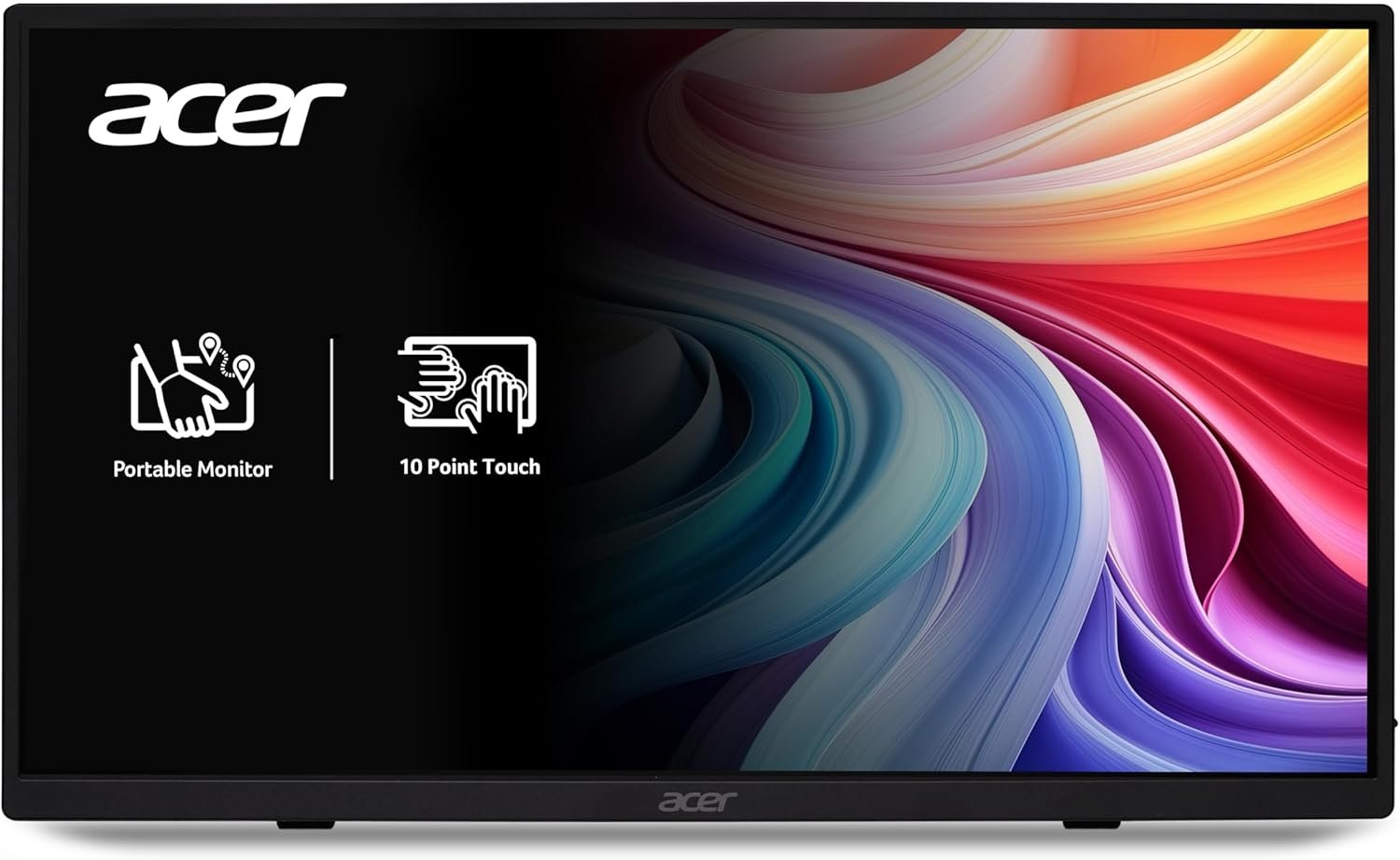
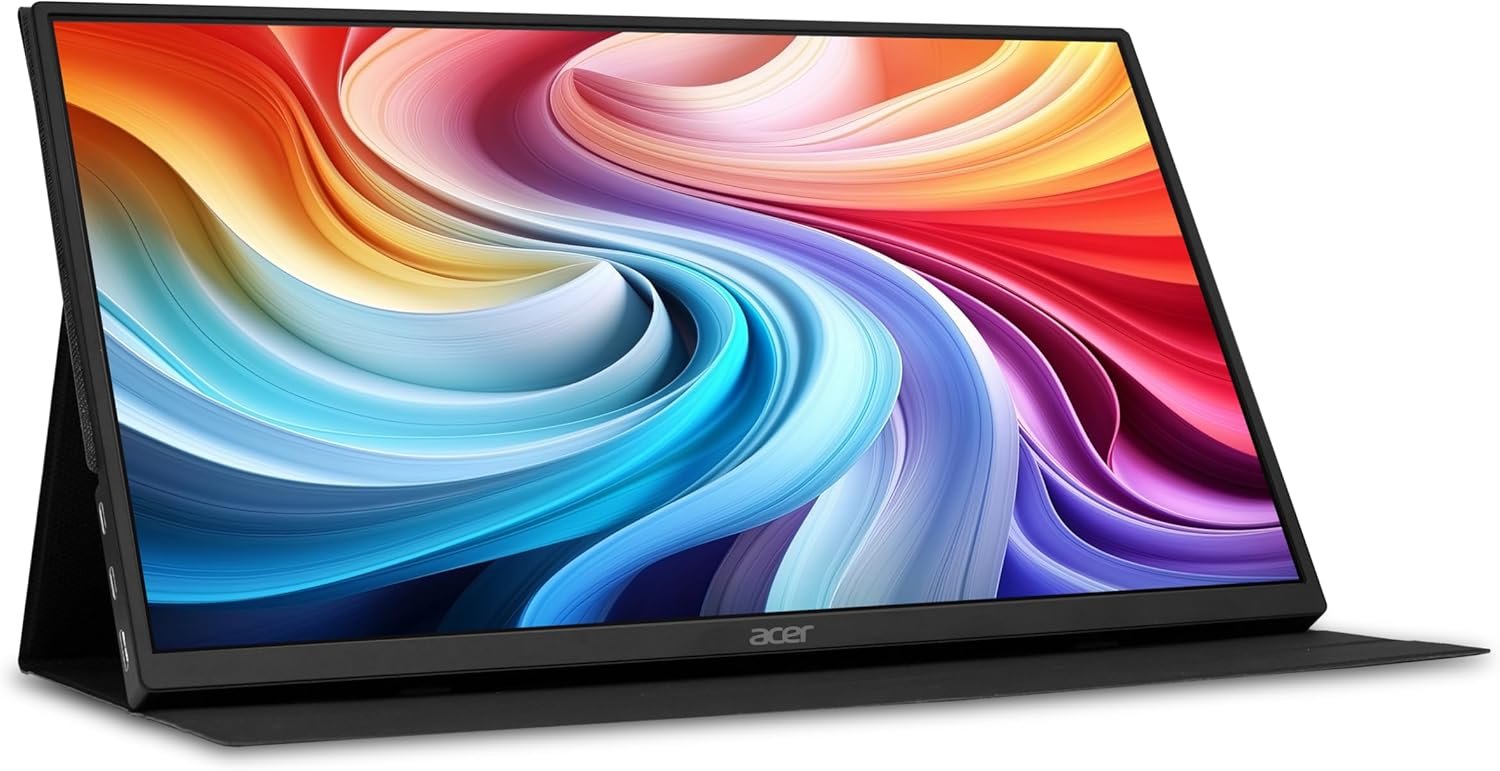
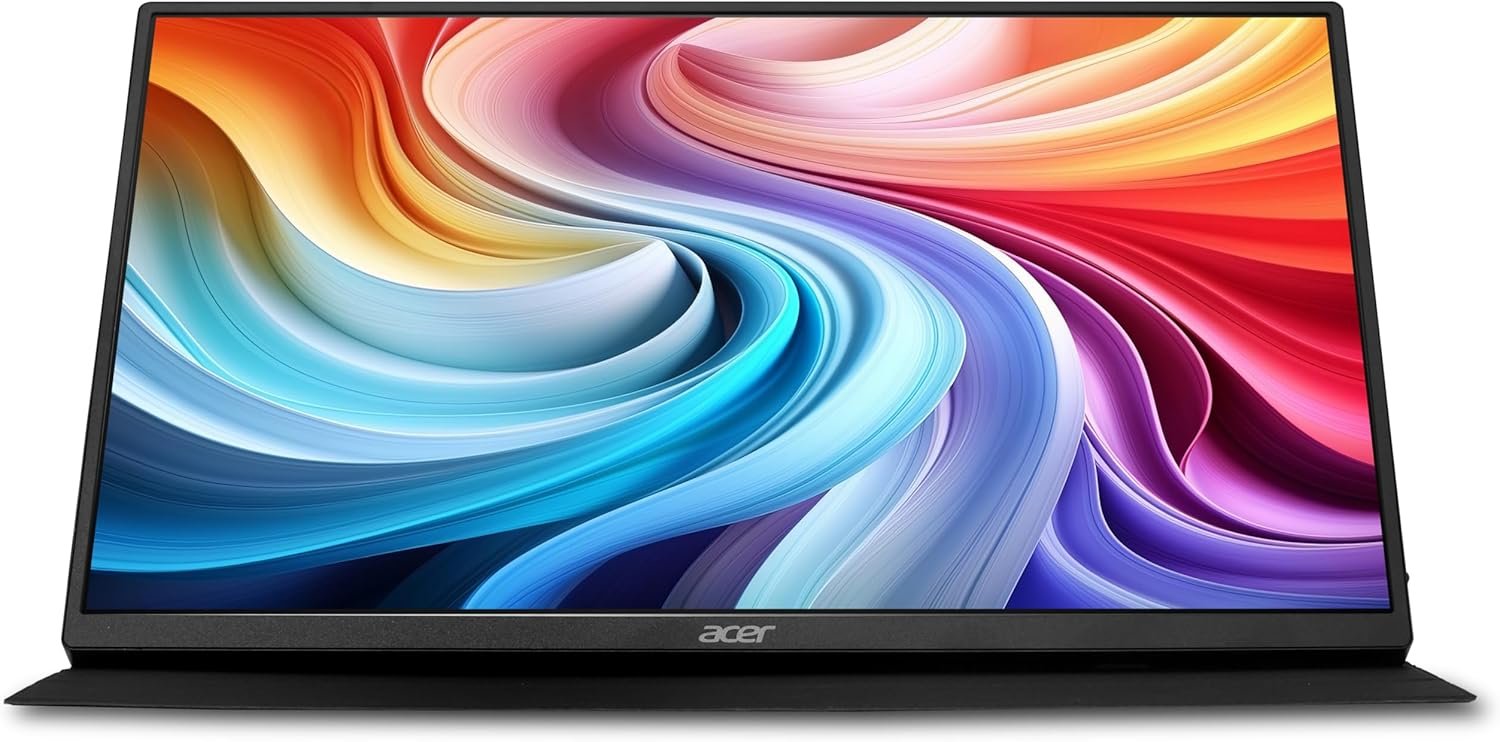
The Acer PM161QT is a versatile 16-inch Full HD portable touch monitor designed for professionals, students, creators, presenters, travellers and users who need an additional interactive screen wherever they work. Featuring a 1920 × 1080 Full HD IPS display, 10-point capacitive multi-touch, 60Hz refresh rate and a matte anti-glare surface, the PM161QT combines portability with practical touchscreen functionality.
Its 10-point touch capability allows users to interact naturally with compatible Windows applications using gestures such as tapping, scrolling, zooming, sketching and annotation. This makes the monitor useful for presentations, education, creative work, business applications and portable productivity.
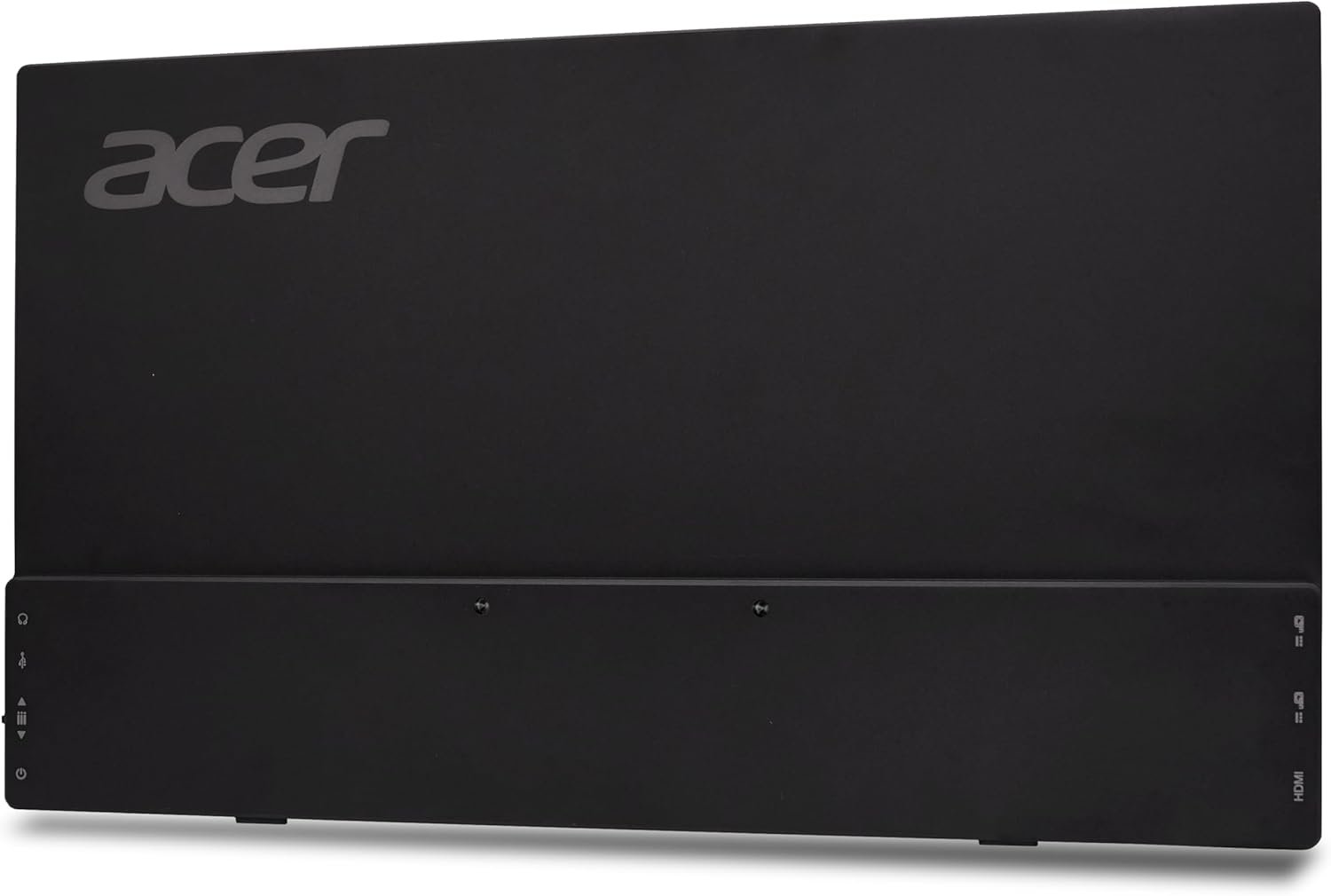
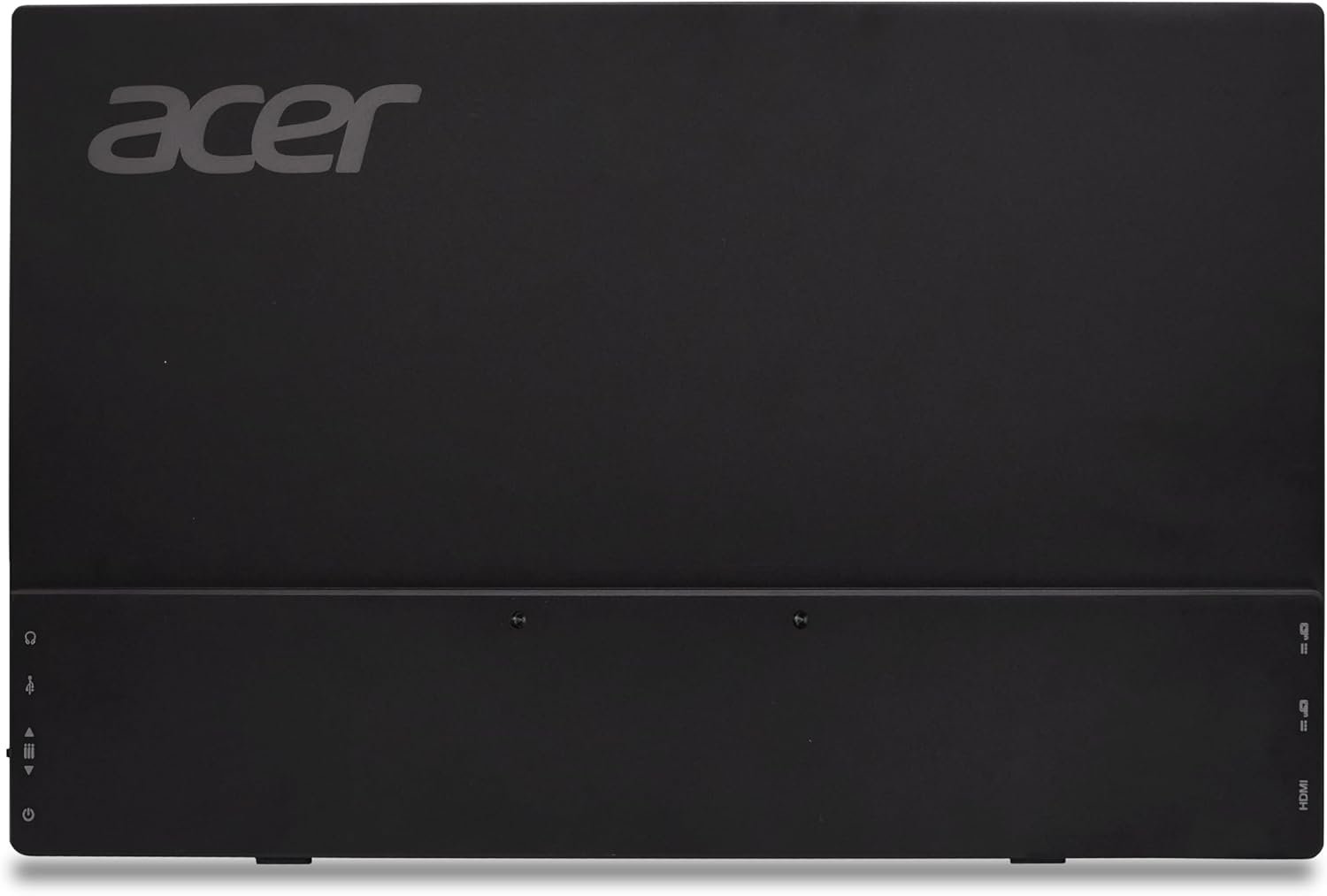
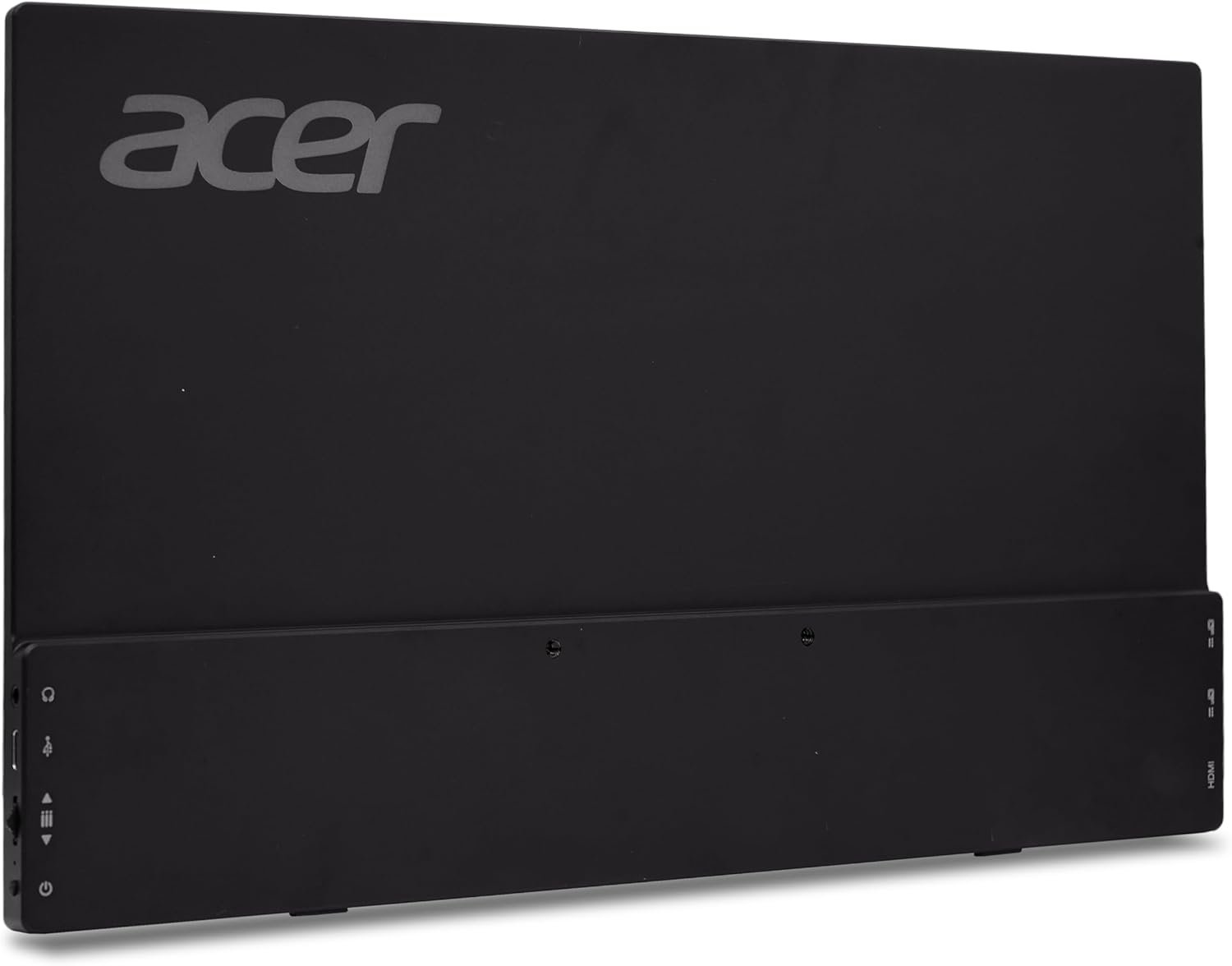
For connectivity, the PM161QT provides USB Type-C and Mini HDMI, allowing it to work with a range of compatible laptops, desktops, mobile devices, tablets, gaming systems and other external sources. The USB-C connection can also simplify compatible display setups by reducing cable clutter.
The compact design is complemented by a 0–180° adjustable stand, tripod support and built-in stereo speakers, making the monitor practical for travel, remote work, meetings, presentations and dual-screen productivity.
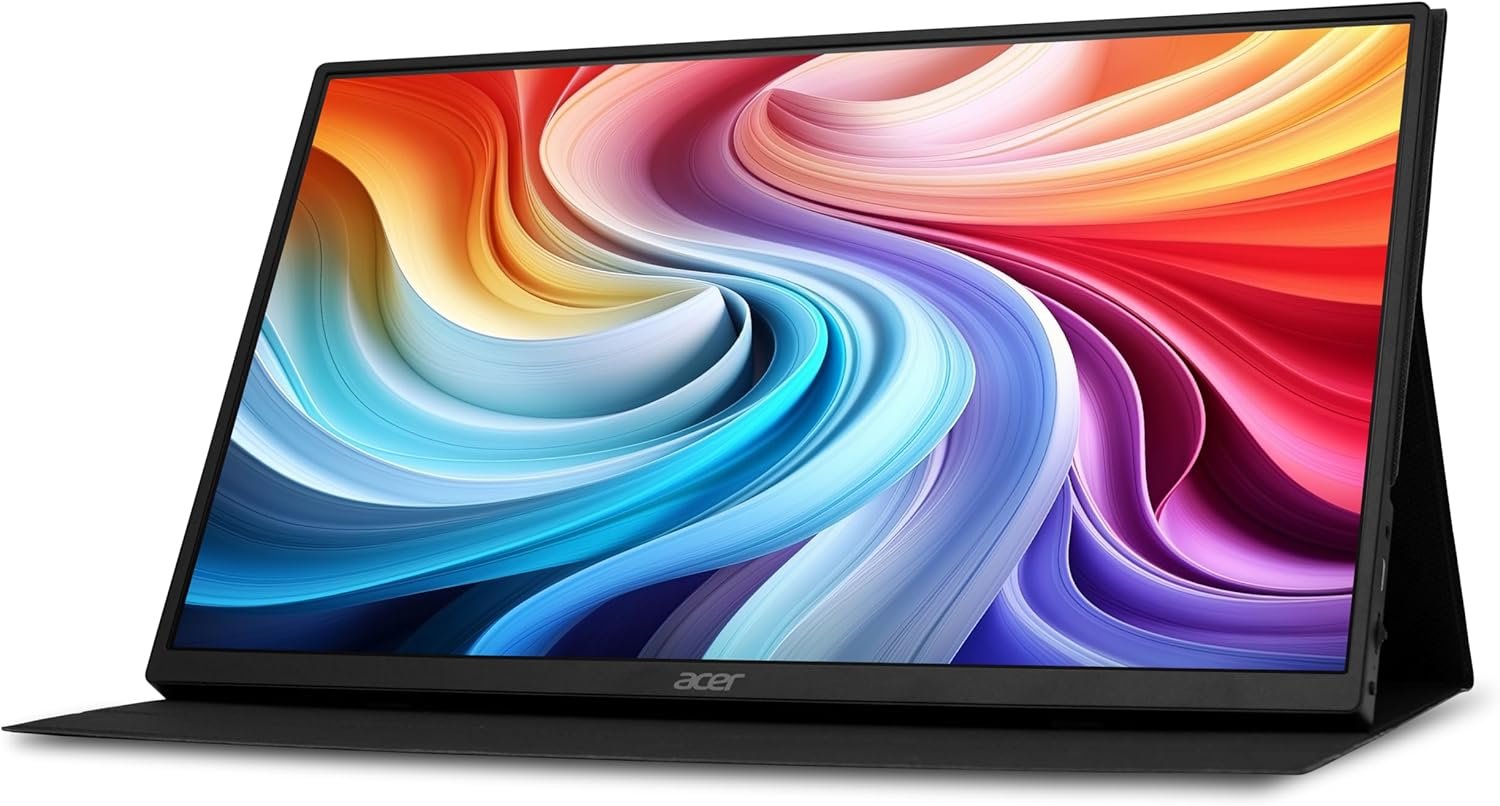
16-Inch Full HD IPS Display
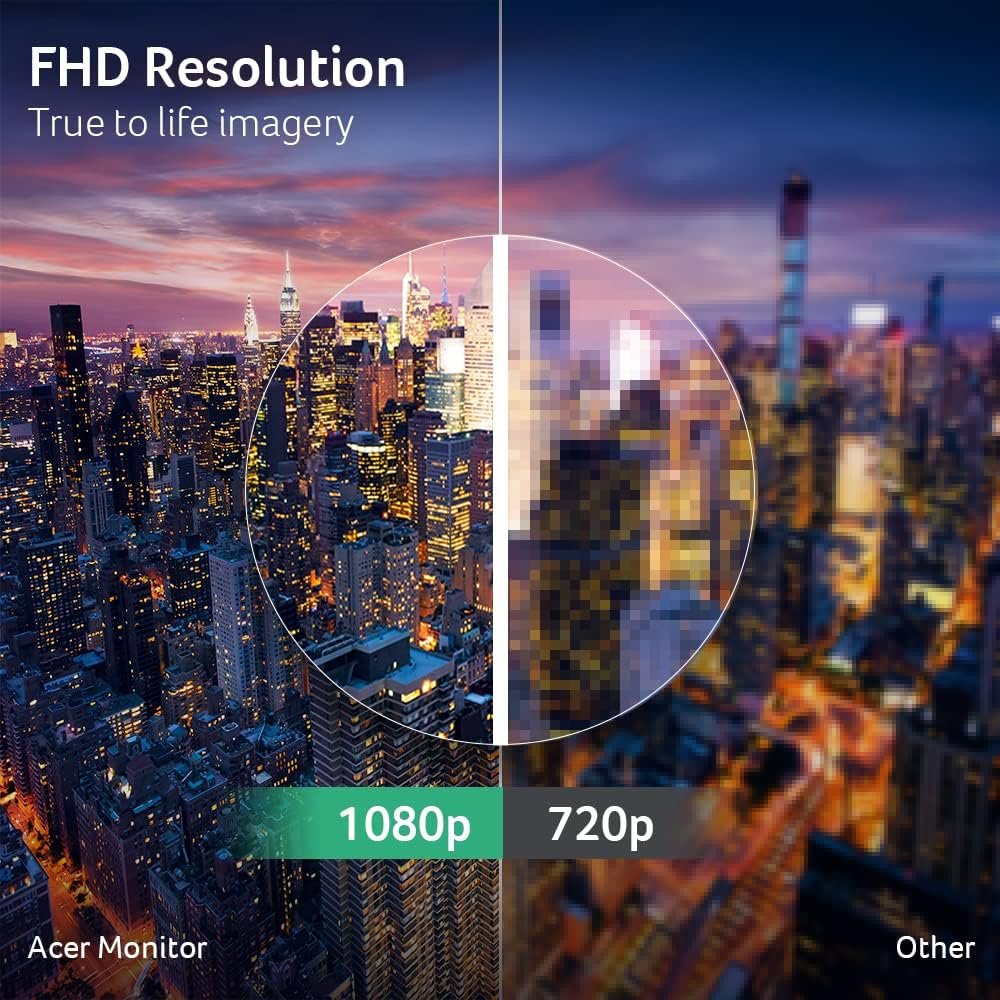
The Acer PM161QT features a 16-inch Full HD IPS display with a resolution of 1920 × 1080 pixels.
The Full HD resolution provides clear text, detailed graphics and a practical workspace for everyday productivity, multimedia and interactive applications.
The display is suitable for:
- Office applications
- Web browsing
- Presentations
- Online learning
- Photo viewing
- Video playback
- Creative work
- Gaming
- Secondary-screen productivity
The 16:9 aspect ratio provides a familiar widescreen format that works well with laptops, desktops, multimedia content and gaming devices.
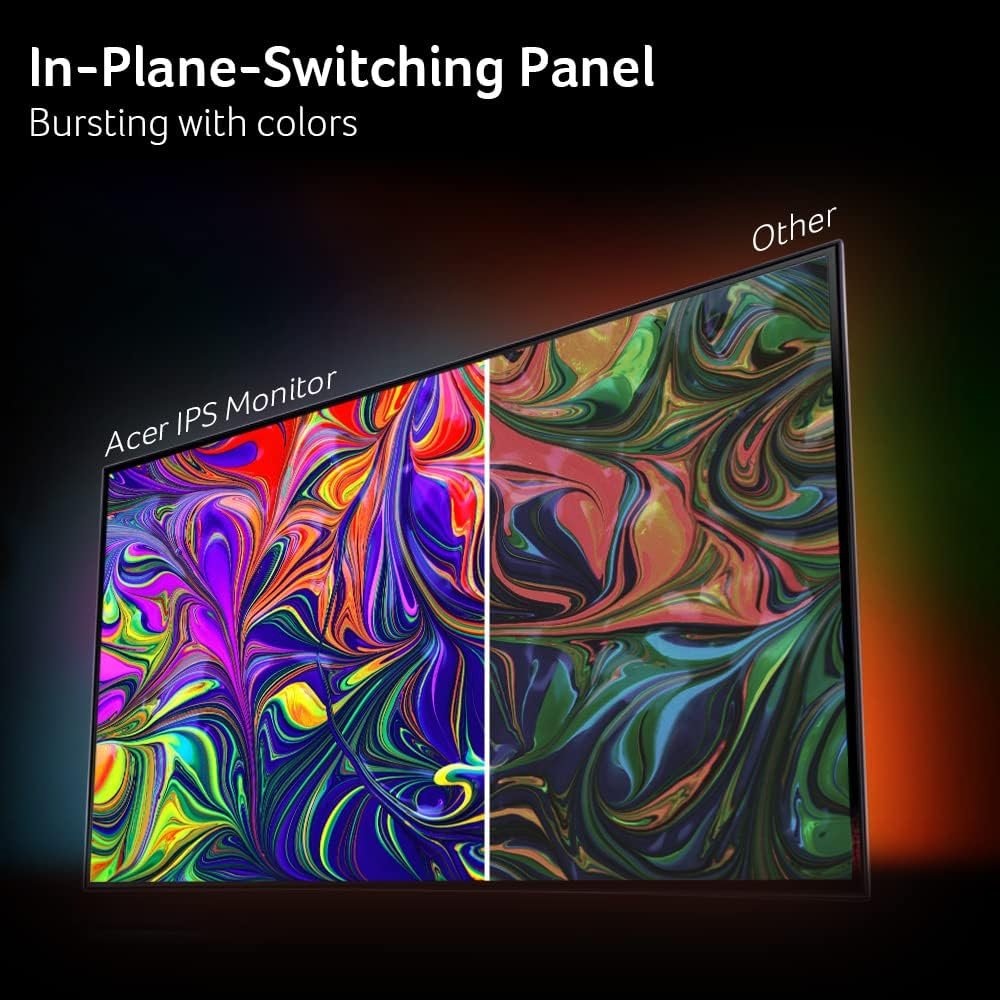
IPS Technology for Consistent Visuals
The PM161QT uses IPS display technology, providing consistent image quality across the screen.
With a wide viewing angle specification and IPS panel characteristics, content remains clearly visible when viewed from different positions.
This makes the monitor useful for presentations and collaborative environments where more than one person may need to view the display.
10-Point Multi-Touch Display
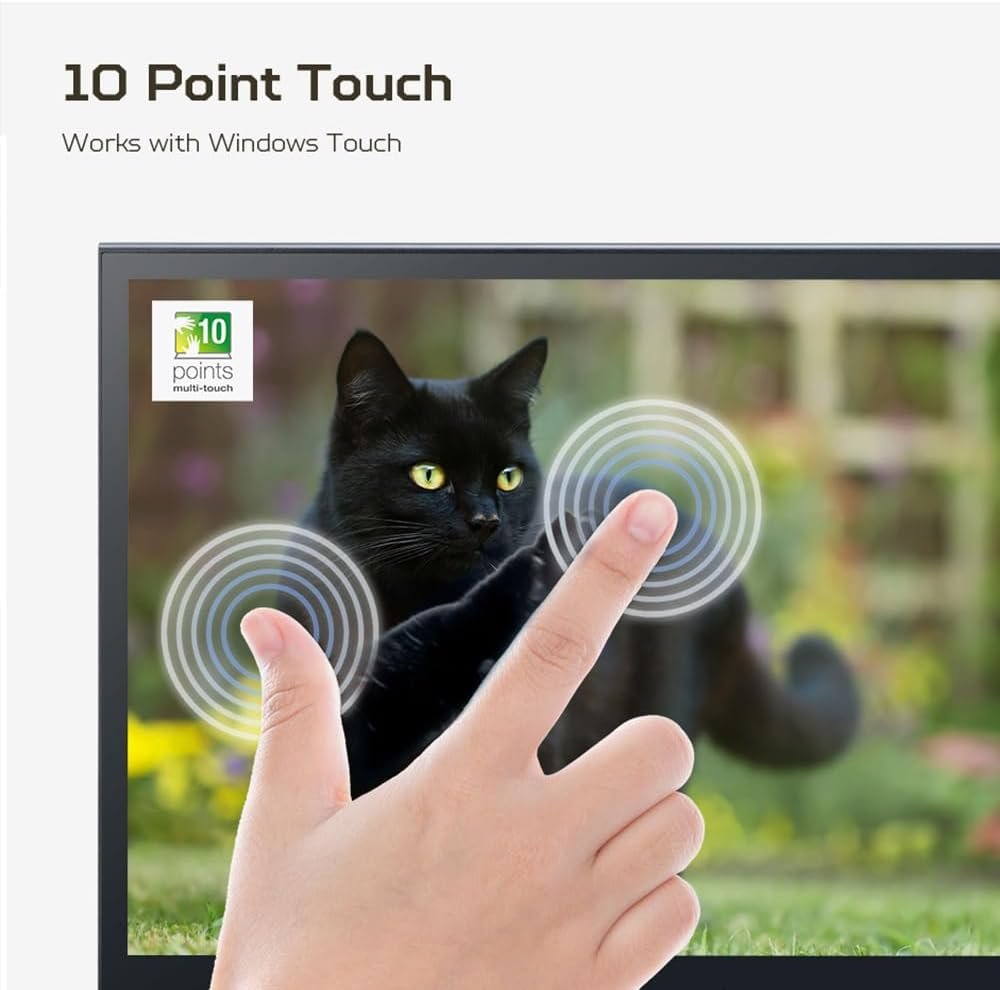
The defining feature of the Acer PM161QT is its 10-point capacitive multi-touch functionality.
The touchscreen can recognise up to 10 simultaneous touch points, allowing users to interact with compatible applications using natural gestures.
Supported interactions can include:
- Tap
- Scroll
- Zoom
- Drag
- Rotate
- Sketch
- Annotate
- Navigate
This provides a more interactive way to work with supported Windows applications.
Ideal Touch Applications
The touchscreen is particularly useful for:
- Business Presentations
- Education
- Interactive Learning
- Digital Annotation
- Creative Work
- Retail Applications
- Portable Workstations
- Secondary Touch Displays
- Collaborative Demonstrations
Touch functionality can vary depending on the connected operating system and device.
Portable Touchscreen for Work on the Move
The PM161QT is designed as a portable secondary display, providing additional screen space without requiring a permanent desktop monitor.
Its compact form factor makes it convenient for users who regularly move between:
- Office
- Home
- Client locations
- Classrooms
- Meeting rooms
- Travel environments
- Temporary workspaces
It can be used as a second screen alongside a laptop or as an independent display for compatible devices.
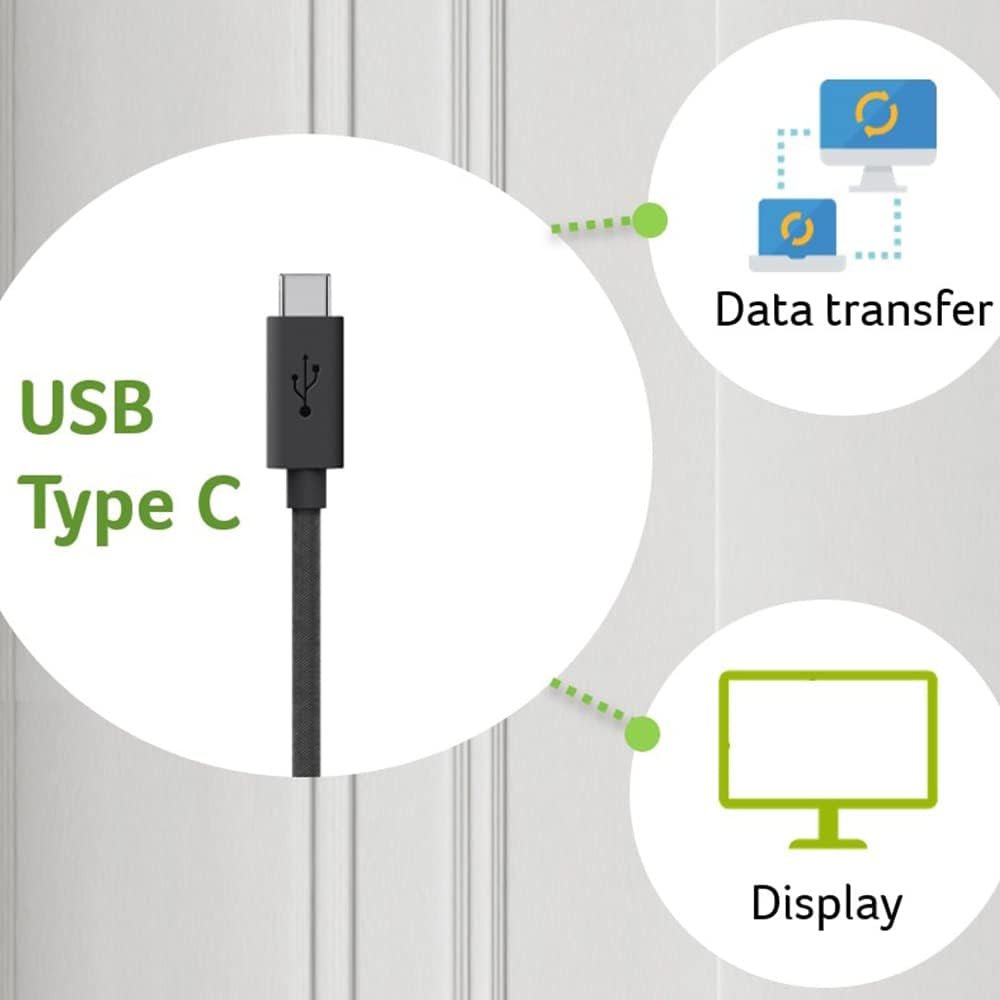
USB Type-C Connectivity
The PM161QT supports USB Type-C connectivity, providing a convenient connection option for compatible modern devices.
Depending on the connected device and supported functions, USB-C can simplify portable workstation setups by reducing the number of cables required.
It is useful for compatible:
- Laptops
- Ultrabooks
- Smartphones
- Tablets
- Mini PCs
- Desktop computers
- Other USB-C-enabled devices
The USB-C interface makes the PM161QT particularly suitable for modern laptop-based workflows.
Mini HDMI Connectivity
The monitor also includes Mini HDMI connectivity, providing compatibility with devices that support the corresponding HDMI output.
This provides another flexible connection method for:
- Laptops
- Desktop PCs
- Gaming systems
- Media devices
- Compatible cameras
- Other HDMI-enabled equipment
Having both USB-C and Mini HDMI makes the PM161QT adaptable to different portable workstation configurations.
Dual-Screen Productivity
The PM161QT can be used as a convenient second display for compatible laptops and desktop computers.
Adding a portable monitor can provide additional space for:
- Email + Main Application
- Browser + Document
- Code + Documentation
- Presentation + Notes
- Video Call + Work Application
- Editing Timeline + Preview
- Research + Writing
This makes the PM161QT particularly useful for professionals and students who need extra workspace without installing a full-size monitor.
Matte Anti-Glare Display
The monitor uses a matte screen finish designed to reduce distracting reflections from surrounding light.
This can be particularly useful when using the monitor:
- Near windows
- In meeting rooms
- In classrooms
- In offices
- During travel
- In brightly lit environments
The anti-glare surface helps provide a more comfortable viewing experience across different indoor conditions.
Anti-Fingerprint Touch Surface
Frequent touchscreen interaction can naturally result in visible fingerprints.
The PM161QT features an anti-fingerprint screen surface, helping minimise the appearance of fingerprints and smudges during regular touch use.
This helps maintain a cleaner-looking display while making the touchscreen more practical for frequent interactive applications.
Acer VisionCare Technology
The PM161QT incorporates Acer VisionCare technology, designed to support more comfortable viewing during extended use.
This is particularly useful for users who use the monitor for several hours for:
- Office work
- Online learning
- Presentations
- Browsing
- Entertainment
- Creative applications
VisionCare provides an additional comfort-focused element to the monitor’s portable productivity design.
60Hz Refresh Rate for Everyday Use
The Acer PM161QT operates at a 60Hz refresh rate.
This is well suited to productivity, presentations, document work, browsing, multimedia and general desktop use.
The monitor is designed primarily around portability, touchscreen interaction and flexible connectivity rather than high-refresh competitive gaming.
1000:1 Contrast Ratio
The monitor provides a 1000:1 contrast ratio, helping create distinction between darker and brighter areas of the image.
This supports clear visuals across documents, applications, videos and photographs.
The combination of IPS technology, Full HD resolution and 1000:1 contrast provides a practical visual experience for portable everyday use.
Wide Viewing Angle
The PM161QT provides a broad viewing-angle specification, making it easier to view content when the display is positioned differently from the user.
This is especially useful for:
- Presentations
- Shared viewing
- Meetings
- Classrooms
- Collaborative work
- Portable workstations
The flexible stand further enhances the monitor’s ability to adapt to different viewing positions.
0–180° Adjustable Stand
The integrated stand supports 0–180° adjustment, allowing users to position the monitor according to their preferred viewing angle.
This enables a variety of configurations for:
- Laptop extension
- Presentation mode
- Desk setup
- Portable workstation
- Touch interaction
- Casual entertainment
The adjustable design makes it easier to adapt the display to changing environments.
Tripod Support
The Acer PM161QT also supports tripod mounting, providing additional flexibility for users who want to position the monitor away from a traditional desk setup.
Tripod support can be useful for:
- Presentations
- Photography workflows
- Creative work
- Portable workstations
- Event setups
- Temporary installations
This adds another layer of portability to the monitor’s design.
Built-In Stereo Speakers
The monitor features built-in stereo speakers, providing convenient audio without requiring an additional speaker system.
The integrated speakers can be used for:
- Presentations
- Video playback
- Online classes
- Video calls
- YouTube
- Casual gaming
- General entertainment
For private or higher-quality audio, compatible headphones or external speakers can be used where supported.
Touch Monitor for Presentations
The PM161QT is particularly useful for presentations where interactive control can make the experience more engaging.
With its touchscreen capability, users can interact directly with compatible presentation and annotation applications.
This can be helpful when:
- Annotating slides
- Highlighting information
- Navigating presentations
- Demonstrating software
- Explaining diagrams
- Teaching students
The portable design makes it easier to take an interactive display into different meeting or classroom environments.
Useful for Education & Online Learning
For students, educators and trainers, the touchscreen provides another way to interact with digital content.
The PM161QT can be used for:
- Digital notes
- Online classes
- Interactive lessons
- Educational applications
- Diagram annotation
- Training presentations
- Collaborative demonstrations
Its portable design also makes it suitable for temporary learning environments.
Creative Applications
The 10-point touchscreen can also be useful for creative workflows that involve direct interaction with compatible applications.
Potential uses include:
- Sketching
- Digital annotation
- Image review
- Design demonstrations
- Storyboarding
- Presentation markup
For advanced professional creative work, users should verify software and operating-system touch compatibility before deployment.
Portable Entertainment & Gaming
The PM161QT can also function as a compact entertainment display.
With Full HD resolution, IPS technology, built-in speakers and Mini HDMI/USB-C connectivity, it can be used for compatible:
- Gaming devices
- Streaming devices
- Laptops
- Tablets
- Media playback systems
Its portable form factor makes it easy to move between rooms or take on trips.
Lightweight & Travel-Friendly Design
The portable design allows the PM161QT to be integrated into temporary and mobile workstations.
It is useful for professionals who need an additional display while travelling or working away from a permanent desk.
The combination of:
- Portable 16-inch screen
- USB-C
- Mini HDMI
- Adjustable stand
- Tripod support
- Built-in speakers
makes the monitor particularly flexible for mobile productivity.
Ideal For
- Remote Workers
- Business Professionals
- Students
- Teachers & Trainers
- Presenters
- Designers
- Content Creators
- Photographers
- Travellers
- Digital Nomads
- Laptop Users
- Dual-Screen Workstations
- Interactive Presentations
- Online Learning
- Portable Gaming
- Entertainment
Why Choose the Acer PM161QT?
The Acer PM161QT is designed for users who need a display that can move with them.
Its 16-inch Full HD IPS panel provides a practical secondary workspace, while the 10-point capacitive touchscreen adds direct and intuitive interaction with compatible applications.
The combination of USB Type-C and Mini HDMI gives the monitor flexible connection options for compatible laptops, desktops, smartphones, tablets and other devices.
Its portable design is further enhanced by a 0–180° adjustable stand and tripod support, allowing users to configure the screen for different environments. Built-in stereo speakers provide convenient audio, while the matte anti-glare and anti-fingerprint surface makes regular touchscreen use more practical.
For professionals, students and creators who need an interactive portable monitor for productivity, presentations, education, travel or entertainment, the Acer PM161QT provides a flexible all-in-one display solution.
Key Highlights at a Glance
- Acer PM161QT
- 16-Inch Full HD Portable Monitor
- 1920 × 1080 Resolution
- IPS Display Technology
- 16:9 Aspect Ratio
- 60Hz Refresh Rate
- 1000:1 Contrast Ratio
- 45% Colour Gamut
- 178° Viewing Angle
- 10-Point Capacitive Multi-Touch
- Touchscreen Functionality
- Matte Screen Finish
- Anti-Glare Surface
- Anti-Fingerprint Surface
- USB Type-C Connectivity
- Mini HDMI Connectivity
- Built-In Stereo Speakers
- Acer VisionCare
- 0–180° Adjustable Stand
- Tripod Support
- Portable & Slim Design
- Ideal for Remote Work
- Ideal for Presentations
- Ideal for Education
- Ideal for Dual-Screen Productivity
- Ideal for Travel & Mobile Workstations
Reviews
There are no reviews yet.